

Digital Pianos for Music Programs

Choosing instruments for a school, studio, community group, or other education setting involves more than finding a piano sound. The right digital piano should fit the way lessons are taught, the experience levels of the players, the available room, and the program’s budget. This category brings together options to assess against those needs, helping educators and program coordinators make informed decisions without losing sight of the musical experience. Compare each model’s playing feel, sound selection, connectivity, portability, and practical setup requirements before deciding what belongs in your teaching environment.
Choose Instruments That Support the Way Students Learn
In a music program, an instrument is part of the learning environment. Students use it to explore rhythm, pitch, expression, and musical structure; instructors use it to demonstrate ideas and guide practice. A considered choice can make these everyday activities more approachable. When comparing digital pianos for music programs, begin with how the instrument will be used: individual lessons, supervised practice, group activities, performances, or a combination of settings.
Playing feel deserves close attention, particularly when learners are developing touch control and piano technique. Key action varies by model, so educators should consider whether the response feels suitable for the repertoire and skill levels taught. If possible, arrange a hands-on evaluation with both instructors and students. A comfortable, consistent playing experience can encourage practice, while a mismatch between the instrument and the program’s teaching goals may create avoidable frustration.
Sound options also shape how a piano can be used. A range of tones may support different musical activities, but the core piano sound should remain appropriate for lessons and practice. Consider whether the available sounds help meet real curriculum needs rather than simply adding complexity. Listening in the intended room can be useful: room size, furnishings, and background noise all affect how an instrument is experienced.
Plan for Space, Setup, and Shared Use
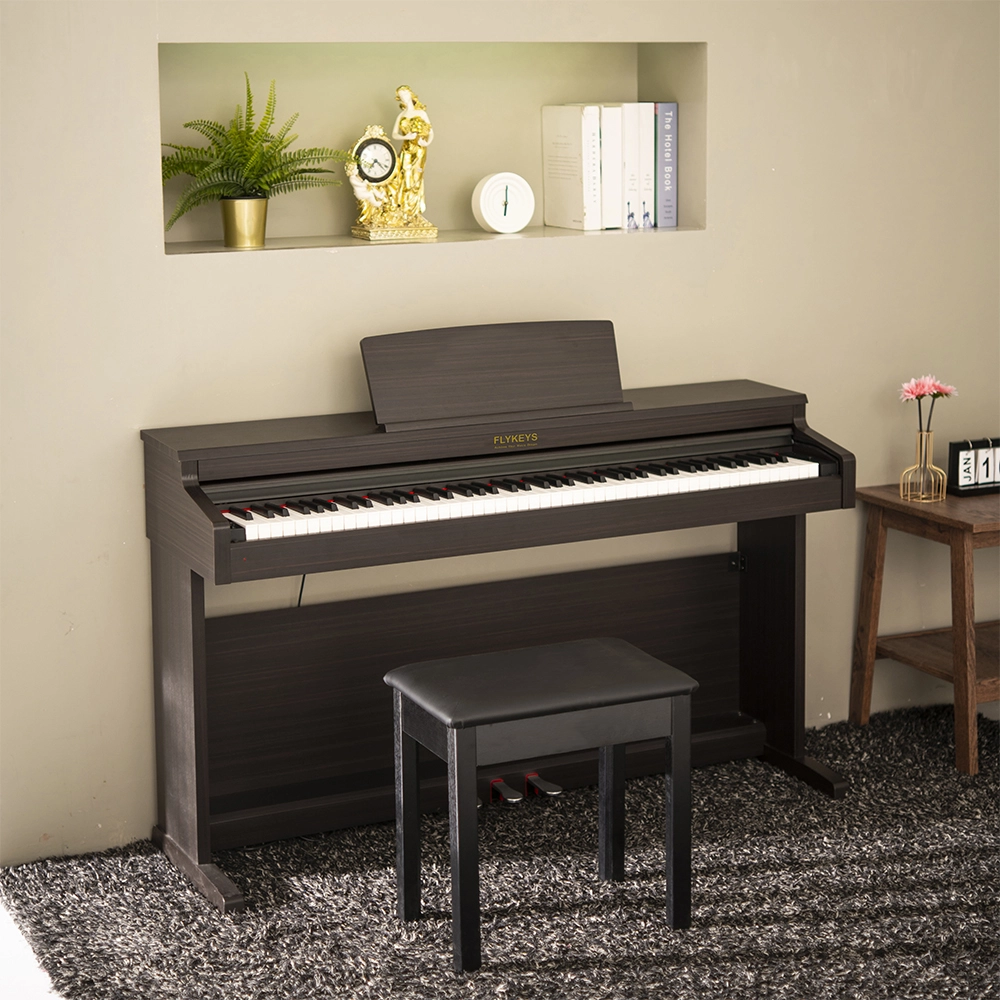
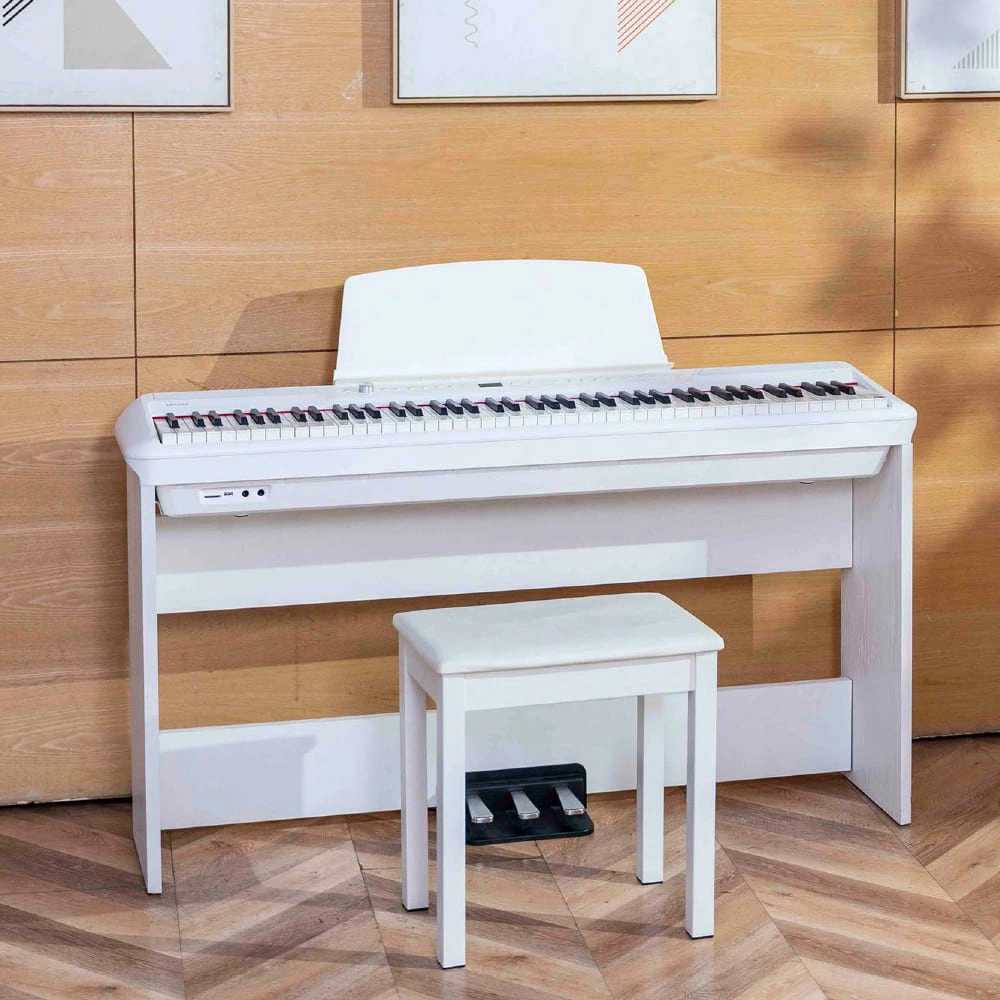
Before selecting a model, measure the intended location and think through how the instrument will be installed, powered, and used. Digital pianos differ in size, weight, and setup requirements. Some programs need instruments that stay in dedicated teaching spaces; others may need equipment that can be moved or stored between activities. Check the product’s stated dimensions and included accessories, and verify whether a stand, bench, headphones, or other essentials must be sourced separately. Specific inclusions vary by model.
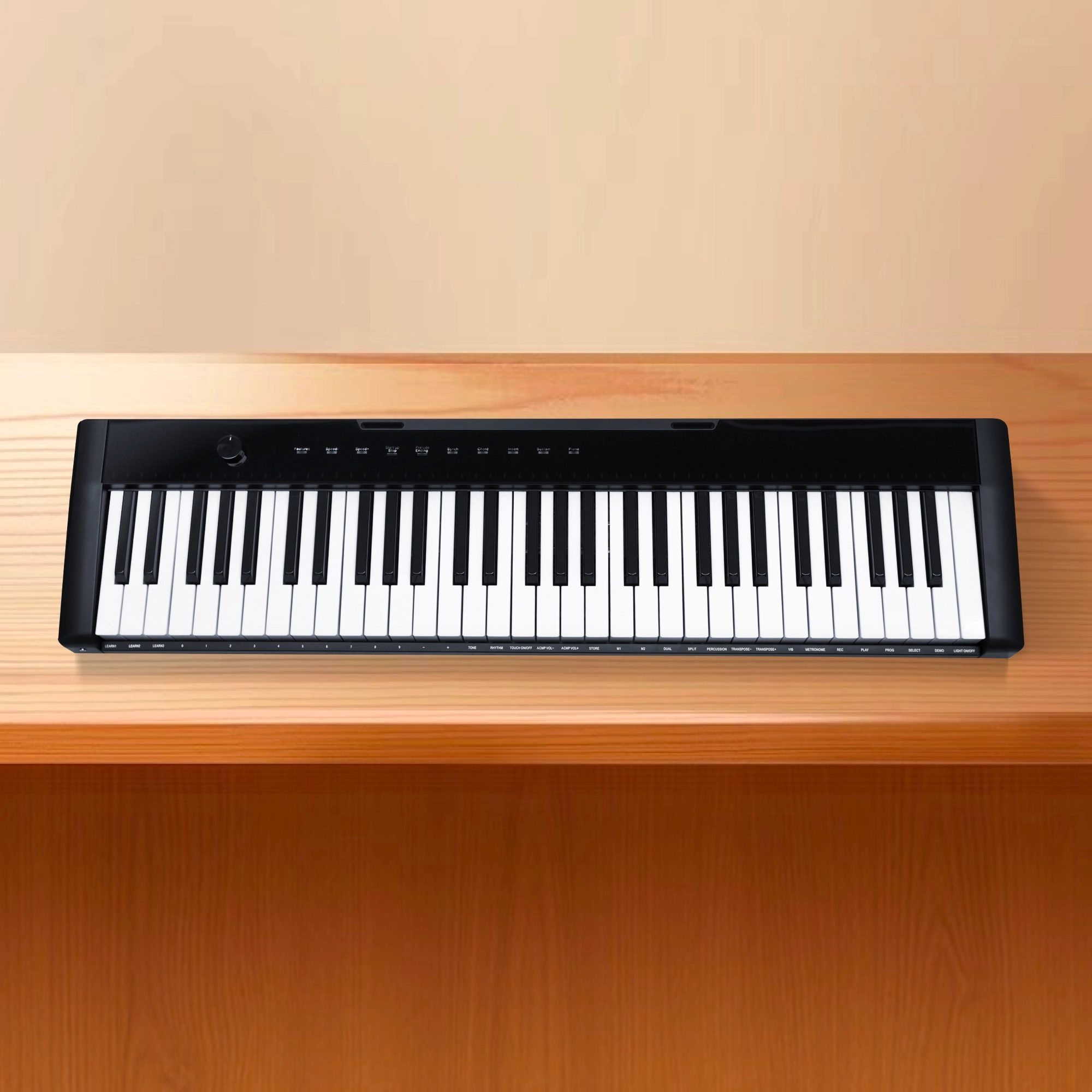
Connectivity is another practical consideration. Depending on the instrument, available connections may support headphones, amplification, recording, or use with compatible learning and music-making tools. Confirm the exact connections and compatibility information in each product’s specifications rather than assuming that every model offers the same capabilities. For a shared practice room, headphone support may help learners work independently while reducing sound spill into nearby classes; for ensemble or performance use, the program may need a suitable external sound setup.
Shared instruments also call for clear operating routines. Establish expectations for adjusting settings, connecting accessories, and returning the piano to a ready-to-use state. Simple, consistent procedures help protect class time and make transitions between students easier. If multiple instruments are being considered, compare their controls and workflows as well as their sounds. A familiar setup across a room can simplify instruction, although the right choice depends on the program’s priorities and the models available.
Evaluate Long-Term Value for Your Program
A useful purchase decision balances initial cost with the needs of the program over time. Identify who will use each instrument, how frequently it will be played, and which activities it must support. Then compare relevant specifications, warranty information, care guidance, and accessory requirements. Avoid choosing on price alone: a lower purchase price may not represent the best fit if the instrument does not meet essential teaching or setup needs. Likewise, High Quality capabilities offer little value if the program will not use them.
For a larger order, create a short evaluation checklist and apply it consistently to every model under consideration. Include playing feel, sound, footprint, portability, connections, included items, and the total setup cost. Ask instructors what they need for lessons and ask facilities staff about space, power, storage, and movement. This shared review makes trade-offs visible and helps decision-makers choose with confidence.
No single digital piano is right for every classroom or teaching approach. The strongest match is the one that supports the program’s learning goals, fits its operating environment, and makes sense within its budget. Reviewing model-specific information carefully—and testing instruments where possible—helps ensure that the final selection serves students and educators in the situations that matter most.
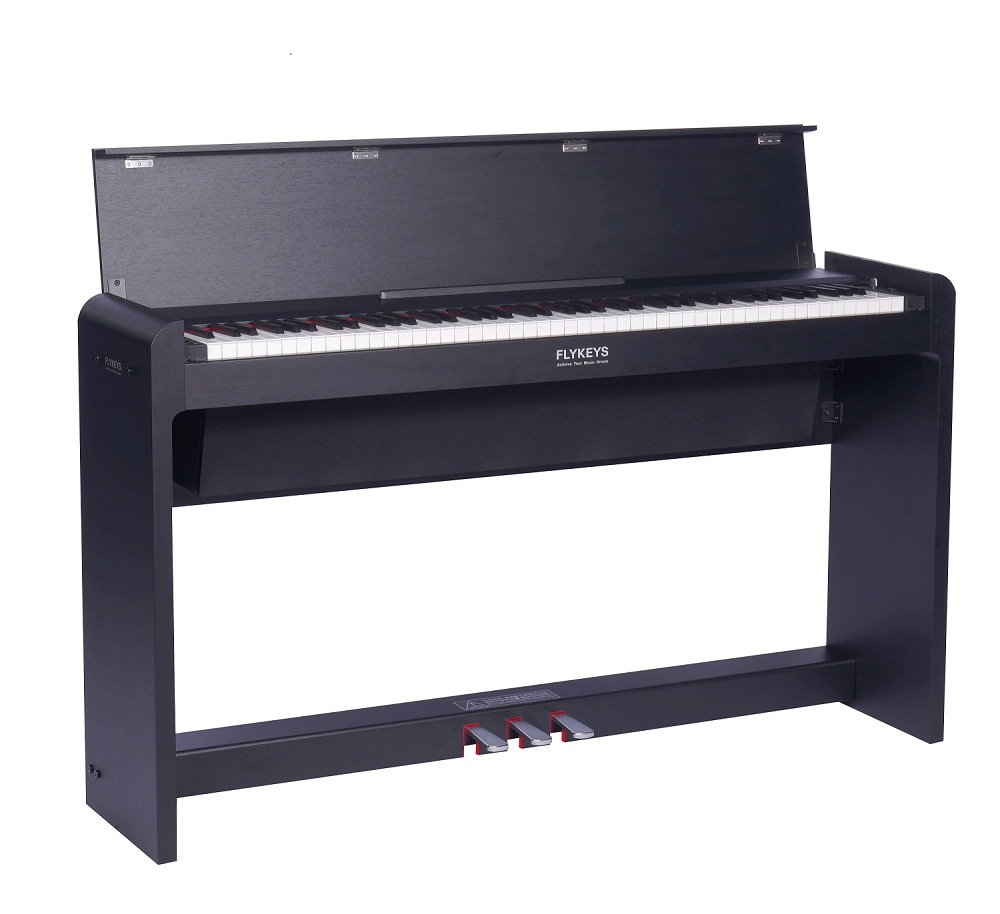
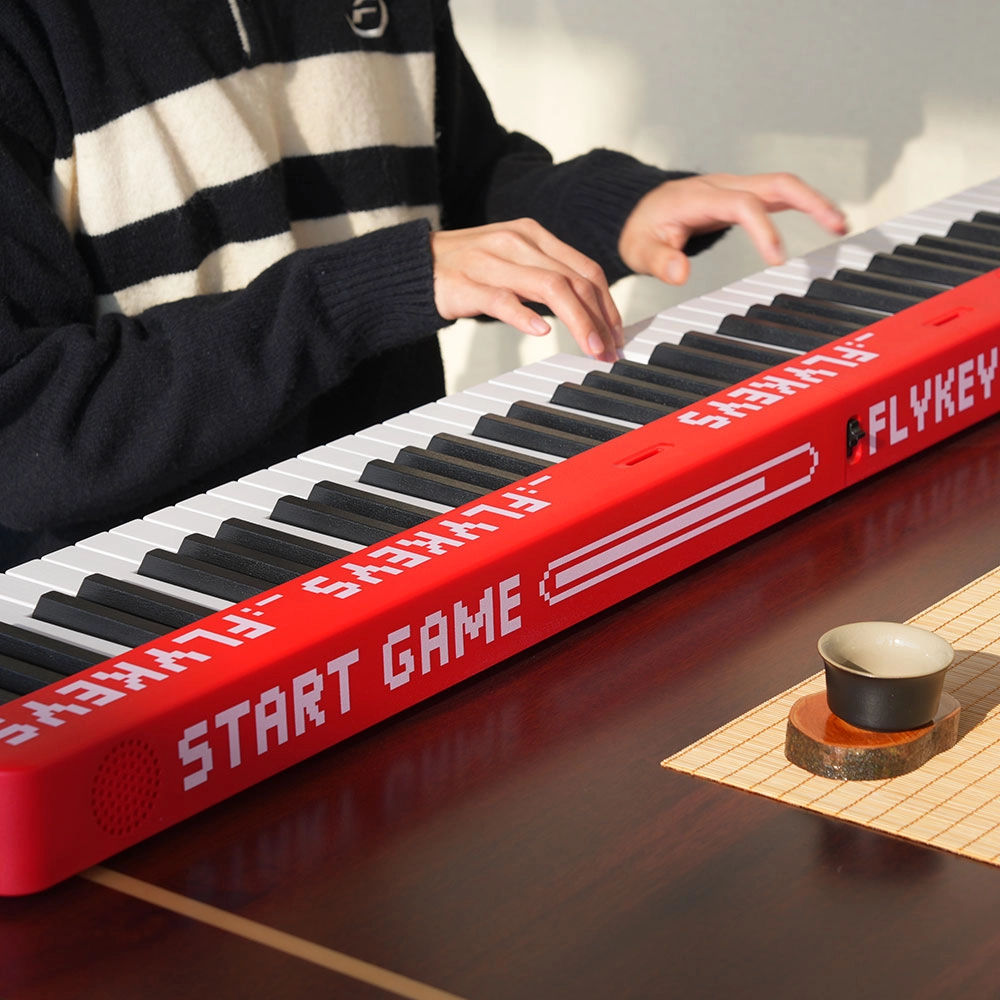
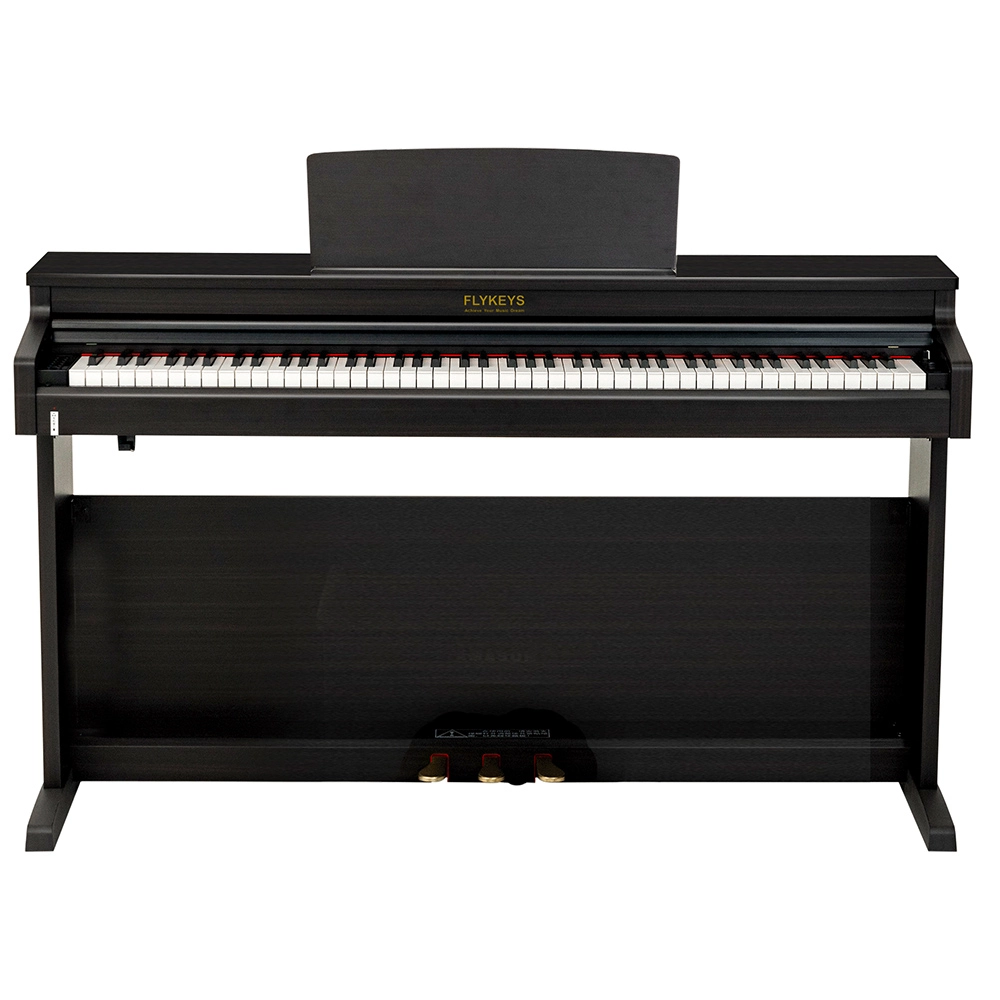
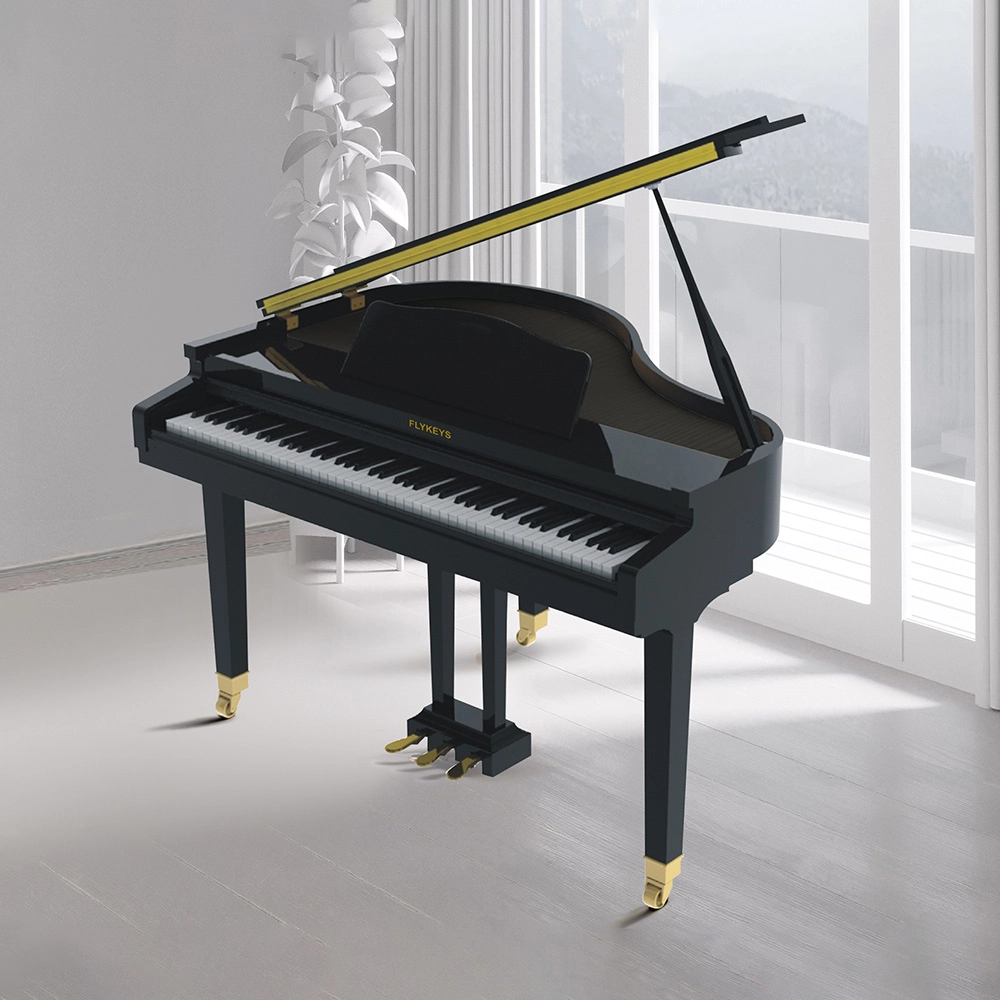
digital pianos for music programs Display


- Quick Response
Any questions about FLYKEYS, please feel free to contact with us via online chat,email or phone call.We will try out best to meet your requirements and we will reply to you within 24 hours.
Pearl River Amason has been deeply engaged in the electronic digital musical instrument industry for 16 years, insisting on independent research and development and technological innovation.
- THE FACTORY COVERS AN AREA OF MORE THAN 15,000 ㎡
Pearl River Amason is located in the Pearl River Piano National Cultural Industry Base. It covers an area of 15000㎡ and has first-class workshops and advanced production and testing equipment.
AAA Credit Enterprise, and National High-tech Enterprise.
Top 10 Technological Enterprises in China's Musical Instrument Industry.
FAQ
What should a music program consider first when choosing a digital piano?
Start with how the instrument will be used, including lessons, individual practice, group activities, or performances. Then assess playing feel, sound, space, setup requirements, connections, and budget against those needs.
Does every digital piano include a stand, bench, or headphones?
No. Included accessories vary by model. Check the product specifications and confirm whether a stand, bench, headphones, or other essentials need to be purchased separately.
Why does key action matter for student learning?
Key action affects how the instrument responds to a player’s touch. Comparing the feel with the program’s teaching goals and repertoire can help educators choose an instrument that suits their students.
Are digital piano connections the same on every model?
No. Connections and compatibility vary. Review the specifications for each model to determine whether it supports the accessories, amplification, recording, or compatible learning tools your program requires.
How can a program compare the long-term value of different models?
Use a consistent checklist covering learning needs, playing feel, sound, footprint, portability, connections, included accessories, warranty information, care guidance, and total setup cost. Consider how frequently and in what settings each instrument will be used.






Address: No. 38 Xiangshan Avenue, Zengcheng Economic And Technological Development Zone, Guangzhou, China.
FOLLOW US:
Copyright© 2026 FLYKEYS All Rights Reserved. 粤 ICP备2020102774号. Designed by Gooeyun. Sitemap | Privacy | Terms
FLYKEYS
FLYKEYS
flykeys-music
Flykeys Music