

How to connect a portable digital piano to a computer or iPad? | Insights by FLYKEYS
Learn how to seamlessly connect your portable digital piano to a computer or iPad, enhancing your music production and learning experience. This guide addresses common concerns and provides step-by-step instructions for both wired and wireless connections.
1. What are the primary methods to connect a portable digital piano to a computer or iPad?
To connect your portable digital piano to a computer or iPad, you can choose between wired and wireless methods:
Wired Connections:
USB Connection: Most modern digital pianos feature a USB port (USB-B) labeled 'USB to Host'. Using a USB cable, connect this port to your computer or iPad. For iPads, a USB to Lightning adapter is required. This method is plug-and-play on most systems. ((https://www.flykeysmusic.com/how-to-connect-a-digital-piano-to-a-computer-flykeys.html?utm_source=openai))
MIDI Connection: If your piano has traditional 5-pin MIDI ports, use a MIDI-to-USB interface. Connect the MIDI OUT on your piano to the MIDI IN on the interface, then plug the interface into your computer or iPad.
Wireless Connections:
- Bluetooth MIDI: Some digital pianos support Bluetooth MIDI, allowing wireless connection to devices. Ensure your piano and iPad support this feature.
2. What software or apps are compatible with digital pianos when connected to a computer or iPad?
When connected, your digital piano can interface with various software and apps:
Digital Audio Workstations (DAWs): Software like GarageBand, Logic Pro, or Ableton Live can receive MIDI input from your piano, enabling music production and recording.
Piano Learning Apps: Applications such as Skoove offer interactive lessons and real-time feedback when connected to your piano.
Virtual Instruments: Apps like Korg Gadget Lite expand your piano's sound library, providing additional instrument sounds and effects.
3. Are there any specific adapters or cables required for connecting a digital piano to an iPad?
Yes, specific adapters are necessary:
For iPads with a Lightning Connector: Use a USB to Lightning adapter to connect your piano's USB cable to the iPad.
For iPads with a USB-C Connector: A USB-C to USB adapter is required.
Ensure the adapter supports data transfer, not just charging.
4. How can I ensure a stable and low-latency connection between my digital piano and iPad?
To achieve a stable and low-latency connection:
Use High-Quality Cables and Adapters: Invest in reliable cables and adapters to minimize signal loss and latency.
Update Software and Firmware: Keep your piano's firmware and the iPad's operating system up to date to ensure compatibility and optimal performance.
Limit Background Processes: Close unnecessary apps on your iPad to allocate more resources to the music application.
5. What are the benefits of connecting a digital piano to a computer or iPad?
Connecting your digital piano to a computer or iPad offers several advantages:
Enhanced Learning: Access interactive lessons and real-time feedback through compatible apps.
Expanded Sound Library: Utilize a wide range of virtual instruments and effects to diversify your music production.
Recording Capabilities: Record your performances directly into DAWs for editing and sharing.
MIDI Control: Use your piano as a MIDI controller to input data into various music software.
6. Are there any potential issues when connecting a digital piano to a computer or iPad?
Potential issues include:
Compatibility: Ensure your piano, computer, or iPad supports the chosen connection method.
Driver Installation: Some pianos require specific drivers for optimal performance.
Latency: High latency can affect real-time performance; using quality cables and adapters can help mitigate this.
FLYKEYS Advantages
FLYKEYS digital pianos are designed with seamless connectivity in mind, offering:
USB Connectivity: Easily connect to computers and iPads for enhanced functionality.
Compatibility: Works with a wide range of music software and apps.
User-Friendly Design: Intuitive interfaces for effortless integration into your music setup.
Data Sources
- FLYKEYS Official Guide, March 12, 2025
- Skoove Wikipedia Page, September 2025
- Colourful Keys Article on Digital Pianos, November 2025
- 1. What are the primary methods to connect a portable digital piano to a computer or iPad?
- 2. What software or apps are compatible with digital pianos when connected to a computer or iPad?
- 3. Are there any specific adapters or cables required for connecting a digital piano to an iPad?
- 4. How can I ensure a stable and low-latency connection between my digital piano and iPad?
- 5. What are the benefits of connecting a digital piano to a computer or iPad?
- 6. Are there any potential issues when connecting a digital piano to a computer or iPad?
- FLYKEYS Advantages
- Data Sources
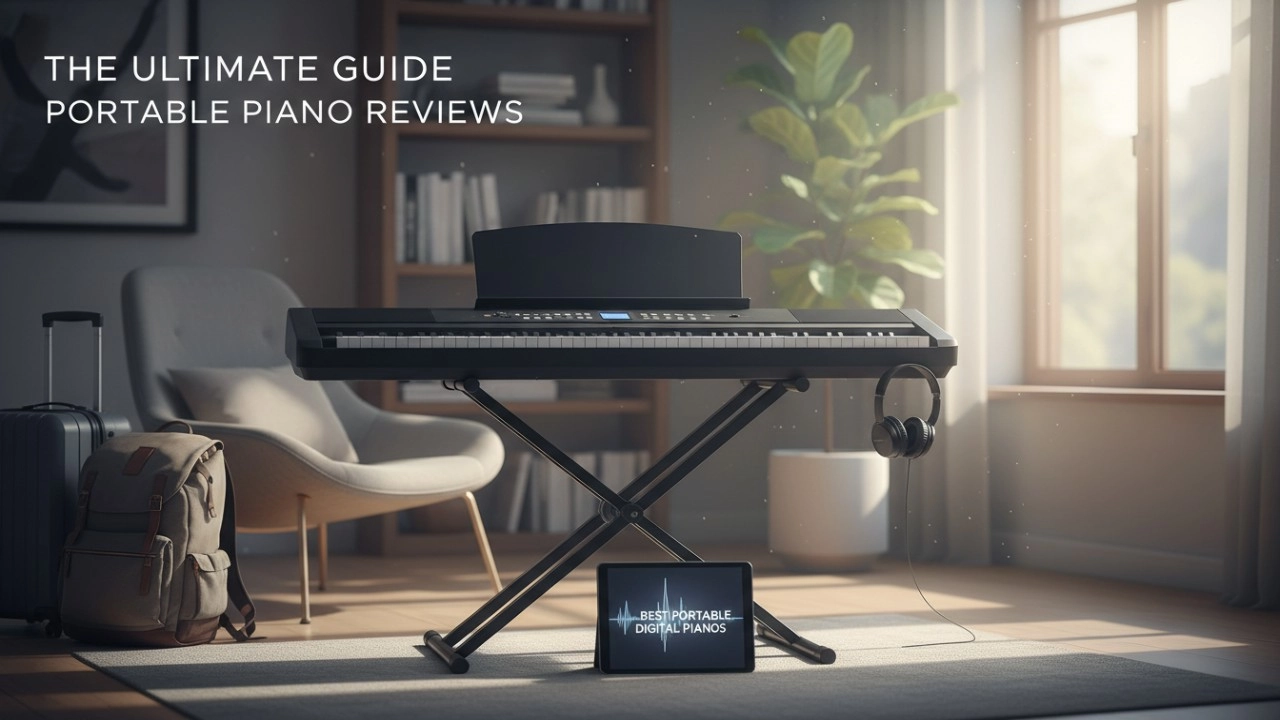
15 Best Portable Digital Pianos of 2026: The Only Comparison Guide You’ll Ever Need

Is the Flykeys FP9 Worth It? Our Real-Life Experience with the World’s Largest Piano Maker’s Digital Tech.
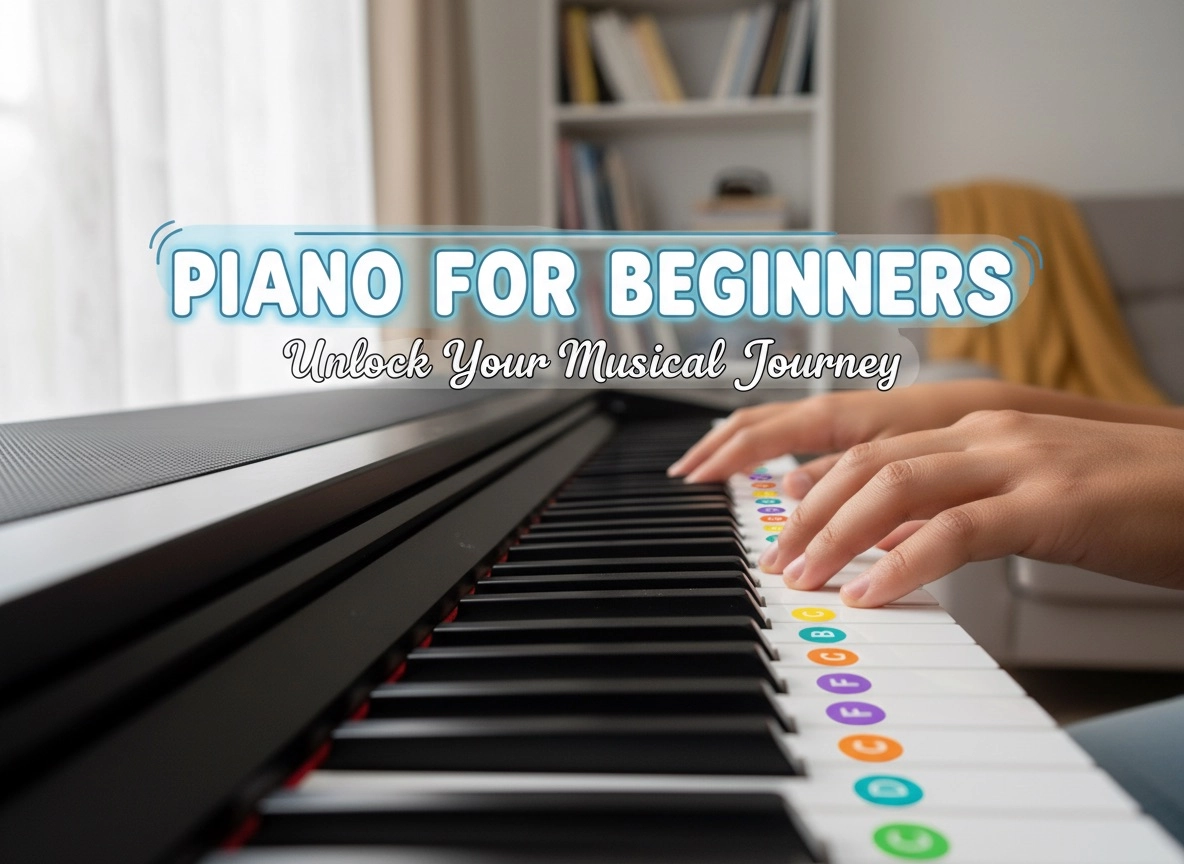
Best Digital Piano Keyboards for Beginners 2026: Your Ultimate Buying Guide

Best Digital Grand Pianos 2026: Ultimate Buyer's Guide for Authentic Sound & Feel
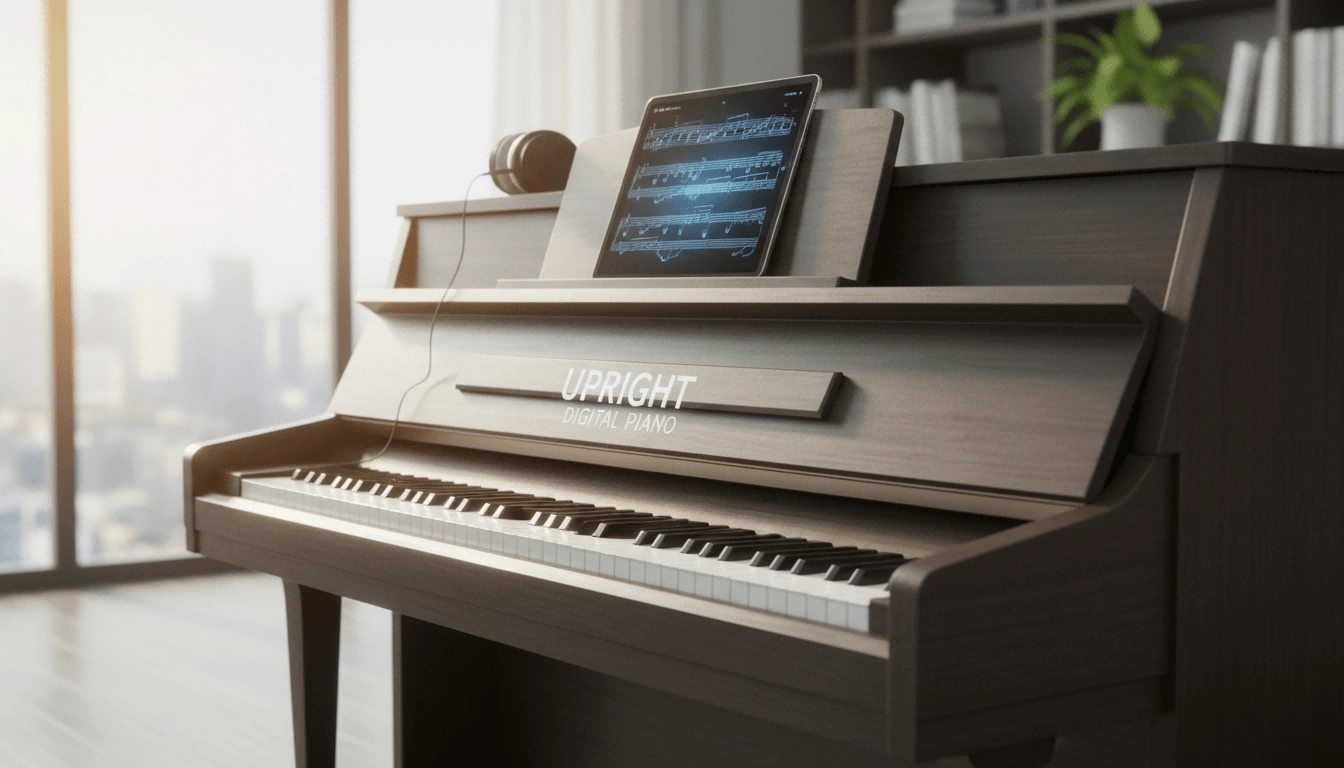
The Definitive Guide to Upright Digital Pianos: Blending Timeless Elegance with Modern Innovation in 2026
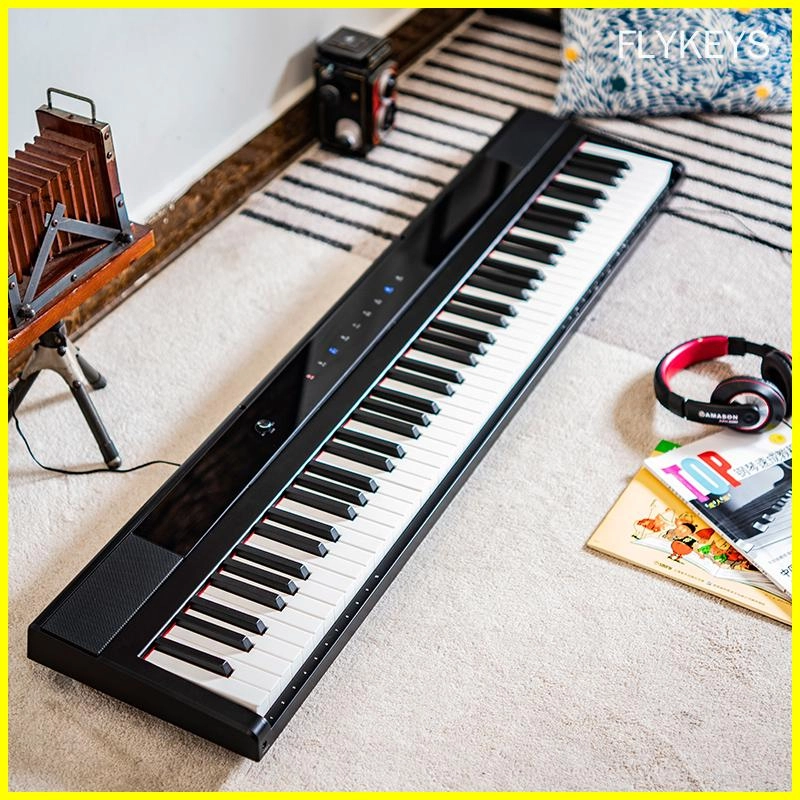
Best-Rated Electronic Pianos for Beginners in 2026: What to Buy and Why
Customization
What is the lead time for custom orders?
Lead times for custom orders vary depending on the complexity of the customization and current production schedules. Please contact our sales team for more information.
Can I customize the finish of my electronic piano?
Yes, we offer customization options for finishes, allowing you to choose from a variety of colors and textures.
Payment
What payment methods do you accept?
We accept payment methods such as T/T and L/C.
After-Sales Service
How can I contact your after-sales support team?
You can contact our after-sales support team via email, phone, or through our website's customer support portal.
Company
Where is your company located?
Our headquarters are located in Guangzhou City, China, with manufacturing facilities strategically positioned for efficient global distribution.
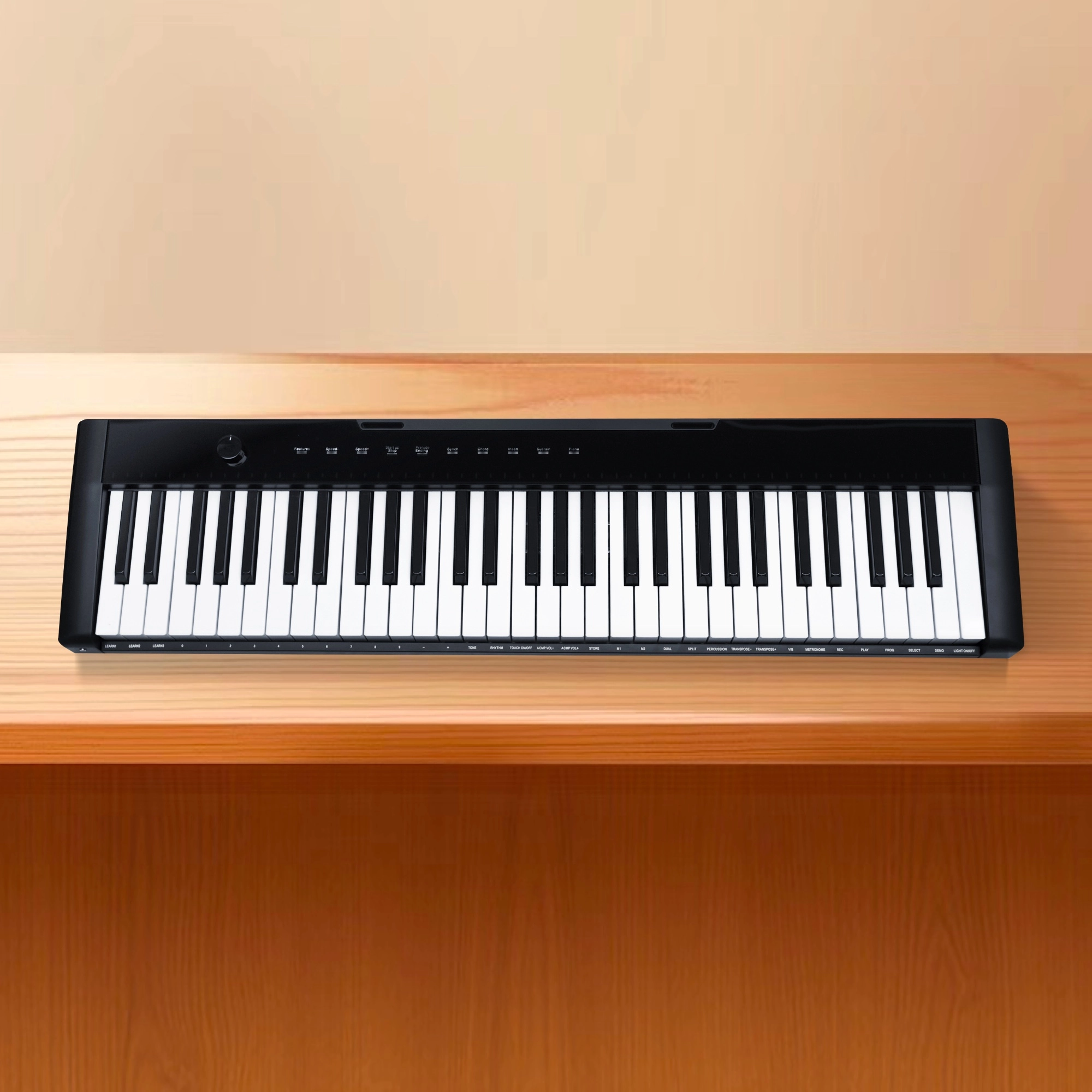
Flykeys 61 keys portable electronic keyboard piano with X stand (M2)

Flykeys Professional Digital Grand Piano FGP610 Digital Piano
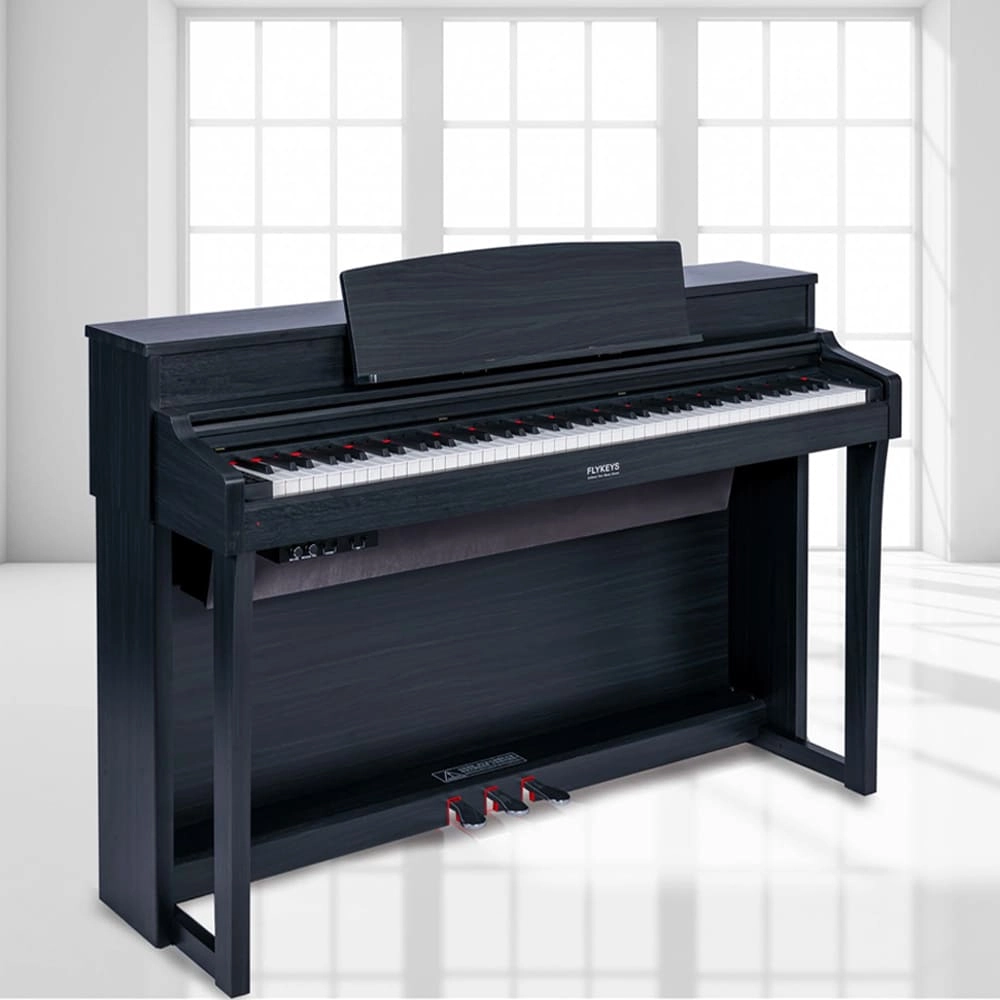
Flykeys Upright Digital Piano 88keys Hammer Action Keyboard FK330 Digital Piano
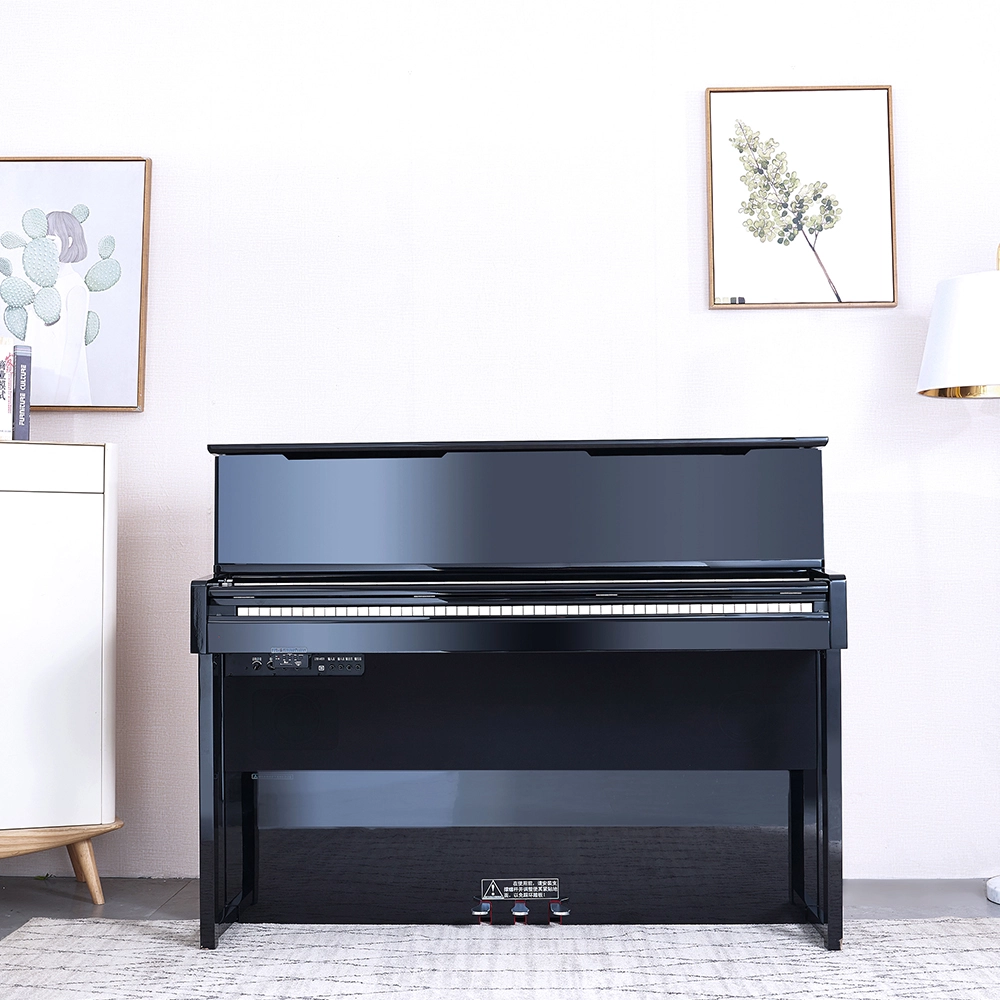
Flykeys Professional Digital Upright Piano 88 Keys Wooden Keyboard FK830 Digital Piano
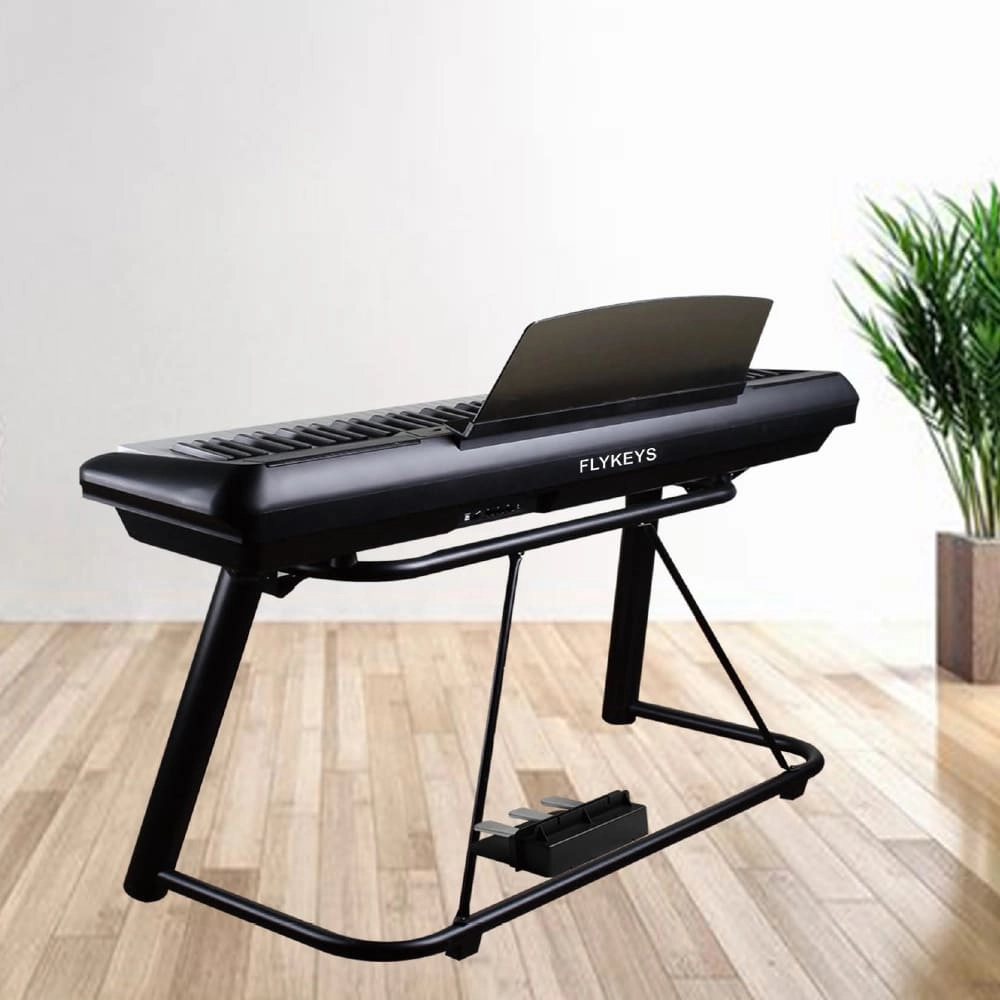
Flykeys 88 Keys Portable Piano With Wooden Stand FP6 Digital Piano
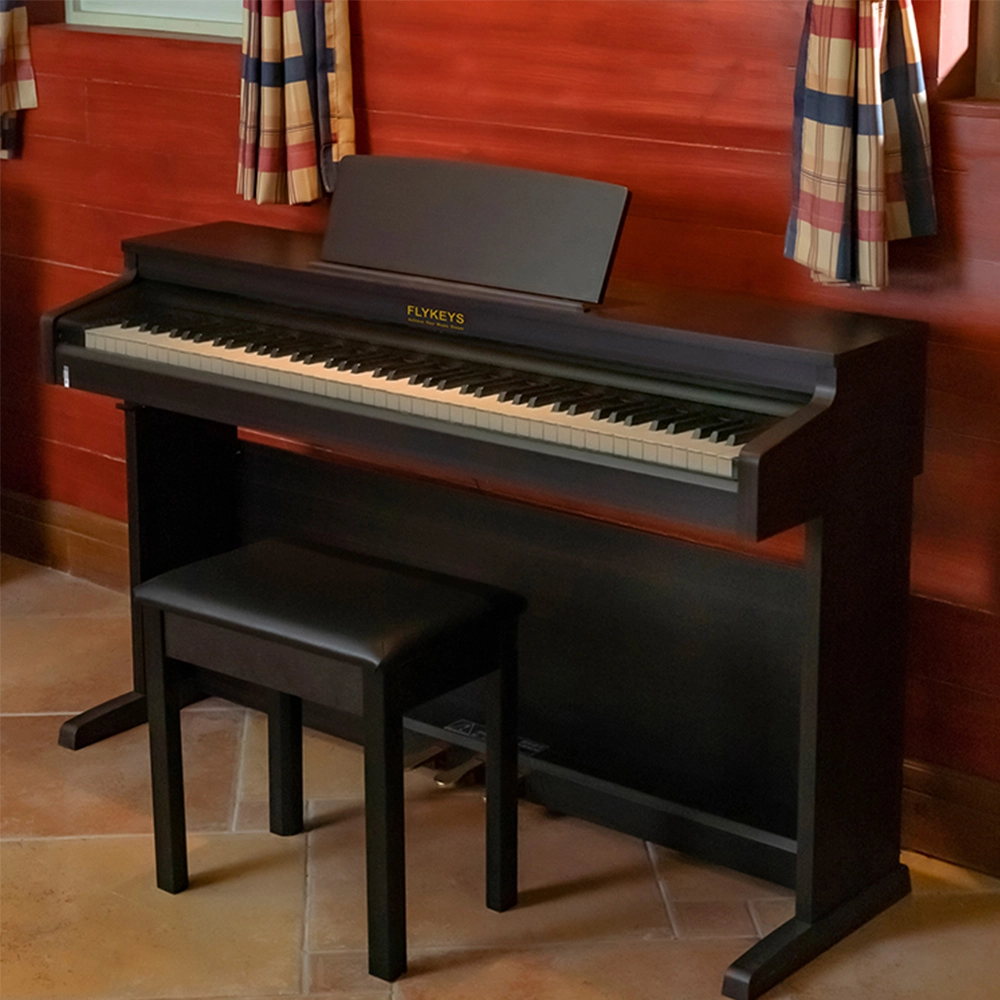
Flykeys Upright Electric Piano Built-In Speakers Music Instrument FD05 Digital Piano
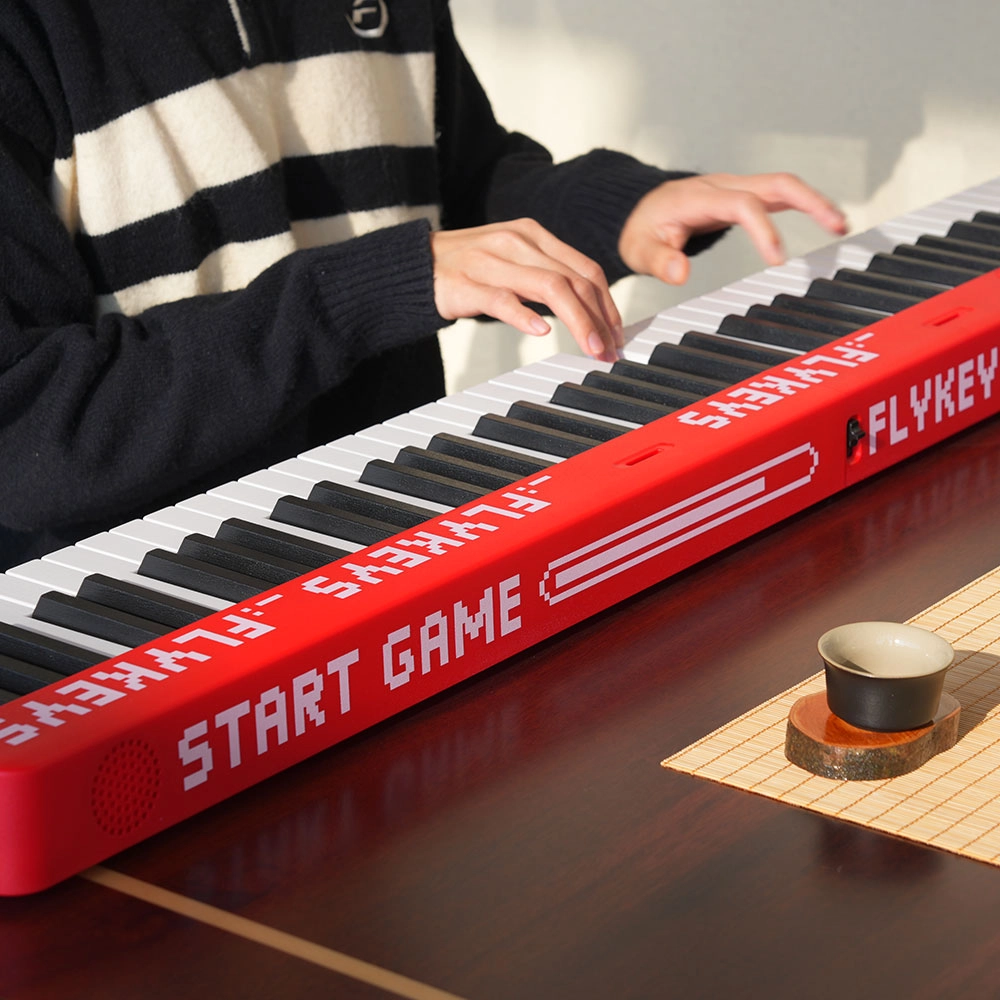
Flykeys M12 Folding Keyboard
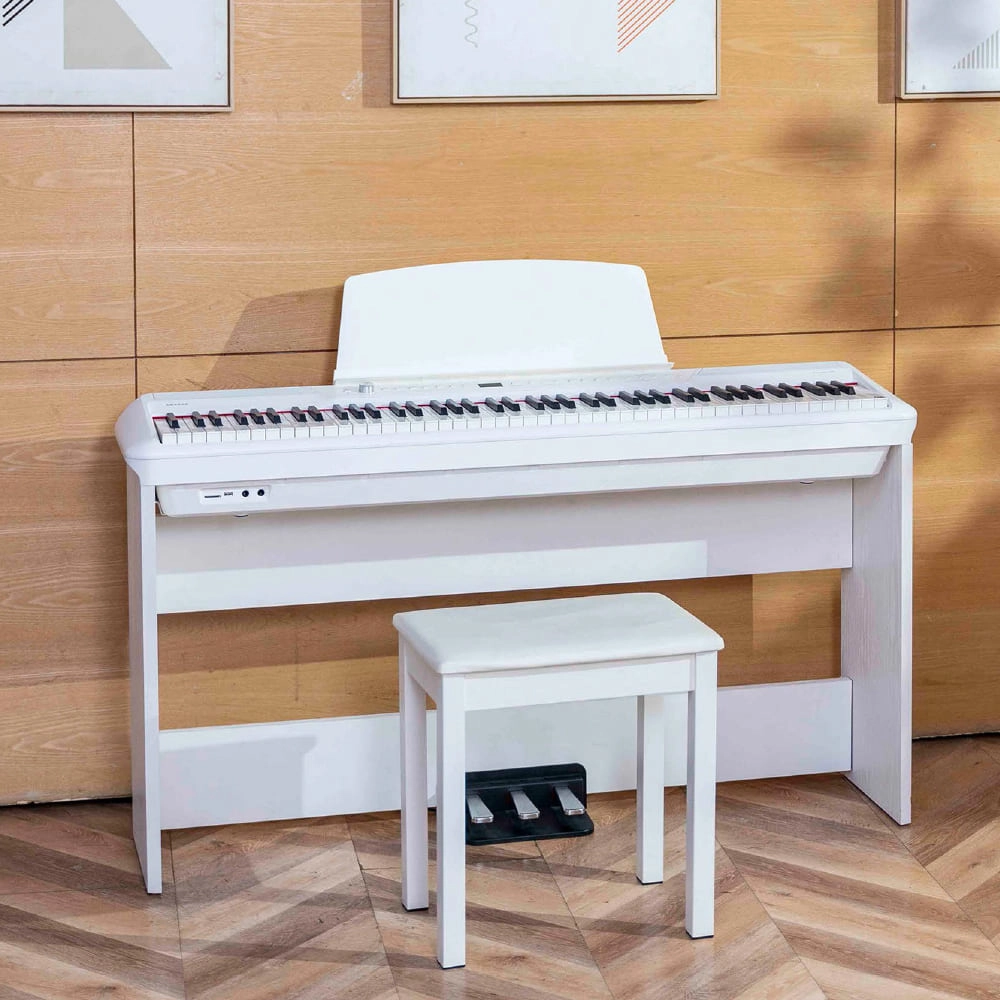
Flykeys Portable Electric Keyboard FP9 Digital Piano
Get in touch with us
Have a question or inquiry about our digital pianos products? Leave us a message here and our team will get back to you promptly within 24 hours.
Whether you're interested in custom orders, technical specifications, or partnership opportunities, we're here to assist you.
Rest assured that your privacy is important to us, and all information provided will be handled with the utmost confidentiality.
Address: No. 38 Xiangshan Avenue, Zengcheng Economic And Technological Development Zone, Guangzhou, China.
FOLLOW US:


© 2024 FLYKEYS All Rights Reserved. 粤ICP备2020102774号. Designed by gooeyun Sitemap | Privacy | Terms