

Digital Grand Piano for Recording: Sound and Mic Tips for Great Results
- Introduction: What users want when searching “digital grand piano for recording: sound and mic tips”
- Why choose a digital grand piano for recording
- Consistency, flexibility and connectivity
- When you might still mic or capture room sound
- Preparing instrument and studio for recording
- Instrument settings to start with
- Room and speaker placement
- Capture options: DI / line outputs versus mic’ing speakers or cabinet
- Use the line/DI outputs when you need
- Use microphones when you want
- Microphone selection and polar patterns
- Which mic types work best
- Polar patterns and practical choices
- Stereo miking techniques for digital grand piano
- XY (coincident) — compact and phase-coherent
- ORTF — natural width and realism
- Spaced pair (A/B) — wide and ambient
- Mid-Side (M-S) — maximum control in post
- Practical mic placement tips
- Recording chain, gain staging and technical settings
- Gain staging and preamps
- Sample rate and bit depth
- Mixing tips for recorded digital grand piano
- EQ: carve, don't destroy
- Compression: gentle control
- Reverb and spatial placement
- Workflow: combining DI and mic signals
- Common problems and quick fixes
- Problem: thin or harsh top end
- Problem: phase cancellation between mic and DI
- FLYKEYS and Pearl River expertise — why choose our digital grand pianos for recording
- Conclusion: practical checklist before you hit record
- Frequently Asked Questions
Introduction: What users want when searching “digital grand piano for recording: sound and mic tips”
When musicians, producers, or home studio engineers search for digital grand piano for recording: sound and mic tips, they want practical steps to capture the best possible piano sound quickly — whether for demos, streaming, albums or video. This guide gives clear, actionable advice on choosing capture methods (line/DI vs mic), microphone selection and placement, stereo techniques, gain staging, basic mixing, and a recommended workflow specific to digital grand pianos.
Why choose a digital grand piano for recording
Consistency, flexibility and connectivity
Digital grand pianos provide consistent tone, MIDI and direct outputs, and a range of built-in voices and effects. Compared with acoustic grands, they eliminate tuning and seasonal variability, and often include balanced main outputs for clean, low-noise recording. FLYKEYS digital grand pianos combine Pearl River's long piano-making heritage with modern digital technology to closely reproduce acoustic tone and touch.
When you might still mic or capture room sound
Even with excellent direct outputs, you may want a mic’d signal to capture speaker/room character or to add natural ambience. The best professional approach often blends the direct signal (for clarity and control) with one or more microphones (for presence and realism).
Preparing instrument and studio for recording
Instrument settings to start with
- Turn off built-in reverb or ambience when recording a clean line output — you want to add reverb in the mix unless you are committed to the preset sound.
- Set velocity curve and touch sensitivity so the instrument feels natural to the player; this can change the recorded dynamics significantly.
- Use balanced outputs (XLR/TRS) when available to reduce noise on long cable runs.
Room and speaker placement
Even with a digital piano, room acoustics matter when you use microphones: control hard reflections, reduce flutter echo, and position the piano to avoid strong boundary effects. If you intend to mic the instrument's speakers or cabinet, allow some distance for a natural blend of direct and room sound — often 1–3 meters for a pleasing room ambience, with closer spots (10–60 cm) for direct capture.
Capture options: DI / line outputs versus mic’ing speakers or cabinet
Use the line/DI outputs when you need
- A pure, noise-free signal with maximum clarity and punch.
- Easy post-processing, reamping, or layering with virtual rooms and convolution reverbs.
- Ideal for live streaming, quick demos, or multitrack sessions that require tight editing.
Use microphones when you want
- Natural speaker character and subtle coloration that makes the piano sound like it sits in a real space.
- Room ambience, which can add depth and life that DI alone sometimes lacks.
- To capture the unique interaction between the instrument’s speakers and the room.
Microphone selection and polar patterns
Which mic types work best
Large-diaphragm condensers are common for capturing the richness and low-mid detail of pianos when mic’ing speaker grilles or the cabinet area. Small-diaphragm condensers are excellent for transient clarity and stereo techniques. Dynamics are useful if you suspect very loud playback or want a darker, more focused tone. Ribbon microphones offer smooth high-end roll-off and a warm sound if your room and rig support them.
Polar patterns and practical choices
Cardioid is the most practical choice because it rejects off-axis reflections and reduces room noise. Omni can capture a more natural sound and even room ambience but may pick up more room problems. Figure-8 is required for mid-side techniques and can be useful if you want a balanced front/back room capture.
Stereo miking techniques for digital grand piano
XY (coincident) — compact and phase-coherent
XY uses two cardioid condensers placed with capsules coincident at a 90–135° angle. Place 20–60 cm above the speaker grille or cabinet area for a focused stereo image with excellent mono compatibility.
ORTF — natural width and realism
ORTF positions two cardioid mics 17 cm apart at a 110° angle. Mount them 30–90 cm above or slightly behind the sound source to achieve a natural stereo image with good localization of left and right piano registers.
Spaced pair (A/B) — wide and ambient
A spaced pair gives a wide stereo image but requires careful phase checking when combined with a DI signal. Place mics 30–120 cm apart and 30–120 cm above the speaker or cabinet, adjusting until you like the balance between direct and room sound.
Mid-Side (M-S) — maximum control in post
M-S lets you adjust stereo width after recording. Use a cardioid for the mid and a figure-8 for the side, place them coincident 20–60 cm above the source, and decode to stereo during mixing.
Practical mic placement tips
- Start with conservative distances — 20–60 cm for close stereo pairs on the cabinet or speaker area, 1–3 m for room mics.
- Check phase and mono-sum compatibility: flip polarity on one mic to hear if the sound thickens (correct) or collapses (phase issue).
- Use a combination approach: direct line out for clarity + one stereo mic for ambience/character. Blend to taste.
- Avoid pointing mics at power amps or fans in the piano’s speaker module; aim at the center of the soundboard/speaker area for a balanced capture.
Recording chain, gain staging and technical settings
Gain staging and preamps
Set preamp gain so peaks hit around -6 to -10 dBFS to leave headroom. Avoid clipping. Use clean preamps with low noise. Balanced cables and XLR connections help reduce interference, especially with long runs.
Sample rate and bit depth
Record at 24-bit for ample dynamic range. Sample rates of 44.1 kHz or 48 kHz suffice for most projects; choose 96 kHz for high-resolution archival recordings or very detailed high-frequency work. Remember higher sample rates increase CPU and file sizes.
Mixing tips for recorded digital grand piano
EQ: carve, don't destroy
Use subtractive EQ to remove problematic frequencies: 80–120 Hz high-pass to reduce low rumble (if not part of the piano’s character), reduce boxy energy around 200–400 Hz if present, and add a gentle air boost above 8–12 kHz if needed. Make small, musical moves.
Compression: gentle control
Use gentle compression to tame peaks and glue performance — low ratio (1.5:1–3:1), medium attack and release tuned to the tempo. For percussive parts, faster attack can reduce peaks but may kill transients.
Reverb and spatial placement
Use convolution reverb or algorithmic reverb to place the piano in a virtual space. A dry DI plus reverb on a bus offers more consistent control than a reverbed stereo mic that’s printed to track.
Workflow: combining DI and mic signals
- Record both the line outputs and at least one stereo mic pair simultaneously. This gives you the best of both worlds in post-production.
- Align tracks to avoid phase smearing — zoom in and nudge tracks if necessary so transients line up within a few samples (or use automatic phase alignment tools).
- Blend mic and DI: DI for attack and clarity; mic for body and ambience. Use parallel processing to keep dynamics natural while adding sheen.
Common problems and quick fixes
Problem: thin or harsh top end
Solution: Reduce excessive highs with a gentle shelf cut; try a different mic angle or distance to reduce bright speaker artifacts. A low-pass at 18–22 kHz is often unnecessary but can tame ultrasonic glare at very high sample rates.
Problem: phase cancellation between mic and DI
Solution: Flip polarity on the mic track and listen in mono. If problems persist, nudge the mic track a few samples until transients align. Use phase-alignment plugins if needed.
FLYKEYS and Pearl River expertise — why choose our digital grand pianos for recording
Guangzhou Pearl River Amason Digital Musical Instrument Co., Ltd., a subsidiary of Guangzhou Pearl River Piano Group, brings more than 60 years of piano-making heritage to modern digital instrument design. Founded in 2008, the company focuses on developing and manufacturing digital musical instruments under the FLYKEYS brand for overseas markets. FLYKEYS products — including portable, upright, and grand digital pianos — have passed FCC, CE and RoHS testing and are built to professional quality standards.
FLYKEYS digital grands use self-developed reduction technology and careful sampling to reproduce acoustic piano tone and touch closely. For recording, their balanced outputs and realistic key action make them efficient studio instruments for composers, producers, and performing artists seeking a reliable grand piano sound without the logistic demands of an acoustic grand.
Learn more at https://www.flykeysmusic.com/.
Conclusion: practical checklist before you hit record
- Decide whether you need DI, mics, or both.
- Set instrument with reverb off and correct touch/velocity curve for the player.
- Choose appropriate mics and stereo technique (XY, ORTF, M-S) and place them with phase in mind.
- Record at 24-bit and 44.1/48 kHz (or 96 kHz for high-res projects).
- Blend DI and mic signals in the mix, use subtle EQ and compression, and add reverb to taste.
With these steps you’ll capture a musical, realistic digital grand piano sound that works in modern production contexts — from solo piano records to full band mixes.
Frequently Asked Questions
Q: Should I record my digital grand piano via line out or mic it? A: Use the line out when you need noise-free clarity, easy editing and consistent tone. Add a stereo mic pair when you want room character, speaker coloration, or natural ambience. Recording both gives you flexibility in mixing.
Q: What microphones are best for recording a digital grand piano? A: Large-diaphragm condensers are versatile for warmth and body; small-diaphragm condensers offer transient detail and are great for stereo techniques. Cardioid patterns are practical; omni can capture more room. Avoid a single “best” mic — choose what fits your room and taste.
Q: What sample rate and bit depth should I use? A: Record at 24-bit for good dynamic range. Use 44.1 kHz or 48 kHz for most projects; choose 96 kHz for high-resolution or archival work.
Q: How do I avoid phase issues when using both mic and DI? A: Flip polarity on the mic channel to check for improvement, and nudge the mic track a few samples if peaks don’t align. Use automatic phase alignment tools if available. Always listen in mono to verify compatibility.
Q: Can FLYKEYS digital grand pianos be used for professional recordings? A: Yes. FLYKEYS instruments are built on Pearl River's decades of acoustic piano expertise and include balanced outputs and realistic samples and touch, making them suitable for studio and live recording applications.
Everything You Need to Know About digital 88 key piano
Tips for Wholesale grand piano upright
Tips for Wholesale piano digital portable
Top Digital Piano Brands for Stage Performers and Touring
Payment
Is payment required upfront for custom orders?
Yes, payment is typically required upfront for custom orders to initiate the production process.
Customization
Can I customize the finish of my electronic piano?
Yes, we offer customization options for finishes, allowing you to choose from a variety of colors and textures.
Company
How long has your company been in the electronic piano manufacturing business?
Pearl River Piano has acoustic piano manufacturing experiences for more that 60 years history.
Guangzhou Pearl River Amason Digital Musical Instrument Co.,Ltd., a subsidiary company of Pearl River Piano Group, founded in 2008, and focused on developing and manufacturing digital musical instrument which is one of the three pillar business industries of Pearl River Piano Group.
Does your company have any sustainability initiatives?
Yes, we are dedicated to sustainability and continuously strive to minimize our environmental footprint through responsible manufacturing practices.
After-Sales Service
What after-sales support do you offer?
We offer comprehensive after-sales support, including technical assistance, troubleshooting, and warranty services.
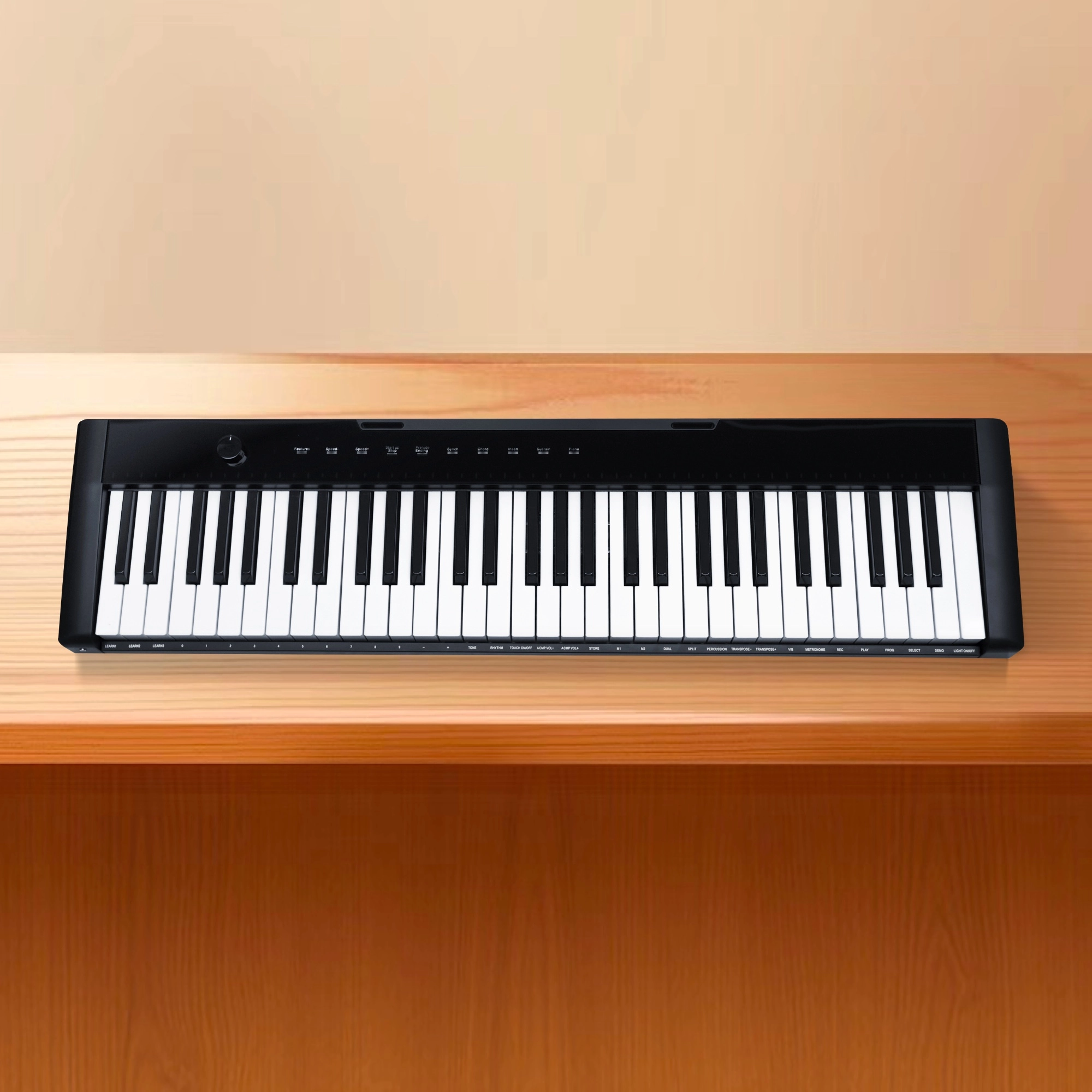
Flykeys 61 keys portable electronic keyboard piano with X stand (M2)
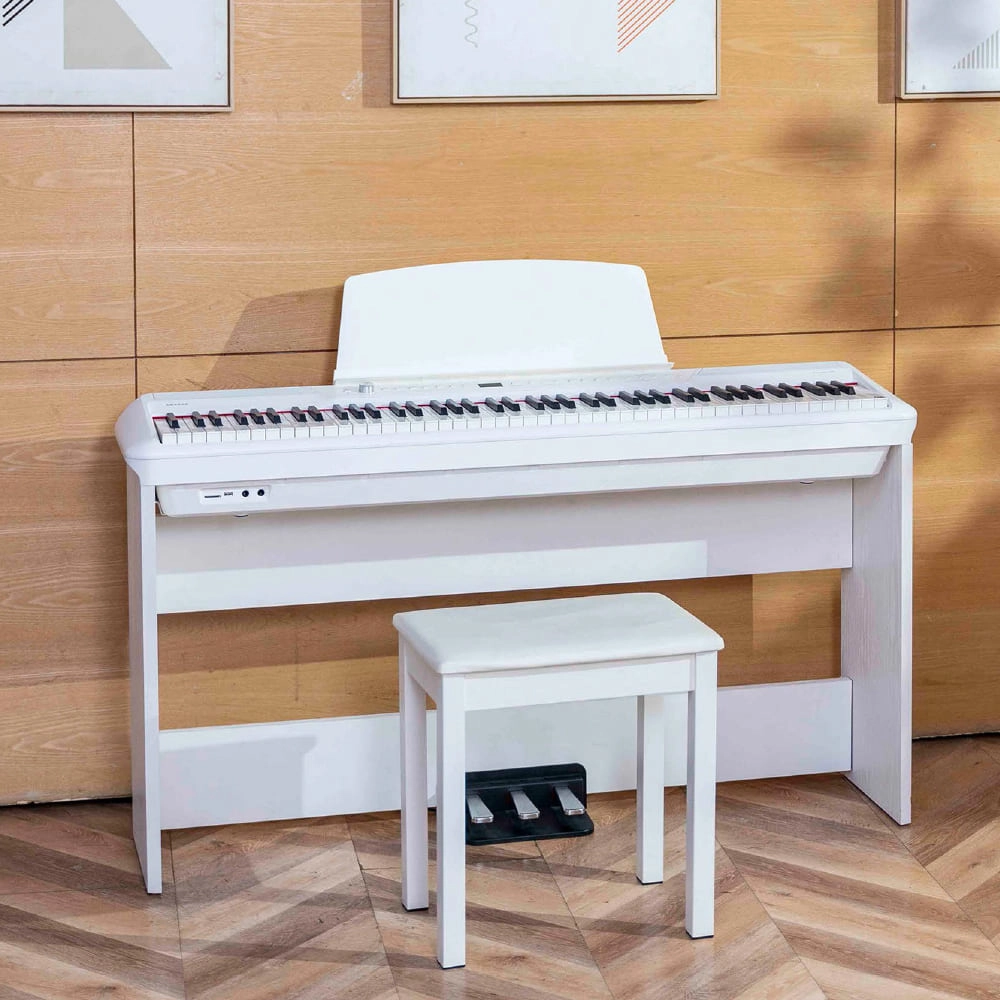
Flykeys Portable Electric Keyboard FP9 Digital Piano
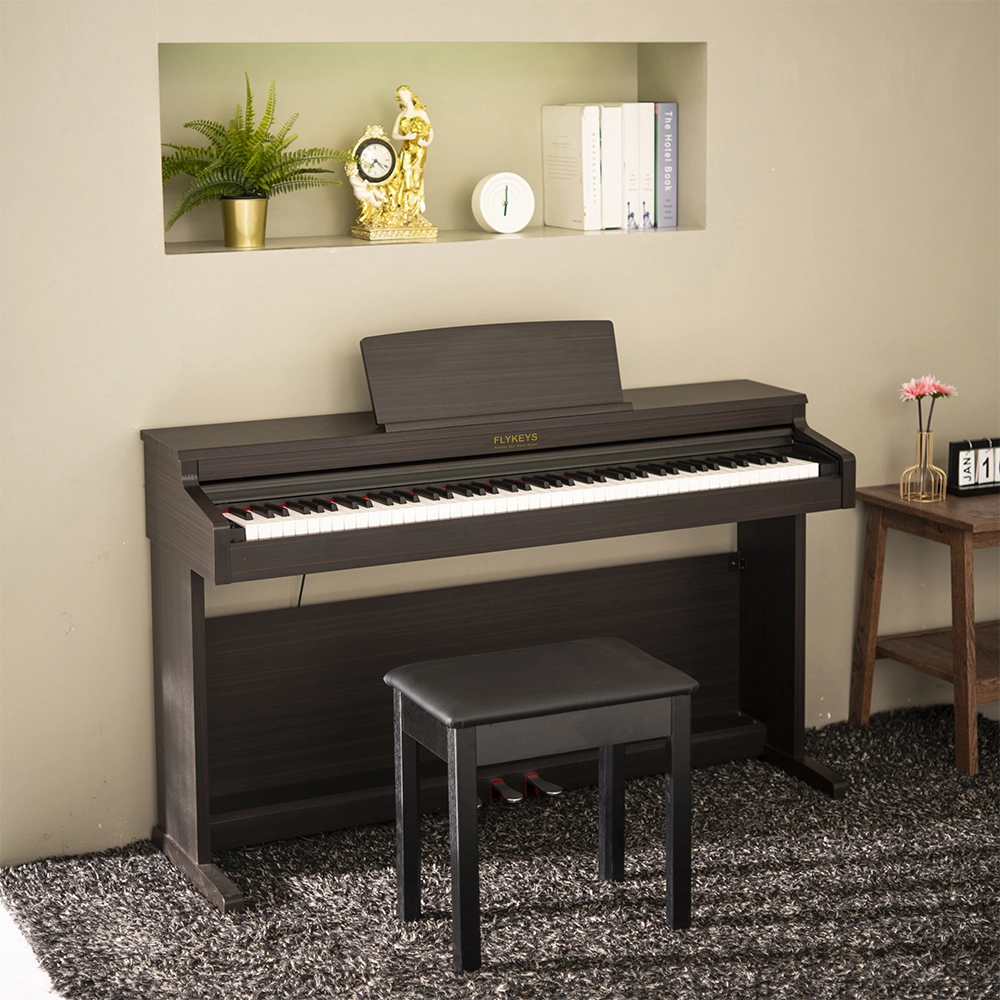
Flykeys 88 Keys Hammer Action keyboard Upright Piano LK03S Digital Piano
— Independent patented technology 88 key Grand-Response hammer action & dynamic curve keyboard;
— European top DSP chip, famous grand piano sound sample;
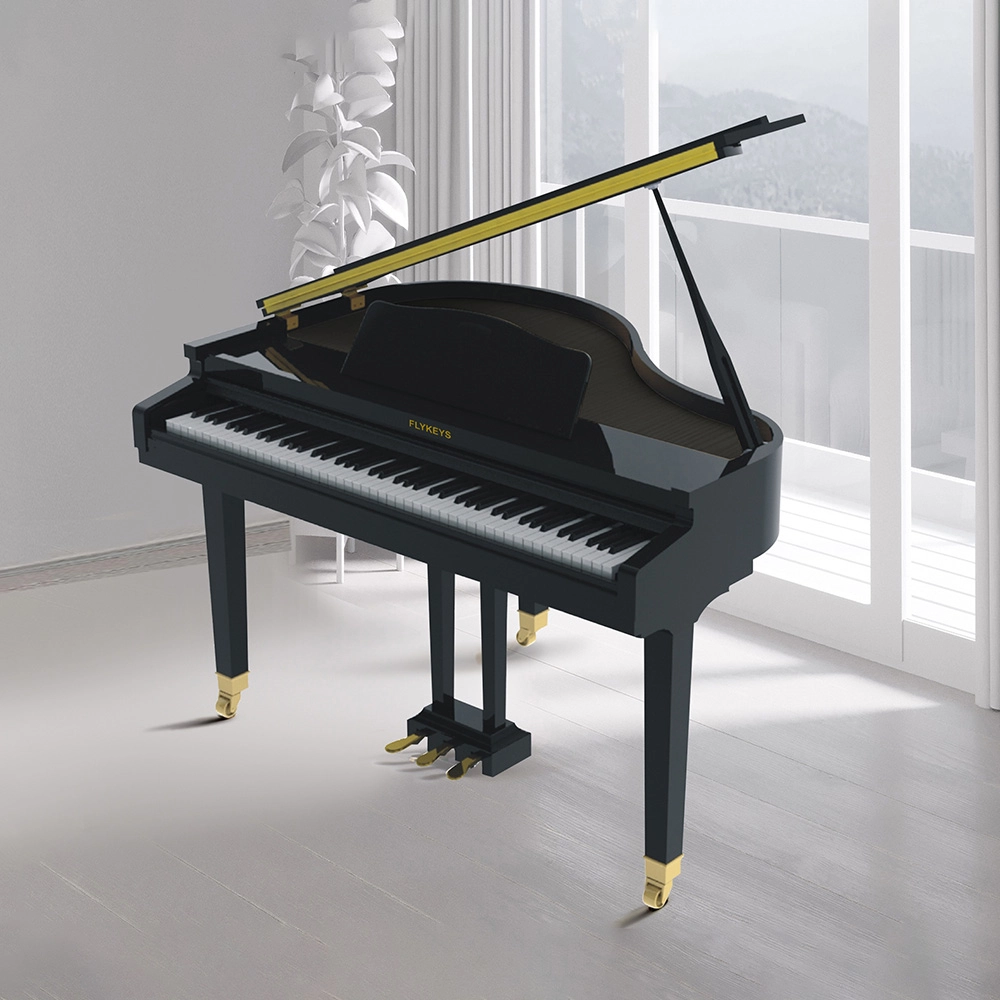
Flykeys 88 Keys Professional Digital Grand Piano Hammer Action Keyboard FGP110 Digital Piano
— Italian Fatar 88 Grand-ResponseTM Key trends with hammer action & dynamic curve
— Independent developed DSP chip, German famous grand piano sound sample
Address: No. 38 Xiangshan Avenue, Zengcheng Economic And Technological Development Zone, Guangzhou, China.
FOLLOW US:


© 2024 FLYKEYS All Rights Reserved. 粤ICP备2020102774号. Designed by gooeyun Sitemap | Privacy | Terms