

Can I record and connect my digital piano to a computer? | Insights by FLYKEYS
Learn how to connect your digital piano to a computer for recording, MIDI control, and more. This guide covers various methods and troubleshooting tips to enhance your musical experience.
Connecting Your Digital Piano to a Computer: A Comprehensive Guide
Connecting your digital piano to a computer opens up a world of possibilities, from recording your performances to using your piano as a MIDI controller for music production. This guide addresses common questions and provides step-by-step instructions to help you make the most of this connection.
1. How Do I Connect My Digital Piano to a Computer?
To connect your digital piano to a computer, you can use a USB cable or a MIDI interface, depending on your piano's capabilities:
USB Connection: Many modern digital pianos feature a USB port labeled "USB to Host." Simply connect a USB-B to USB-A cable from your piano to your computer. This method is straightforward and often plug-and-play.
MIDI Interface: If your piano has traditional 5-pin MIDI ports, you'll need a MIDI interface. Connect the MIDI Out port of your piano to the MIDI In port of the interface, then connect the interface to your computer via USB.
2. What Software Do I Need to Record My Piano?
Once connected, you'll need Digital Audio Workstation (DAW) software to record and edit your music. Popular options include:
GarageBand: Ideal for beginners and Mac users.
Ableton Live: Suitable for electronic music production.
Pro Tools: A professional-grade DAW used in many studios.
These programs allow you to record MIDI data from your piano, which can be edited and manipulated within the software.
3. Can I Use My Digital Piano as a MIDI Controller?
Yes, connecting your digital piano to a computer enables it to function as a MIDI controller. This allows you to control virtual instruments and software synthesizers within your DAW. Ensure your piano is set to transmit MIDI data, and configure your DAW to recognize the piano as a MIDI input device.
4. How Do I Record Audio from My Digital Piano?
To record the audio output of your digital piano:
Using a USB Connection: Some digital pianos transmit audio over USB. In this case, your computer should recognize the piano as an audio device, allowing you to record directly into your DAW.
Using an Audio Interface: If your piano doesn't transmit audio over USB, connect the audio output of your piano to an audio interface, which then connects to your computer. This setup provides higher-quality recordings and more control over your sound.
5. What Are the Benefits of Connecting My Digital Piano to a Computer?
Recording: Capture your performances in high-quality audio or MIDI formats.
Music Production: Use your piano to control virtual instruments and software synthesizers.
Learning and Practice: Utilize educational software and apps that integrate with your piano for guided lessons and practice sessions.
6. Are There Any Troubleshooting Tips?
Driver Installation: Ensure that any necessary drivers for your piano are installed on your computer. Some pianos may require specific drivers to function correctly.
Software Configuration: Verify that your DAW or recording software is configured to recognize your piano as a MIDI or audio input device.
Cable Quality: Use high-quality cables to prevent connectivity issues.
Operating System Compatibility: Check that your computer's operating system is compatible with your piano's software and drivers.
7. How Do I Connect My Digital Piano to Virtual Piano?
To connect your digital piano to Virtual Piano:
Connect Your Piano: Use a USB/MIDI cable to connect your piano to your computer.
Open Virtual Piano: In your Chrome browser, navigate to Virtual Piano's website.
Select MIDI Connection: In the "Sound" menu on Virtual Piano, choose your connected MIDI device.
Start Playing: Enable "Key Assist" and select a song to play along with.
8. How Do I Record My Keyboard Using Virtual Piano?
After connecting your piano to Virtual Piano:
Select "Record": Click the "Record" button on the Virtual Piano dashboard.
Play Your Piece: Follow the on-screen countdown and perform your piece.
Stop Recording: Click "STOP" when finished.
Download Audio: Click "Download Audio" to save the MP3 file to your device.
Conclusion
Connecting your digital piano to a computer enhances your musical capabilities, offering opportunities for recording, music production, and interactive learning. By following the steps outlined above, you can seamlessly integrate your piano into your digital music setup.
FLYKEYS: Your Partner in Musical Excellence
FLYKEYS offers a range of digital pianos designed for both beginners and professionals. With user-friendly interfaces, high-quality sound, and seamless connectivity options, FLYKEYS ensures that your musical journey is both enjoyable and productive. Explore our collection today and elevate your musical experience.
- Connecting Your Digital Piano to a Computer: A Comprehensive Guide
- 1. How Do I Connect My Digital Piano to a Computer?
- 2. What Software Do I Need to Record My Piano?
- 3. Can I Use My Digital Piano as a MIDI Controller?
- 4. How Do I Record Audio from My Digital Piano?
- 5. What Are the Benefits of Connecting My Digital Piano to a Computer?
- 6. Are There Any Troubleshooting Tips?
- 7. How Do I Connect My Digital Piano to Virtual Piano?
- 8. How Do I Record My Keyboard Using Virtual Piano?
- Conclusion
- FLYKEYS: Your Partner in Musical Excellence
15 Best Portable Digital Pianos of 2026: The Only Comparison Guide You’ll Ever Need
Is the Flykeys FP9 Worth It? Our Real-Life Experience with the World’s Largest Piano Maker’s Digital Tech.
Best Digital Piano Keyboards for Beginners 2026: Your Ultimate Buying Guide

Best Digital Grand Pianos 2026: Ultimate Buyer's Guide for Authentic Sound & Feel
The Definitive Guide to Upright Digital Pianos: Blending Timeless Elegance with Modern Innovation in 2026
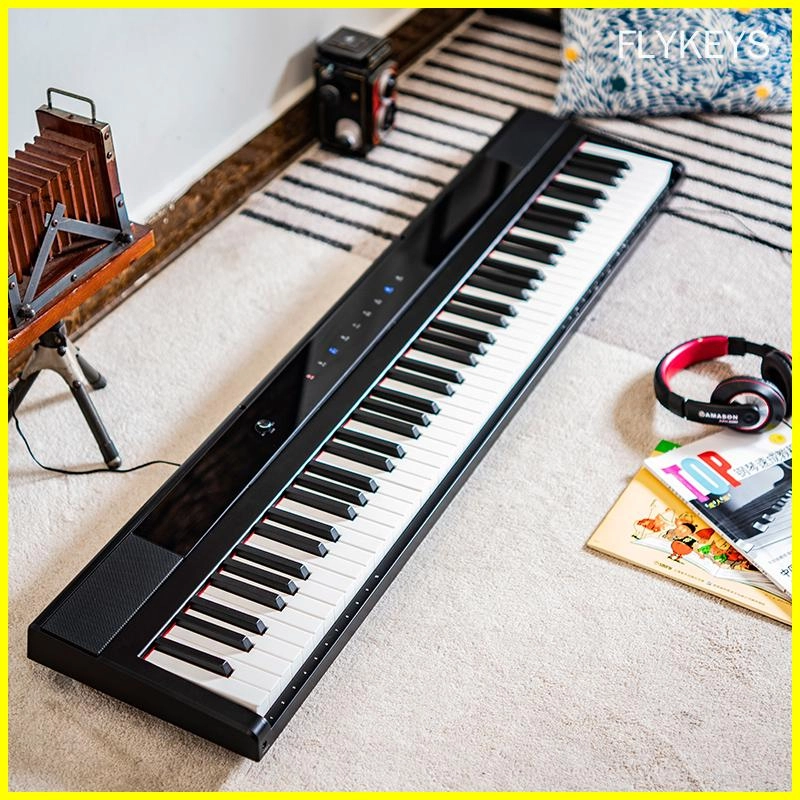
Best-Rated Electronic Pianos for Beginners in 2026: What to Buy and Why
Products
What products do you have?
We offer a diverse range of products, including digital portable piano, digital upright piano, digital grand piano, electronic drum set, piano silent system, audio equipment, interactive whiteboard, advertising machines, Smart TV, Touch Screen,etc.
Can I connect your electronic pianos to external devices?
Yes, our electronic pianos are equipped with connectivity options such as MIDI, USB, and Bluetooth for seamless integration with external devices.
Customization
Can I request additional features to be added to a standard model?
Yes, we offer customization services to accommodate specific feature requests, subject to feasibility and additional charges.
Logistics
Can l track my order during shipping?
Yes, tracking information will be provided once your order has been shipped, allowing you to monitor its progress.
Payment
What payment methods do you accept?
We accept payment methods such as T/T and L/C.
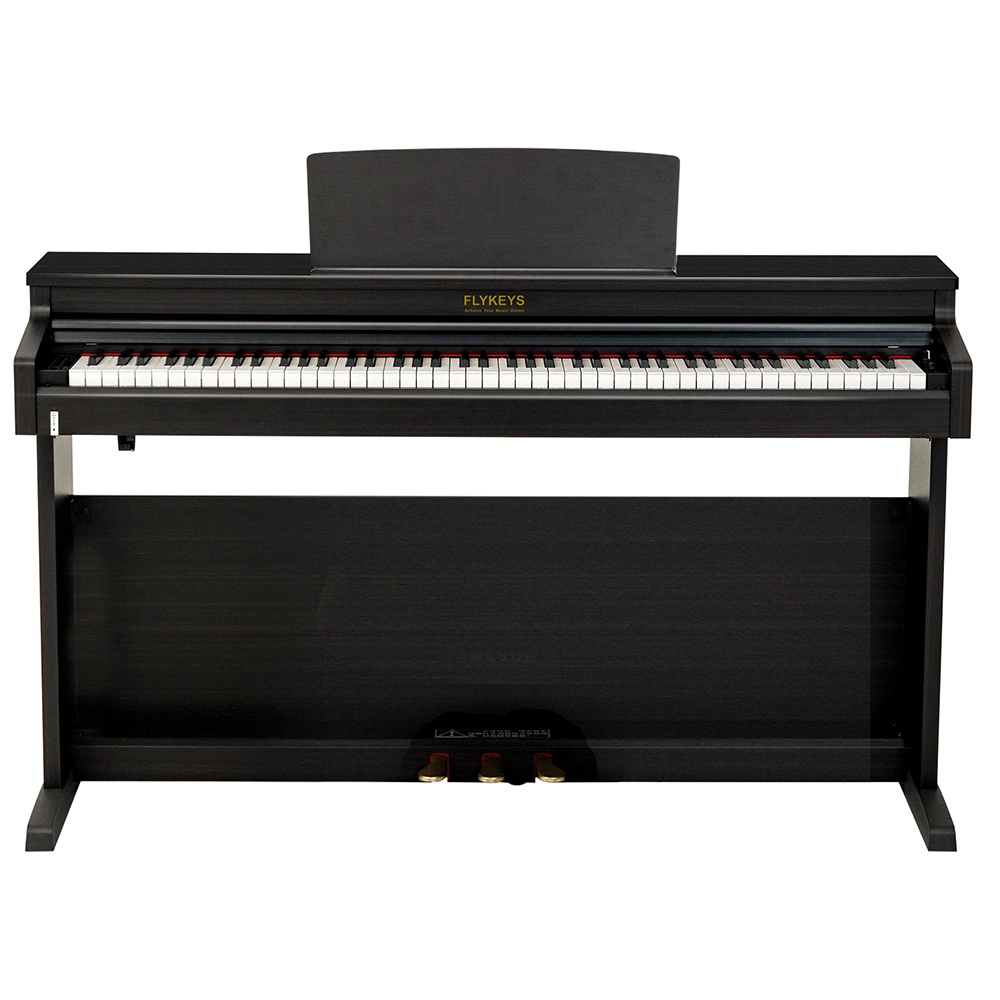
Flykeys Upright Digital Piano FDP 3
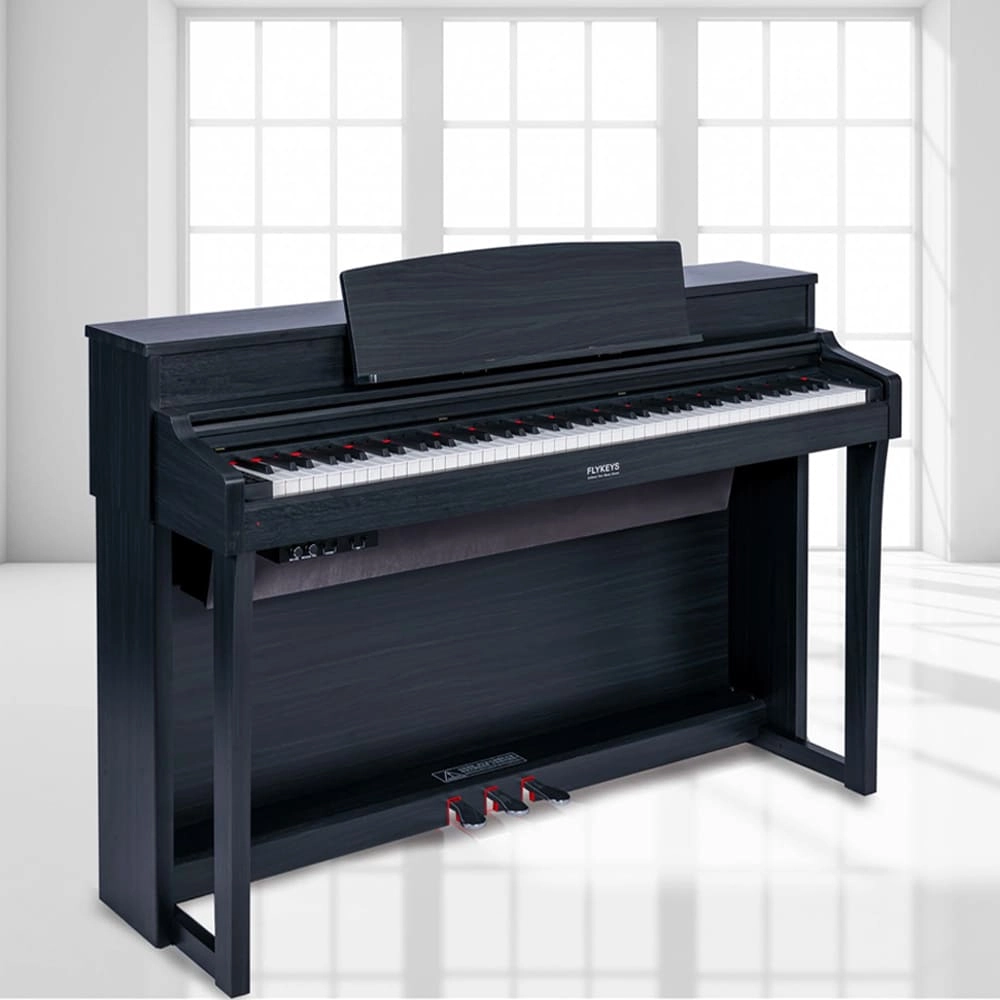
Flykeys Upright Digital Piano 88keys Hammer Action Keyboard FK330 Digital Piano
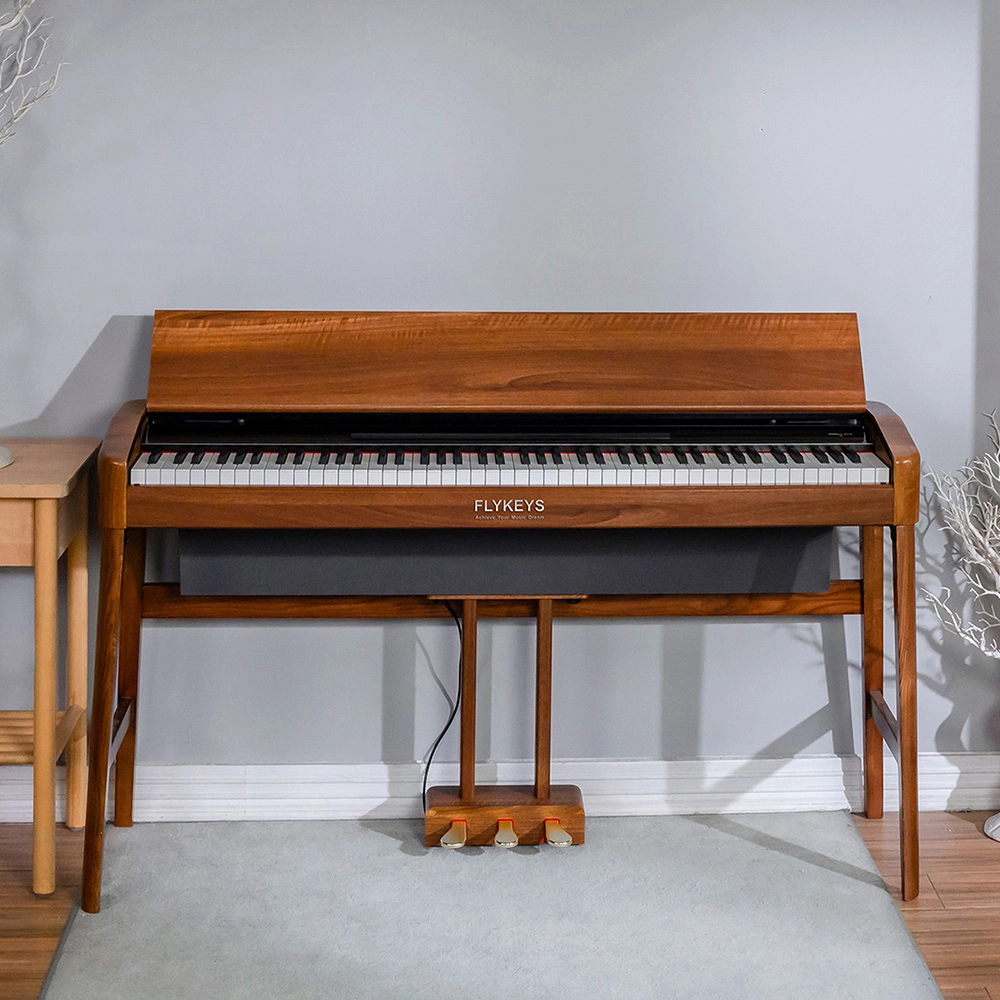
Flykeys Wooden Panel Piano Original Italian Imported Hammer Action Keyboard SK3 Digital Piano
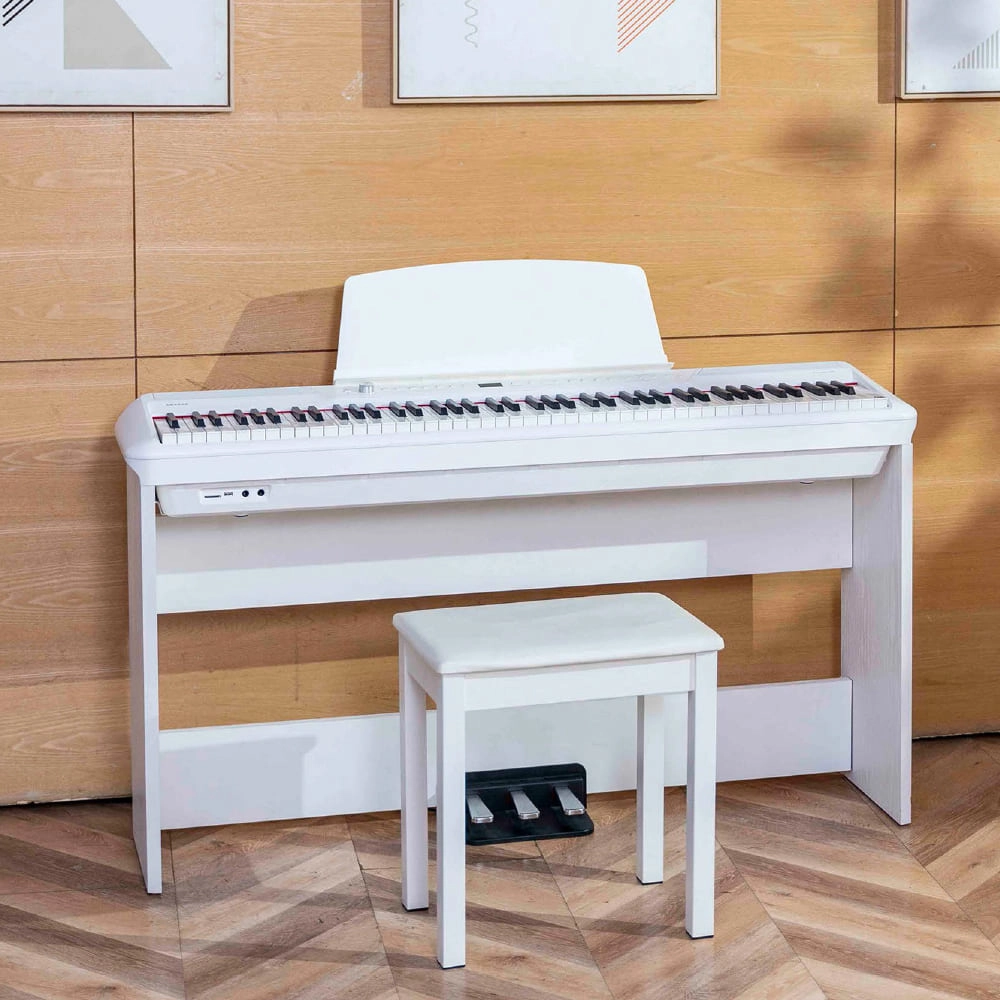
Flykeys Portable Electric Keyboard FP9 Digital Piano
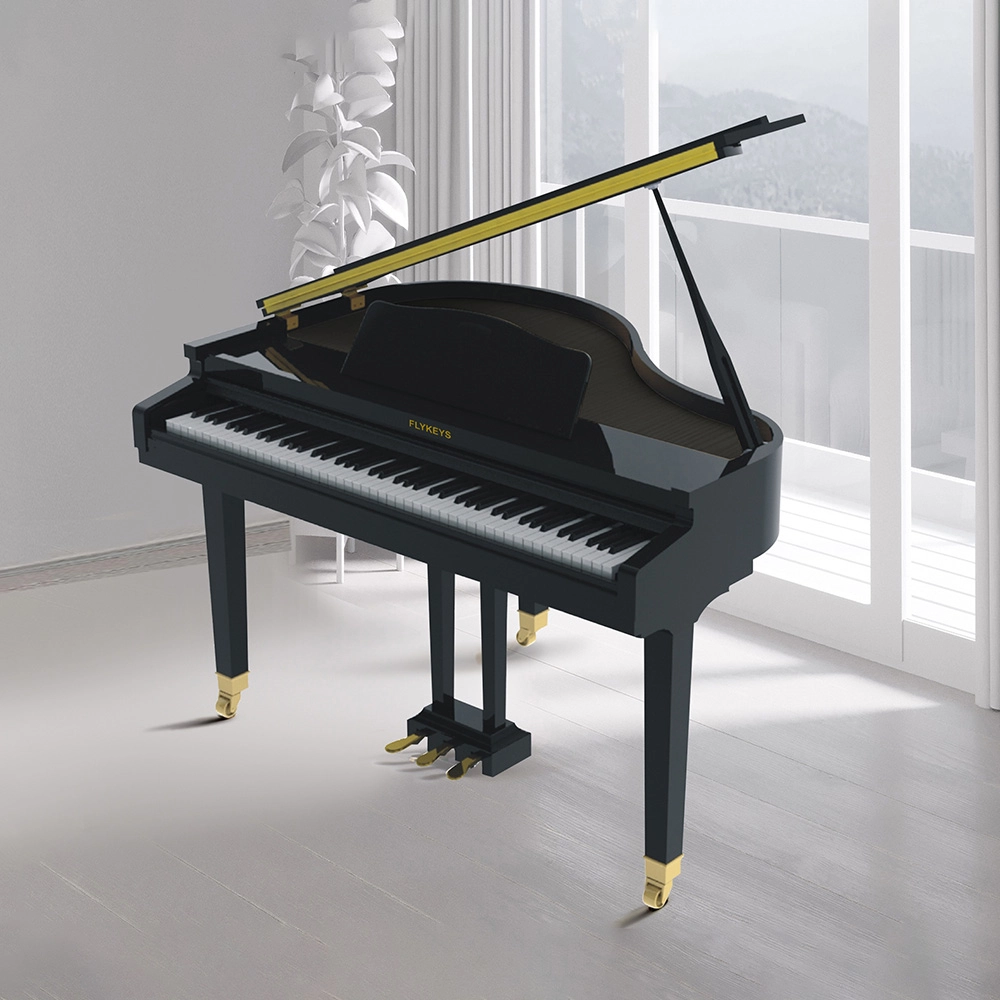
Flykeys 88 Keys Professional Digital Grand Piano Hammer Action Keyboard FGP110 Digital Piano
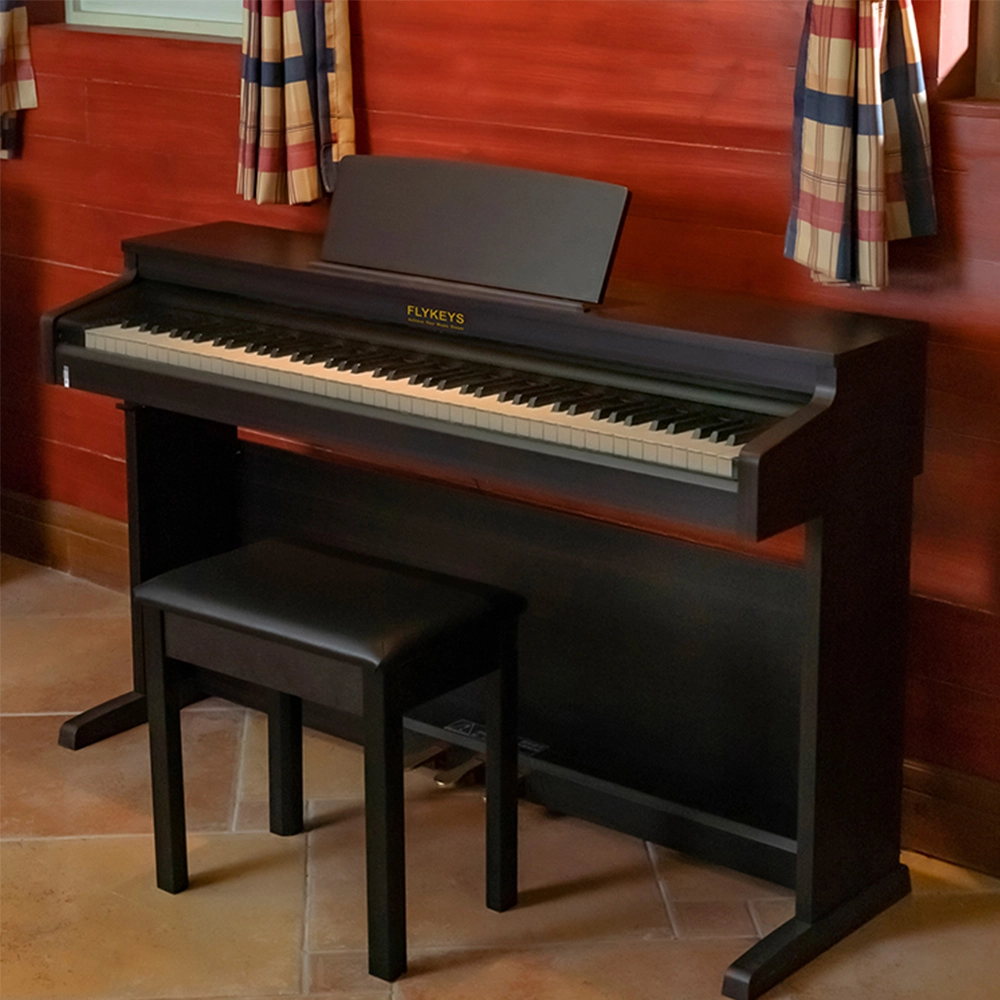
Flykeys Upright Electric Piano Built-In Speakers Music Instrument FD05 Digital Piano

Flykeys Professional Digital Grand Piano FGP610 Digital Piano
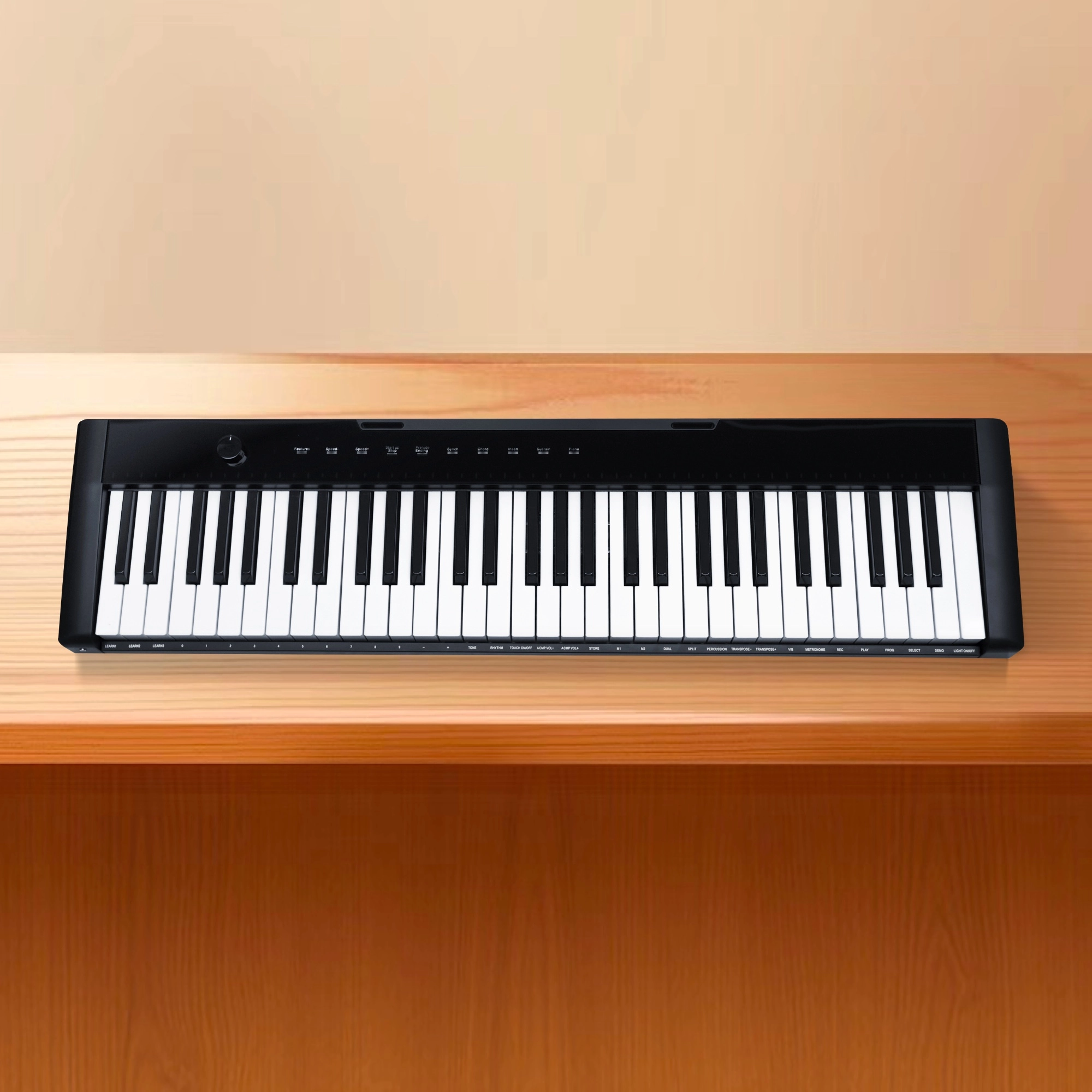
Flykeys 61 keys portable electronic keyboard piano with X stand (M2)
Get in touch with us
Have a question or inquiry about our digital pianos products? Leave us a message here and our team will get back to you promptly within 24 hours.
Whether you're interested in custom orders, technical specifications, or partnership opportunities, we're here to assist you.
Rest assured that your privacy is important to us, and all information provided will be handled with the utmost confidentiality.
Address: No. 38 Xiangshan Avenue, Zengcheng Economic And Technological Development Zone, Guangzhou, China.
FOLLOW US:


© 2024 FLYKEYS All Rights Reserved. 粤ICP备2020102774号. Designed by gooeyun Sitemap | Privacy | Terms