

Which keyboard is best for recording and producing?
Explore the top 5 keyboards ideal for recording and producing music, including the Akai Professional MPC Key 61, Novation Launchkey 25, Arturia KeyLab Essentials mk3, Yamaha PSRE473, and Korg Kronos. Learn about their features, pros, and cons to make an informed decision.
Top 5 Keyboards for Recording and Producing: A Comprehensive Guide
When it comes to recording and producing music, selecting the right keyboard is crucial. Here are five top keyboards that cater to various production needs:
1. Akai Professional MPC Key 61
The Akai Professional MPC Key 61 is a versatile music production synthesizer keyboard that seamlessly integrates with popular DAWs like Ableton Live. It features 16 drum pads, over 20 sound engines, and semi-weighted keys with aftertouch. The multi-touch display, MPC pads, keybed, touch strip, data dial encoder, and q-link knobs provide a comprehensive music production experience. With over 6,000 customizable sounds, it offers extensive creative possibilities.
Pros:
Seamless integration with popular DAWs like Ableton Live.
Comprehensive music production features, including 16 drum pads and over 6,000 customizable sounds.
Cons:
Heavier and bulkier design, weighing 28.7 pounds and measuring 12.4 x 38.86 x 3.54 inches.
Requires a corded electric power source, limiting portability.
May have a steep learning curve for beginners due to its comprehensive features.
2. Novation Launchkey 25
Designed specifically for seamless integration with Ableton Live, the Novation Launchkey 25 MIDI Keyboard Controller is ideal for electronic music producers and live performers. It features a velocity-sensitive keyboard with 25 keys, 16 pads, and a range of controls for expressive performance. The chord modes, arpeggiator, and scale modes offer creative tools to spark inspiration and avoid musical errors.
Pros:
Seamless integration with Ableton Live.
Expressive performance capabilities with velocity-sensitive keys and 16 pads.
Creative tools like chord modes, arpeggiator, and scale modes.
Cons:
Some users have reported confusion with button configurations, requiring a learning curve.
Mixed feedback on the quality of the keyboard and controls.
May require additional equipment, such as an audio interface, to function optimally.
3. Arturia KeyLab Essentials mk3
The Arturia KeyLab Essentials mk3 is a sleek and modern controller that offers a high-quality LCD color display, transport controls, and drum pads with RGB backlighting. Its velocity-sensitive keys provide a responsive playing experience, and the bundled software includes Analog Lab V and two piano plugins.
Pros:
High-quality LCD color display for clear parameter visualization.
Responsive velocity-sensitive keys.
Bundled software includes Analog Lab V and two piano plugins.
Cons:
Heavier design, which may not be ideal for frequent travel.
Some users may prefer notched sliders for precise control.
4. Yamaha PSRE473
The Yamaha PSRE473 is a 61-key portable keyboard that offers a robust feature set, including assignable knobs, Mega Boost, Motion Effect, and Quick Sampling features. With 820 sounds to choose from, it caters to various musical styles. Its portability makes it suitable for gigs, rehearsals, or recording sessions.
Pros:
Versatile feature set with assignable knobs and various effects.
Wide range of 820 sounds for diverse musical styles.
Portable design suitable for on-the-go performances.
Cons:
May lack the depth of features found in higher-end models.
Some users may find the key action less responsive compared to premium keyboards.
5. Korg Kronos
The Korg Kronos is a high-end music workstation that features nine sound engines, a 16-track sequencer, and the ability to record 16 audio tracks directly onto the keyboard. It offers a modulation and pitch controller in the form of a four-way joystick and the ability to layer patches. Its comprehensive features make it suitable for professional recording and live performances.
Pros:
Nine sound engines for diverse sound creation.
16-track sequencer and direct audio recording capabilities.
Modulation and pitch controller with a four-way joystick.
Cons:
Higher price point may be a consideration for budget-conscious buyers.
Heavier design, weighing 46.52 lbs, which may not be ideal for frequent transport.
Conclusion
Selecting the right keyboard for recording and producing music depends on individual needs and preferences. The Akai Professional MPC Key 61 and Korg Kronos are excellent choices for those seeking comprehensive features and professional-grade performance. The Novation Launchkey 25 and Arturia KeyLab Essentials mk3 offer seamless integration with popular DAWs and are suitable for electronic music producers and live performers. The Yamaha PSRE473 provides a versatile and portable option for musicians on the go. Consider your specific requirements, budget, and desired features to make an informed decision.
FLYKEYS: Your Trusted Partner in Music Production
When it comes to high-quality keyboards for recording and producing music, FLYKEYS stands out as a trusted brand. FLYKEYS offers a range of keyboards that combine advanced features, durability, and user-friendly interfaces, catering to both beginners and professional musicians. Their commitment to innovation and quality ensures that every FLYKEYS keyboard enhances your music production experience.
15 Best Portable Digital Pianos of 2026: The Only Comparison Guide You’ll Ever Need

Is the Flykeys FP9 Worth It? Our Real-Life Experience with the World’s Largest Piano Maker’s Digital Tech.
Best Digital Piano Keyboards for Beginners 2026: Your Ultimate Buying Guide
Best Digital Grand Pianos 2026: Ultimate Buyer's Guide for Authentic Sound & Feel
The Definitive Guide to Upright Digital Pianos: Blending Timeless Elegance with Modern Innovation in 2026
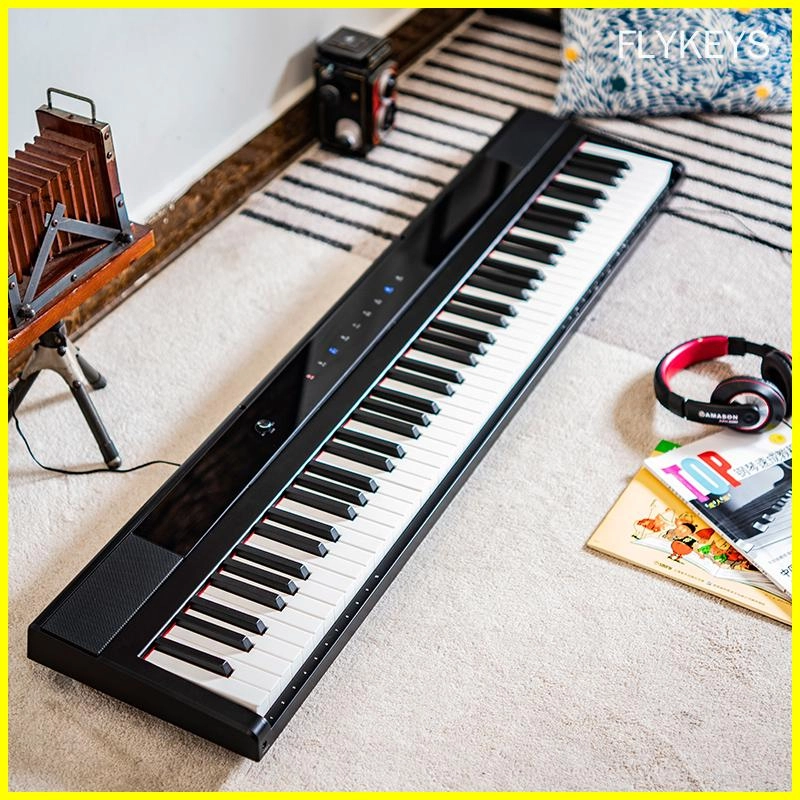
Best-Rated Electronic Pianos for Beginners in 2026: What to Buy and Why
Company
How long has your company been in the electronic piano manufacturing business?
Pearl River Piano has acoustic piano manufacturing experiences for more that 60 years history.
Guangzhou Pearl River Amason Digital Musical Instrument Co.,Ltd., a subsidiary company of Pearl River Piano Group, founded in 2008, and focused on developing and manufacturing digital musical instrument which is one of the three pillar business industries of Pearl River Piano Group.
What is your company's mission?
Our mission is capture the zeitgeist, enjoy the quality lifestyle.
Our vision is to be the TOP 1 Chinese digital musical instrument brand and enter International top list.
Products
Can I connect your electronic pianos to external devices?
Yes, our electronic pianos are equipped with connectivity options such as MIDI, USB, and Bluetooth for seamless integration with external devices.
Customization
Can I request additional features to be added to a standard model?
Yes, we offer customization services to accommodate specific feature requests, subject to feasibility and additional charges.
Logistics
How long does shipping typically take?
Shipping times vary depending on the destination and shipping method selected. Please refer to our shipping information page for estimated delivery times.
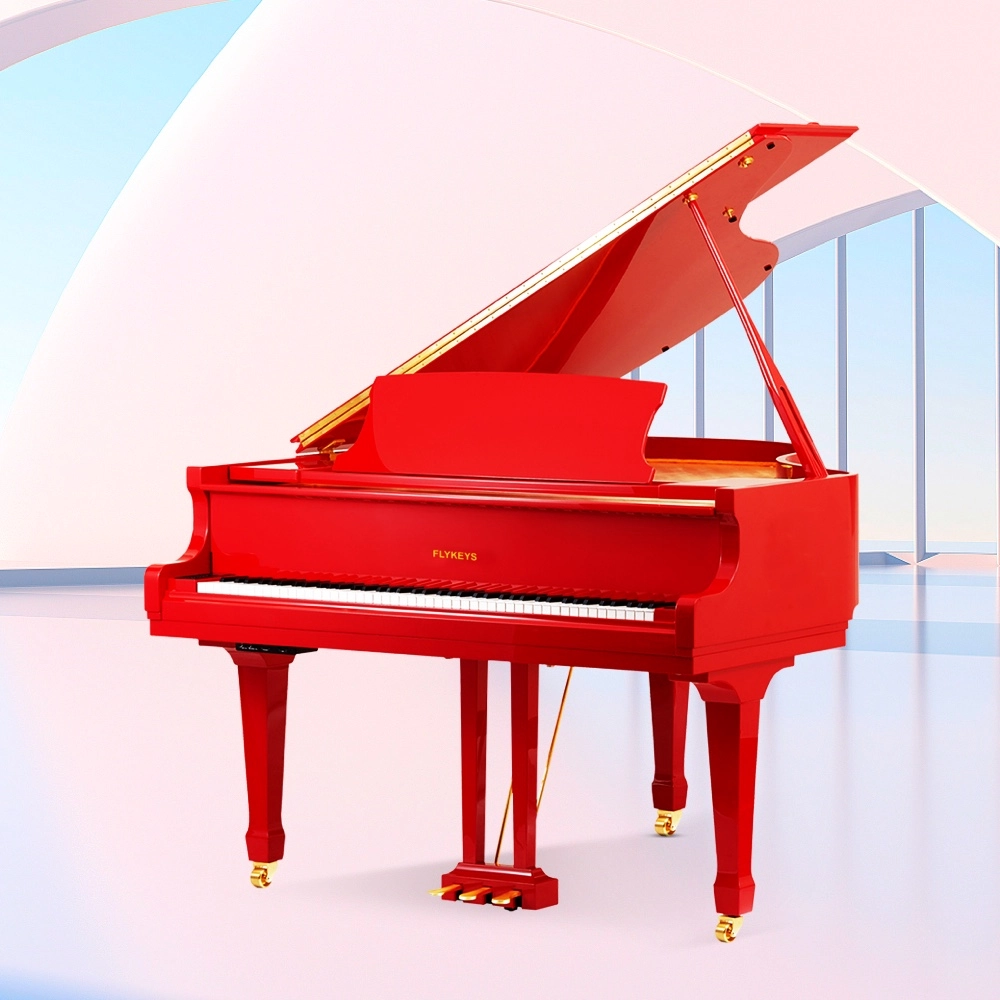
Flykeys Professional Digital Grand Piano FGP610 Digital Piano
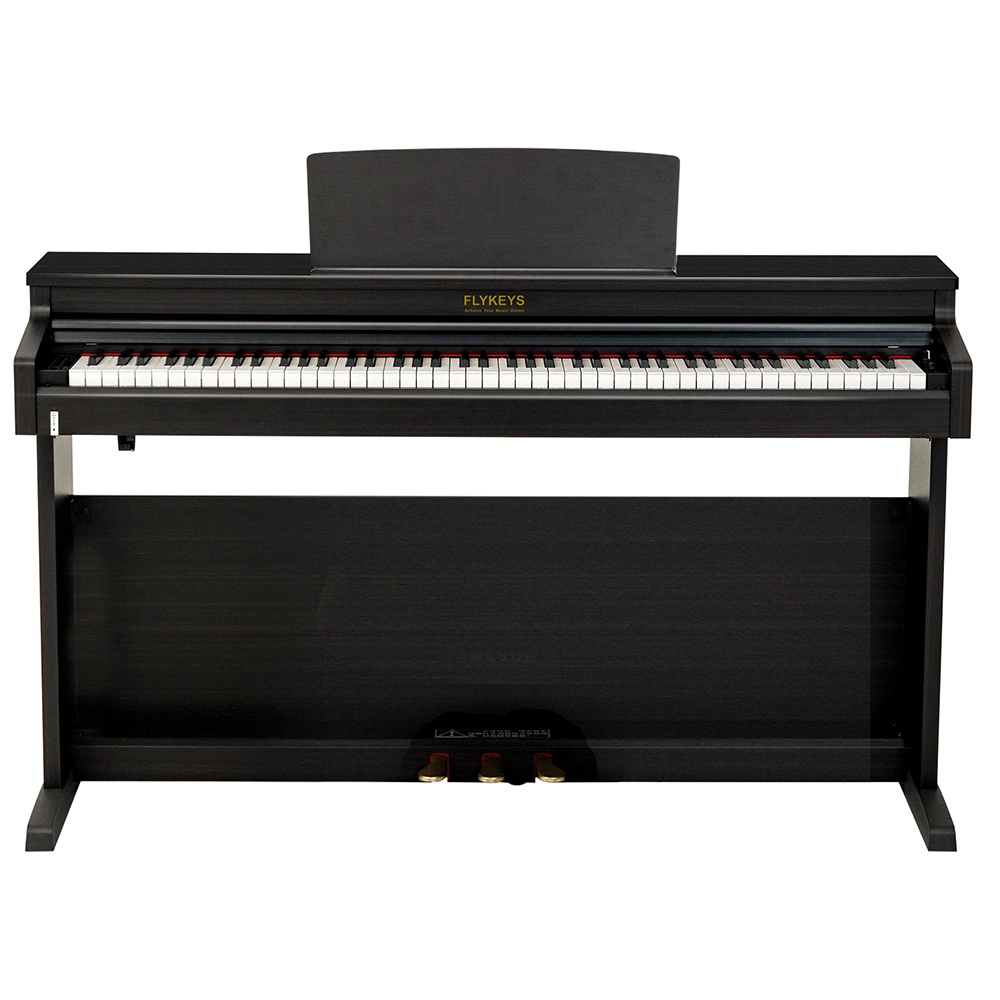
Flykeys Upright Digital Piano FDP 3
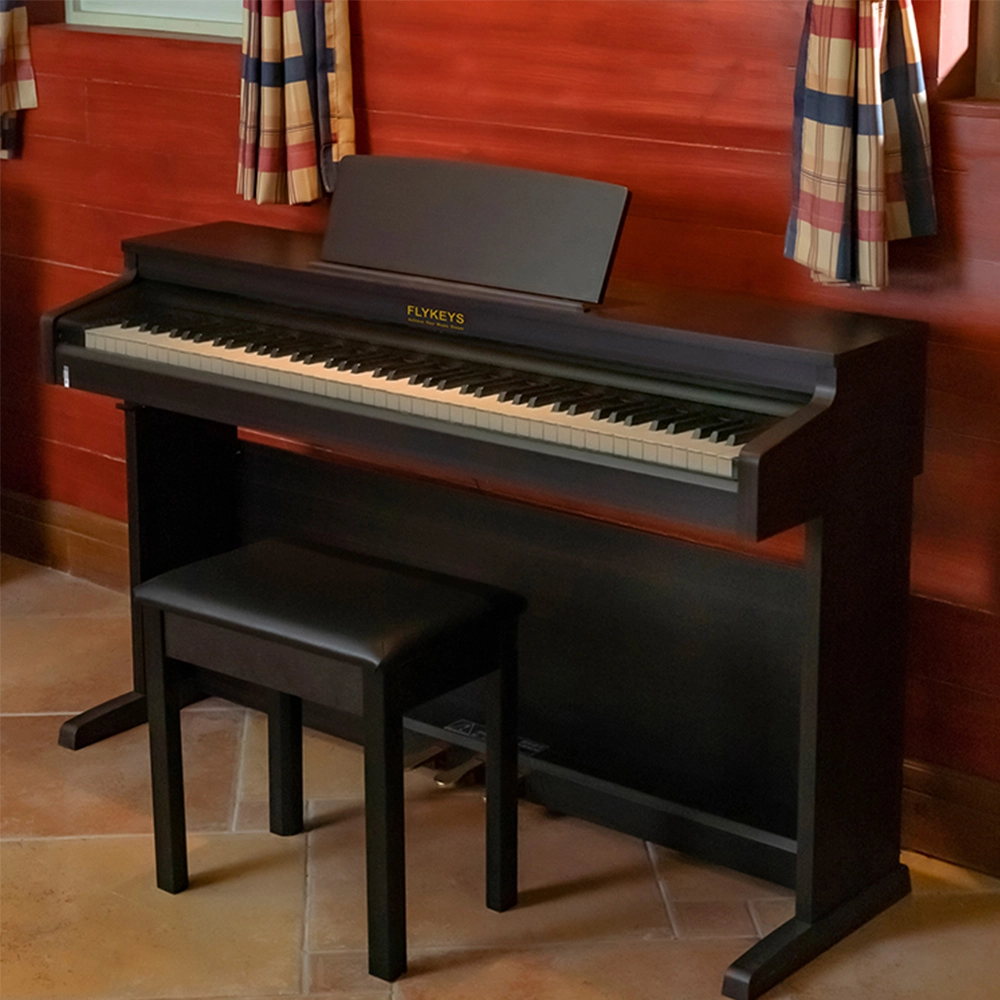
Flykeys Upright Electric Piano Built-In Speakers Music Instrument FD05 Digital Piano
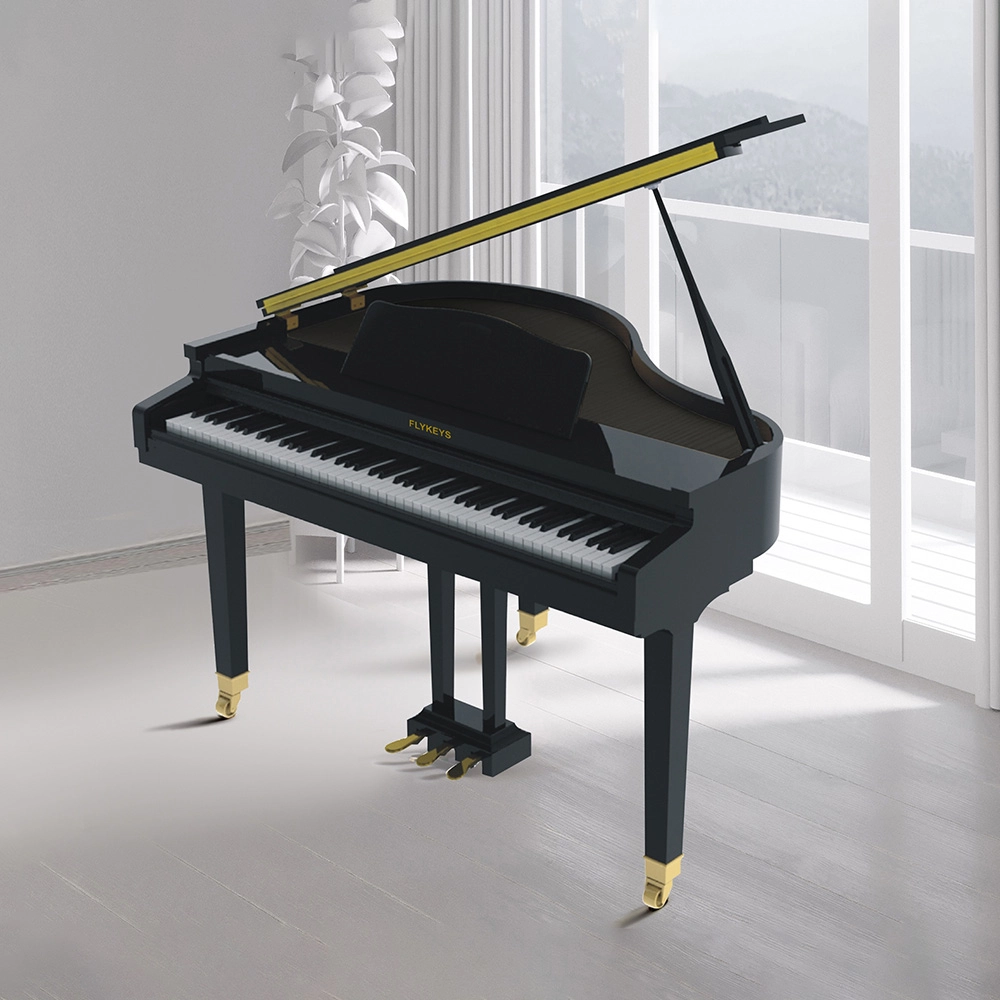
Flykeys 88 Keys Professional Digital Grand Piano Hammer Action Keyboard FGP110 Digital Piano
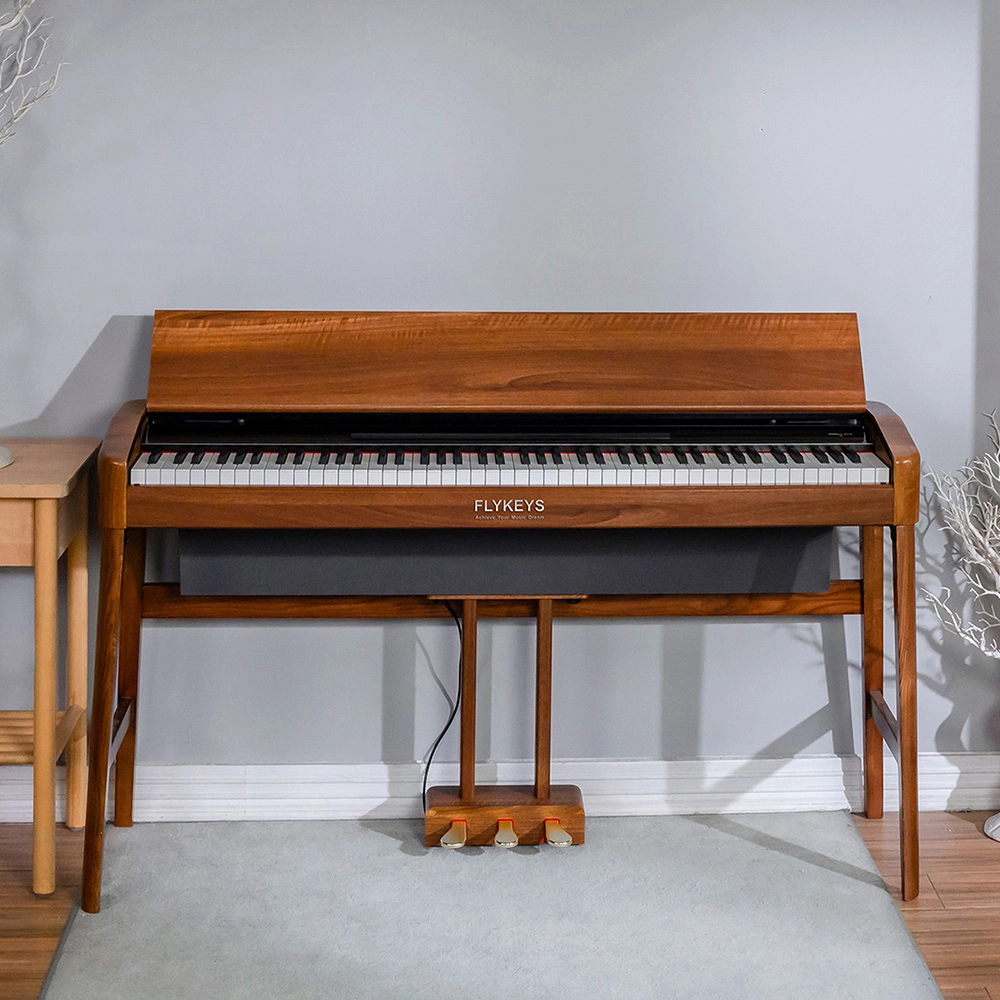
Flykeys Wooden Panel Piano Original Italian Imported Hammer Action Keyboard SK3 Digital Piano
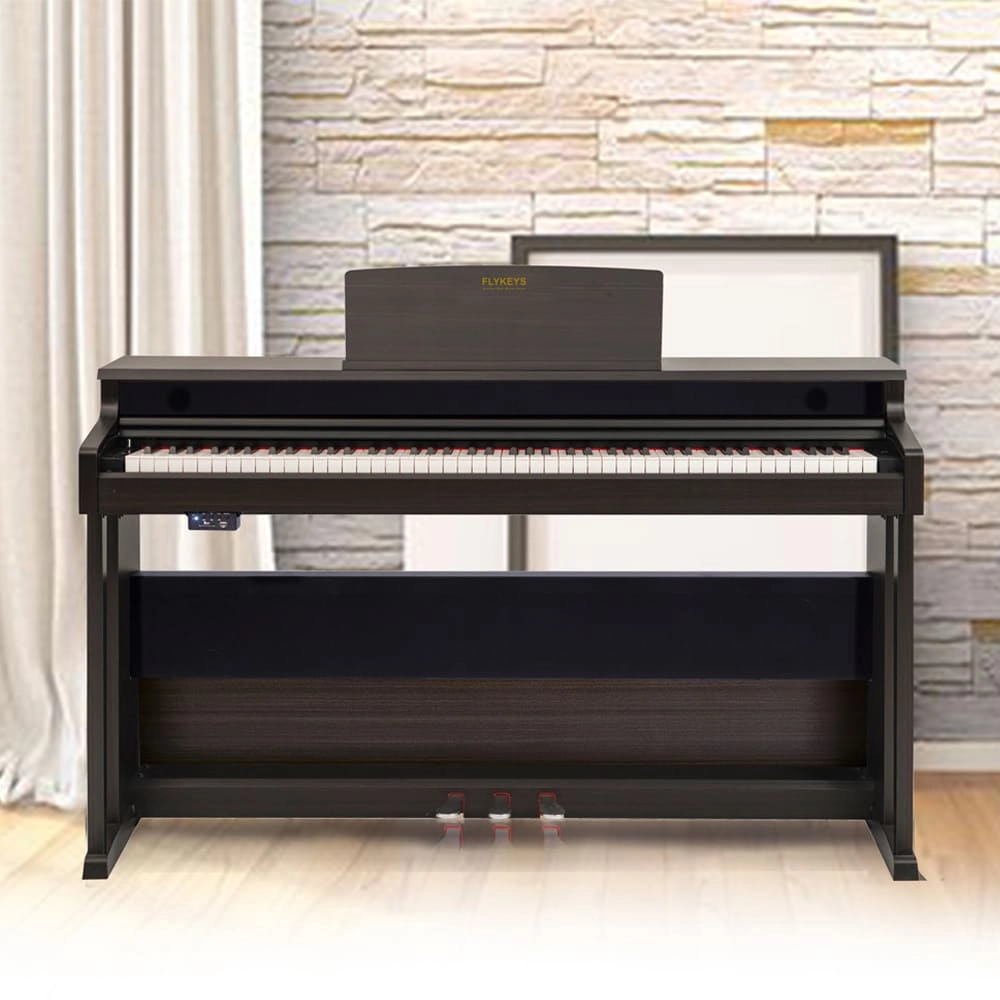
Flykeys Upright Piano Wooden Panel 88 KEYS Piano FK130 Digital Piano
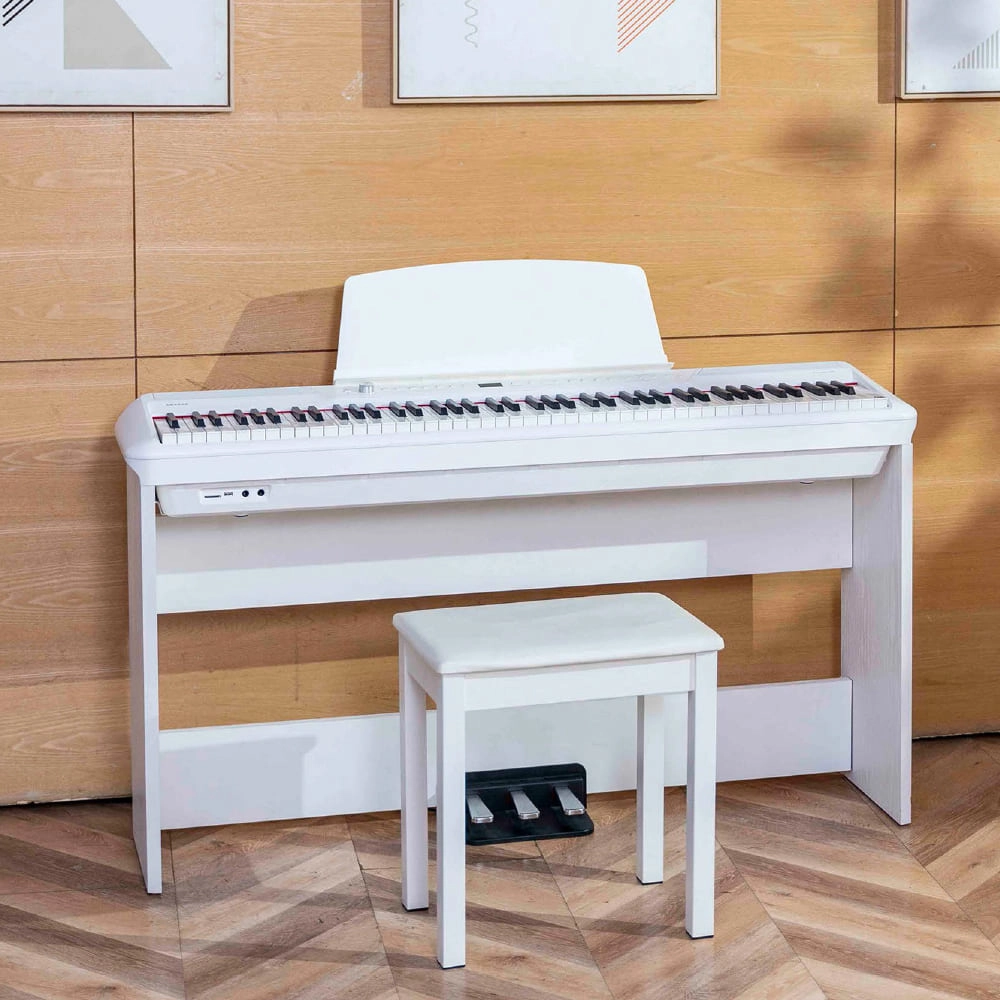
Flykeys Portable Electric Keyboard FP9 Digital Piano
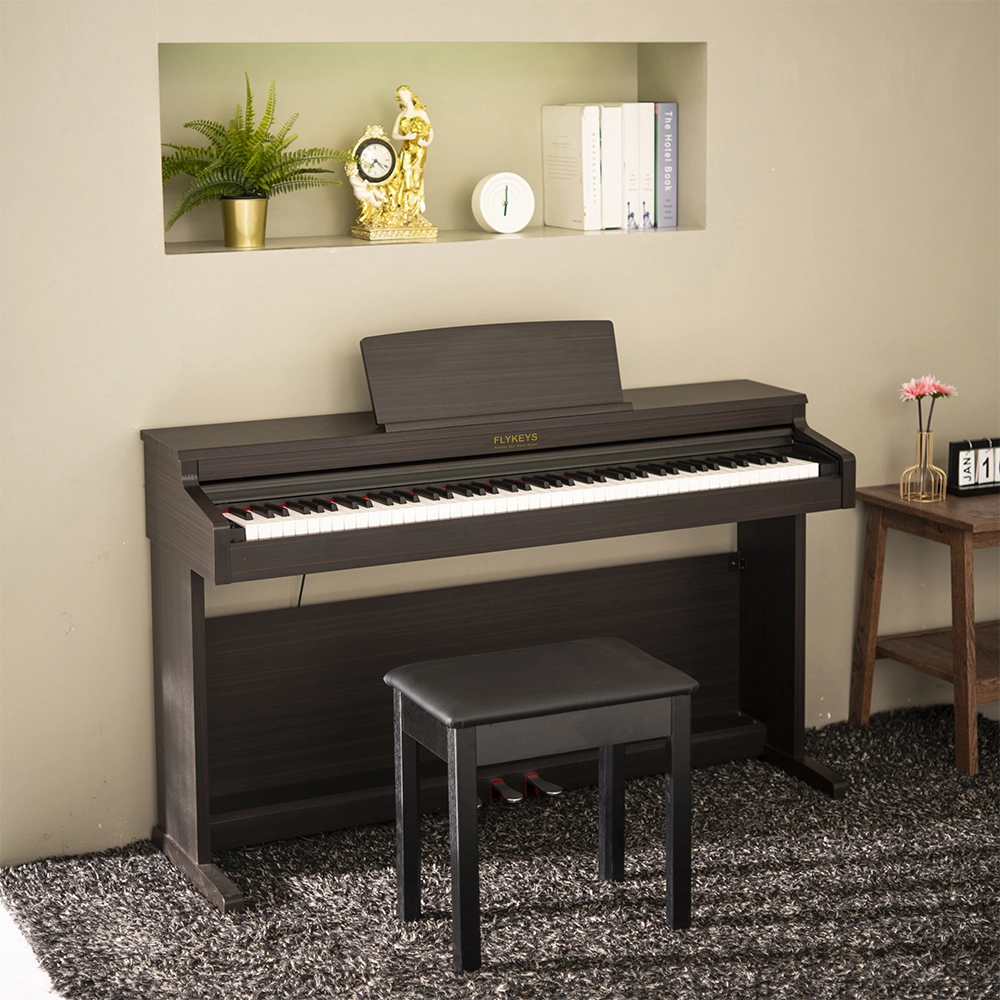
Flykeys 88 Keys Hammer Action keyboard Upright Piano LK03S Digital Piano
Get in touch with us
Have a question or inquiry about our digital pianos products? Leave us a message here and our team will get back to you promptly within 24 hours.
Whether you're interested in custom orders, technical specifications, or partnership opportunities, we're here to assist you.
Rest assured that your privacy is important to us, and all information provided will be handled with the utmost confidentiality.
Address: No. 38 Xiangshan Avenue, Zengcheng Economic And Technological Development Zone, Guangzhou, China.
FOLLOW US:


© 2024 FLYKEYS All Rights Reserved. 粤ICP备2020102774号. Designed by gooeyun Sitemap | Privacy | Terms