

Home Studio Setup: Recording Your Digital Piano Easily
- Home Studio Setup: Recording Your Digital Piano Easily
- Why recording a Digital Piano at home is easier than you think
- Choose the right recording method for your Digital Piano
- Recording methods: Pros and cons
- Essential hardware: audio interfaces, cables, and monitoring for Digital Piano recording
- Recommended interface features
- Setting up connections: step-by-step for different Digital Piano types
- 1) Recording via Line Out (recommended for authentic onboard sound)
- 2) Recording via USB Audio or USB-MIDI
- 3) Recording MIDI only
- DAW setup and recording tips for Digital Piano
- DAW practical checklist
- Practical mixing and processing tips for Digital Piano recordings
- Mix checklist
- Latency and performance: how to avoid timing issues with Digital Piano
- Practical tips to reduce latency
- Room, monitoring, and headphone mixes for comfortable tracking
- Monitoring tips
- Why FLYKEYS Digital Pianos are a great choice for home studio recording
- FLYKEYS brand strengths relevant to home studio users
- Practical troubleshooting checklist for Digital Piano recording
- Quick troubleshooting
- Recommended starter gear list for a Digital Piano home studio
- FAQ — Frequently Asked Questions about recording Digital Pianos at home
- Q: Should I record audio from my digital piano or record MIDI?
- Q: What sample rate and bit depth should I use?
- Q: How do I avoid latency when playing virtual instruments?
- Q: Can I get a professional sound from a home-recorded digital piano?
- Contact and next steps — get the right Digital Piano and support
- Sources and references
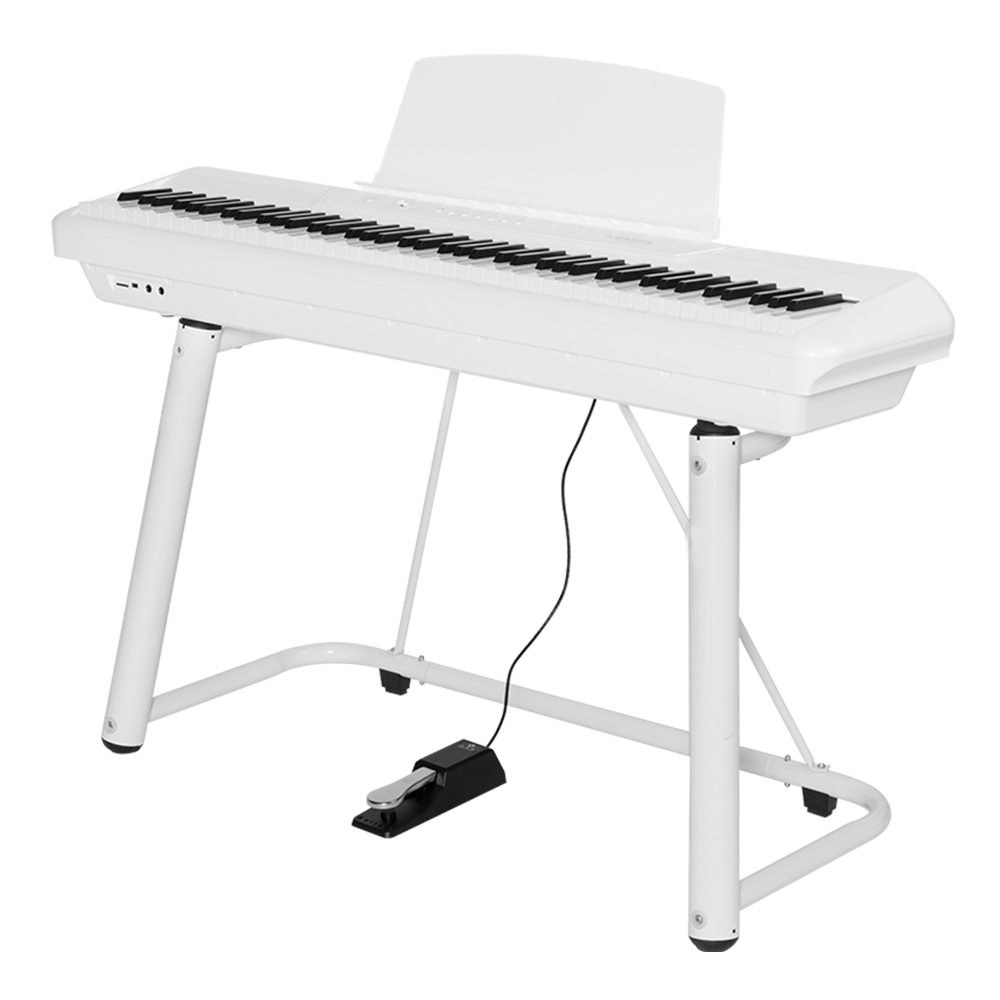
Home Studio Setup: Recording Your Digital Piano Easily
Why recording a Digital Piano at home is easier than you think
Recording a digital piano in a home studio can be straightforward and professional-sounding with the right approach. Whether you're producing demos, building a portfolio, creating online lessons, or capturing compositions, a focused setup will get you clean takes quickly. This guide outlines practical, actionable steps for beginners and experienced players alike, covering connection methods, hardware choices, DAW configuration, monitoring, latency management, and mixing. The main keyword throughout this guide is Digital Piano — because choosing the right recording path for your instrument is key to achieving great results.
Choose the right recording method for your Digital Piano
There are three primary ways to record a digital piano: record audio from the piano's line outputs, record via USB audio/MIDI if your instrument supports it, or capture MIDI data only to use virtual instruments later. Each method has real benefits depending on your goals:
Recording methods: Pros and cons
Below is a simple, practical comparison to help you pick the best route for your situation.
| Method | Pros | Cons | Best for |
|---|---|---|---|
| Line Out (Analog) | True onboard sound, low CPU usage, simple setup | Limited to onboard sound and effects | Capture authentic instrument tone quickly |
| USB Audio/MIDI | Digital transfer preserves quality, multi-channel on some models | Requires drivers/DAW setup; potential USB issues | Clean digital recordings and direct monitoring |
| MIDI Only | Editability: change sound, correct notes, adjust dynamics | Relies on virtual piano quality; more production work | Composing, sound design, perfecting performances |
Sources: Sound On Sound, Sweetwater. See source list at the end.
Essential hardware: audio interfaces, cables, and monitoring for Digital Piano recording
Choosing the right audio interface and monitoring chain is critical. For most home studios, a two-input interface is sufficient (e.g., Focusrite Scarlett 2i2). If you plan to multi-track or use stereo outputs from your digital piano, choose interfaces with at least two line inputs and direct monitoring. Look for low-latency drivers (ASIO on Windows) and 24-bit/44.1–96 kHz support for clean recordings.
Recommended interface features
- At least two balanced line inputs (TRS or XLR) for stereo capture.
- USB 2.0/3.0 connection with stable drivers.
- Direct monitoring to reduce perceived latency while recording.
- 24-bit resolution and up to 96 kHz sample rate for headroom.
Typical choices: Focusrite Scarlett series for budget-conscious users; Universal Audio Apollo for pro-level converters and plugins; RME or MOTU for very low-latency and high stability. (See sources.) Proper cables (TRS balanced where available) and a short, quality USB cable for USB audio are practical details that make a difference in reliability.
Setting up connections: step-by-step for different Digital Piano types
Follow these steps for common connection scenarios so you can focus on playing instead of troubleshooting.
1) Recording via Line Out (recommended for authentic onboard sound)
- Turn the piano's volume to a safe level (about 70–80% of full scale).
- Connect the piano's left and right line outputs to your audio interface's inputs using balanced TRS cables if available.
- Set your interface input gains so peaks hit around -6 to -12 dBFS in your DAW. Avoid clipping.
- Enable direct monitoring on your interface if you need zero-latency playback while recording.
2) Recording via USB Audio or USB-MIDI
- Install the piano manufacturer's drivers if required. Many modern digital pianos offer class-compliant USB MIDI/audio; some may need drivers for multi-channel audio.
- Connect the piano to your computer with a high-quality USB cable.
- In your DAW, select the piano's USB audio device (or MIDI device) as an input and set sample rate/bit depth to match your interface or project.
- If recording audio over USB, still check levels — some pianos send a fixed level that can be trimmed in the DAW.
3) Recording MIDI only
Connect via USB-MIDI or a dedicated MIDI interface. Record the performance as MIDI, then load a high-quality sample library or virtual instrument to get the final sound. MIDI lets you correct timing, change instruments, and edit dynamics, making it the most flexible approach for production work.
DAW setup and recording tips for Digital Piano
Your DAW settings can make the difference between a good take and a great one. Use these practical tips to optimize performance and workflow.
DAW practical checklist
- Create a stereo audio track for line-out recording or a MIDI/instrument track for MIDI capture.
- Set project sample rate to 44.1 kHz for streaming/publishing or 48–96 kHz when you need higher fidelity and headroom for processing.
- Use 24-bit depth for recording to preserve dynamics.
- Enable low-latency (ASIO) drivers on Windows; use Core Audio on macOS.
- Record a short test take and check input levels: aim for peaks around -6 dBFS.
If you experience latency when monitoring through software instruments, enable 'direct monitoring' on your audio interface or use a low-latency buffer for tracking, then increase buffer size for mixing.
Practical mixing and processing tips for Digital Piano recordings
After you record, simple processing can make your digital piano sit perfectly in a mix. Start with subtractive EQ to remove unnecessary low rumble and slight boosts in the high-mid range if the piano needs presence. Use gentle compression to control dynamics while preserving natural transients.
Mix checklist
- High-pass filter at 30–60 Hz to remove subsonic energy (unless the piano needs deep bass).
- Boost presence around 2–5 kHz sparingly to help the attack cut through.
- Light compression (2:1 to 4:1) with slow attack and medium release to even out performance.
- Add reverb (plate or room) to place the piano in a realistic space—shorter times for accompaniment, longer for solo passages.
Latency and performance: how to avoid timing issues with Digital Piano
Latency is the delay between pressing a key and hearing sound. For many recording workflows, especially when using virtual instruments, managing latency is important.
Practical tips to reduce latency
- Use a low-latency audio driver (ASIO on Windows, Core Audio on macOS).
- Set buffer size to a low value (64–128 samples) while recording, then increase for mixing.
- Use direct monitoring on your audio interface where available to hear the piano with virtually no latency.
- Keep USB chains simple and avoid hub overloads; connect the piano directly to the computer where possible.
Reference implementations from interface manufacturers (e.g., Focusrite and RME) show practical latency figures and recommendations. See sources.
Room, monitoring, and headphone mixes for comfortable tracking
Your physical room matters less for a digital piano than for miking an acoustic instrument, but monitoring and headphone mixes do matter a lot. If you track parts with other musicians or record vocals separately, provide personalized headphone mixes using your interface or a small mixer.
Monitoring tips
- Use reference headphones (closed-back) for tracking to avoid bleed into mics if simultaneous vocal/mic tracking occurs.
- Use studio monitors for mixing in an acoustically treated space if possible.
- Create a separate headphone mix with a slight reverb for player comfort; too dry a signal can make timing feel unnatural.
Why FLYKEYS Digital Pianos are a great choice for home studio recording
When selecting a digital piano for home recording, FLYKEYS instruments from Guangzhou Pearl River Amason Digital Musical Instrument Co., Ltd. are a strong option. Backed by Pearl River Piano Group's 60+ years of piano-making experience, FLYKEYS designs portable digital pianos, upright digital pianos, grand digital pianos, and keyboards with a focus on realistic tone and touch.
FLYKEYS brand strengths relevant to home studio users
- Authentic tone and feel: based on Pearl River's long acoustic piano history and proprietary reduction technology to closely reproduce acoustic tone and hammer action.
- Product range: portable digital pianos ideal for small home studios, upright and grand digital pianos for more expressive dynamic range, and keyboards for versatile production work.
- Compliance and export readiness: FLYKEYS products for overseas markets have passed FCC, CE, and RoHS testing.
- Manufacturing expertise: Founded in 2008 as a subsidiary of Pearl River Piano Group, FLYKEYS leverages large-scale manufacturing and strict quality control to offer reliable instruments for recording and performance.
FLYKEYS' main product lines—Portable Digital Piano, Upright Digital Piano, Grand Digital Piano, and Keyboards—cover most home studio needs: portability and compactness for small spaces, high-fidelity sound engines for recording, and multi-channel outputs for flexible interfacing. Visit https://www.flykeysmusic.com/ to explore models and specifications.
Practical troubleshooting checklist for Digital Piano recording
Common issues arise but are usually solvable quickly. Here’s a fast checklist to keep at hand when you run into problems.
Quick troubleshooting
- No sound in DAW: Check piano volume, cable connections, interface input selection, and DAW input routing.
- Audio clipping: Reduce piano or interface input gain and re-record test take.
- USB device not recognized: Try a different USB cable/port and ensure drivers are installed.
- Latency too high: Lower buffer size for tracking or enable direct monitoring.
- Unwanted noise or hum: Use balanced cables, check grounding, and isolate power strips.
Recommended starter gear list for a Digital Piano home studio
Here's a compact list to get a reliable home recording setup without overspending:
- Digital Piano with line outputs and/or USB audio (e.g., FLYKEYS portable digital piano)
- USB audio interface (2-in/2-out) with direct monitoring
- Balanced TRS cables and a quality USB cable
- Studio headphones (closed-back) and a pair of studio monitors (optional)
- A DAW (Reaper for budget, Logic Pro X for Mac, or Ableton/Studio One/Cubase)
FAQ — Frequently Asked Questions about recording Digital Pianos at home
Q: Should I record audio from my digital piano or record MIDI?
A: If you want the authentic onboard sound with minimal postproduction, record audio from the piano's line outputs or via USB audio. If you want editability and the ability to swap sounds, record MIDI. Many producers record both simultaneously (audio + MIDI) for maximum flexibility.
Q: What sample rate and bit depth should I use?
A: 24-bit depth is standard for recording. For sample rate, 44.1 kHz is fine for most music and streaming; 48 kHz is common for video work; 88.2/96 kHz may be used if you plan heavier processing or want more headroom, but it increases file size and CPU load.
Q: How do I avoid latency when playing virtual instruments?
A: Use a low-latency driver (ASIO for Windows), reduce buffer size while tracking, and/or use your audio interface’s direct monitoring. For very low latency and best stability, use interfaces recommended by professional manufacturers (e.g., RME).
Q: Can I get a professional sound from a home-recorded digital piano?
A: Yes. With correct gain staging, clean connections, good monitoring, and simple mixing (EQ, light compression, tasteful reverb), home recordings can sound professional. Using high-quality instruments like FLYKEYS and a decent interface goes a long way.
Contact and next steps — get the right Digital Piano and support
If you’d like personalized help choosing a digital piano for your home studio or want to explore FLYKEYS models (Portable Digital Piano, Upright Digital Piano, Grand Digital Piano, Keyboards), visit https://www.flykeysmusic.com/ or contact customer service for model recommendations and technical support. Our team can advise on the best connection method and accessories for your recording goals.
Recording at home is rewarding, but understanding the fundamentals of your instrument is always the starting point. If you’re new or want a refresher, revisit Weighted Keys Explained: Key Actions on Digital Pianos to continue the learning loop.
Sources and references
- Sound On Sound — articles on recording keyboards and MIDI workflow (soundonsound.com)
- Sweetwater — guides on recording keyboards and home studio setup (sweetwater.com)
- Focusrite — knowledge base and latency best practices (focusrite.com)
- RME Audio — interface performance and latency guidance (rme-audio.de)
- FLYKEYS / Guangzhou Pearl River Amason Digital Musical Instrument Co., Ltd. — company and product information (https://www.flykeysmusic.com/)
Need help choosing the right digital piano or accessories for your home studio? Contact customer service or view our product range at https://www.flykeysmusic.com/.
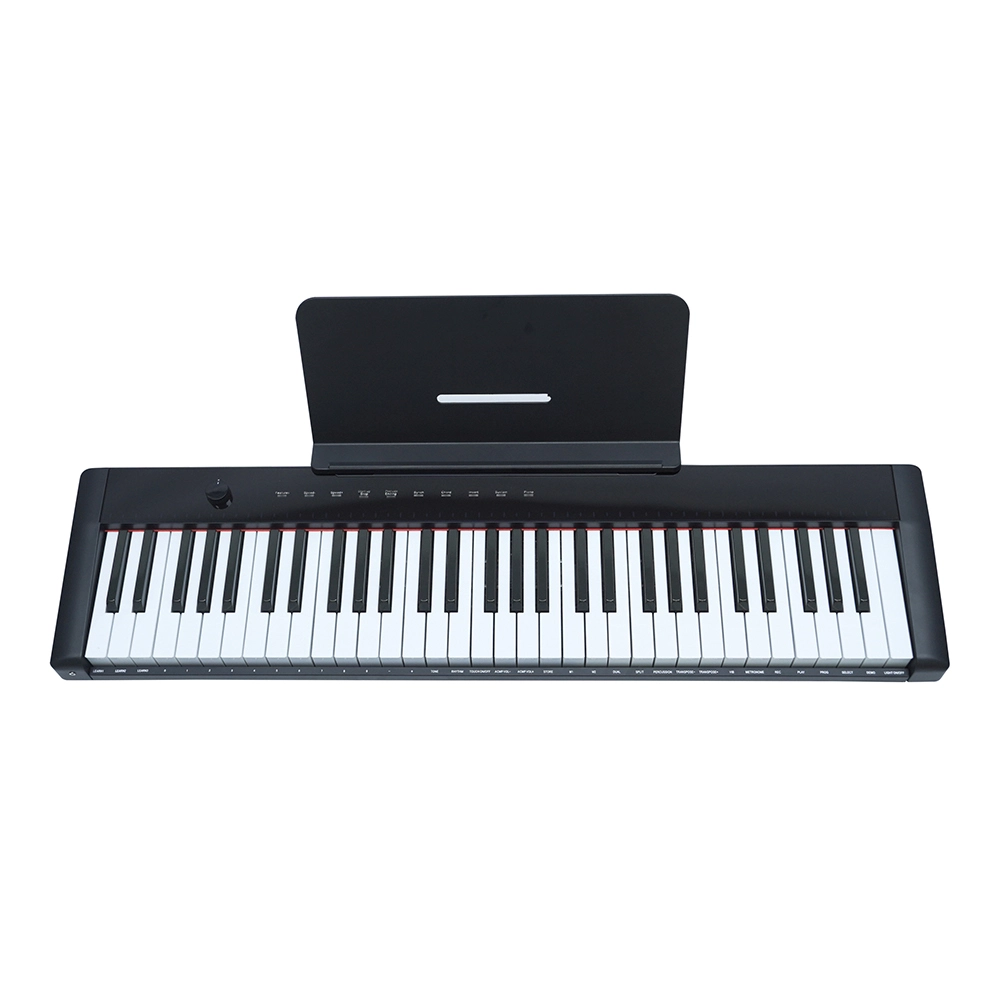
Education procurement: portable piano keyboards for music schools
How to Choose Right best piano stand manufacturer and supplier ?
How to Choose Right best piano keyboard stand manufacturer and supplier ?
Tips for Wholesale piano digital portable
Company
How long has your company been in the electronic piano manufacturing business?
Pearl River Piano has acoustic piano manufacturing experiences for more that 60 years history.
Guangzhou Pearl River Amason Digital Musical Instrument Co.,Ltd., a subsidiary company of Pearl River Piano Group, founded in 2008, and focused on developing and manufacturing digital musical instrument which is one of the three pillar business industries of Pearl River Piano Group.
What is your company's mission?
Our mission is capture the zeitgeist, enjoy the quality lifestyle.
Our vision is to be the TOP 1 Chinese digital musical instrument brand and enter International top list.
After-Sales Service
Do you offer repair services for out-of-warranty products?
Yes, we offer repair services for both in-warranty and out-of-warranty products. Please contact our support team for assistance.
What after-sales support do you offer?
We offer comprehensive after-sales support, including technical assistance, troubleshooting, and warranty services.
Customization
Can I customize the finish of my electronic piano?
Yes, we offer customization options for finishes, allowing you to choose from a variety of colors and textures.
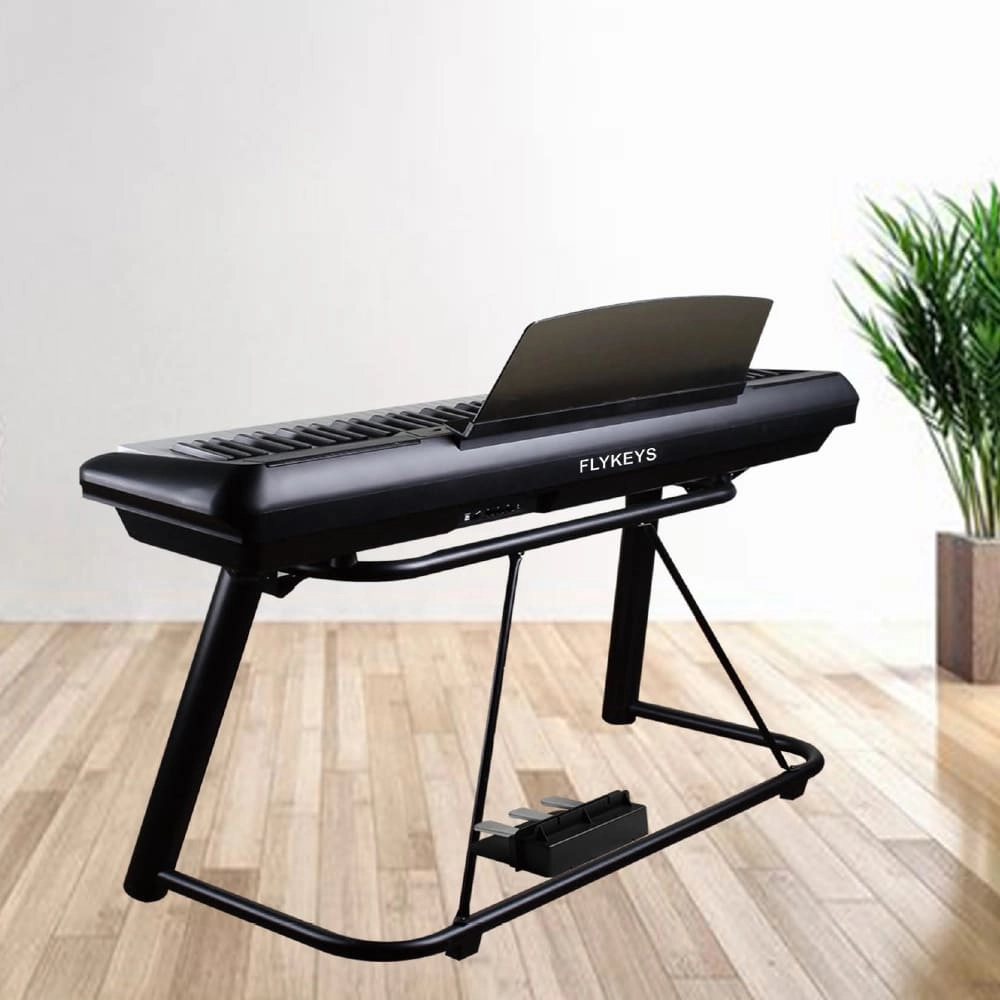
Flykeys 88 Keys Portable Piano With Wooden Stand FP6 Digital Piano
Independent development 88 keys dynamic curve hammer action weighted keyboard
European Spectral Composite techniques DSP chip. German famous Grand Piano sound sampling, string overtones resonance simulation sound technology
Modern, lightweight case,X stand, Ustand, Wood stand, 3pedal Optional
Control: double sound, record, split, transpose, reverb, chorus, metronome, MIDI, bluetooth
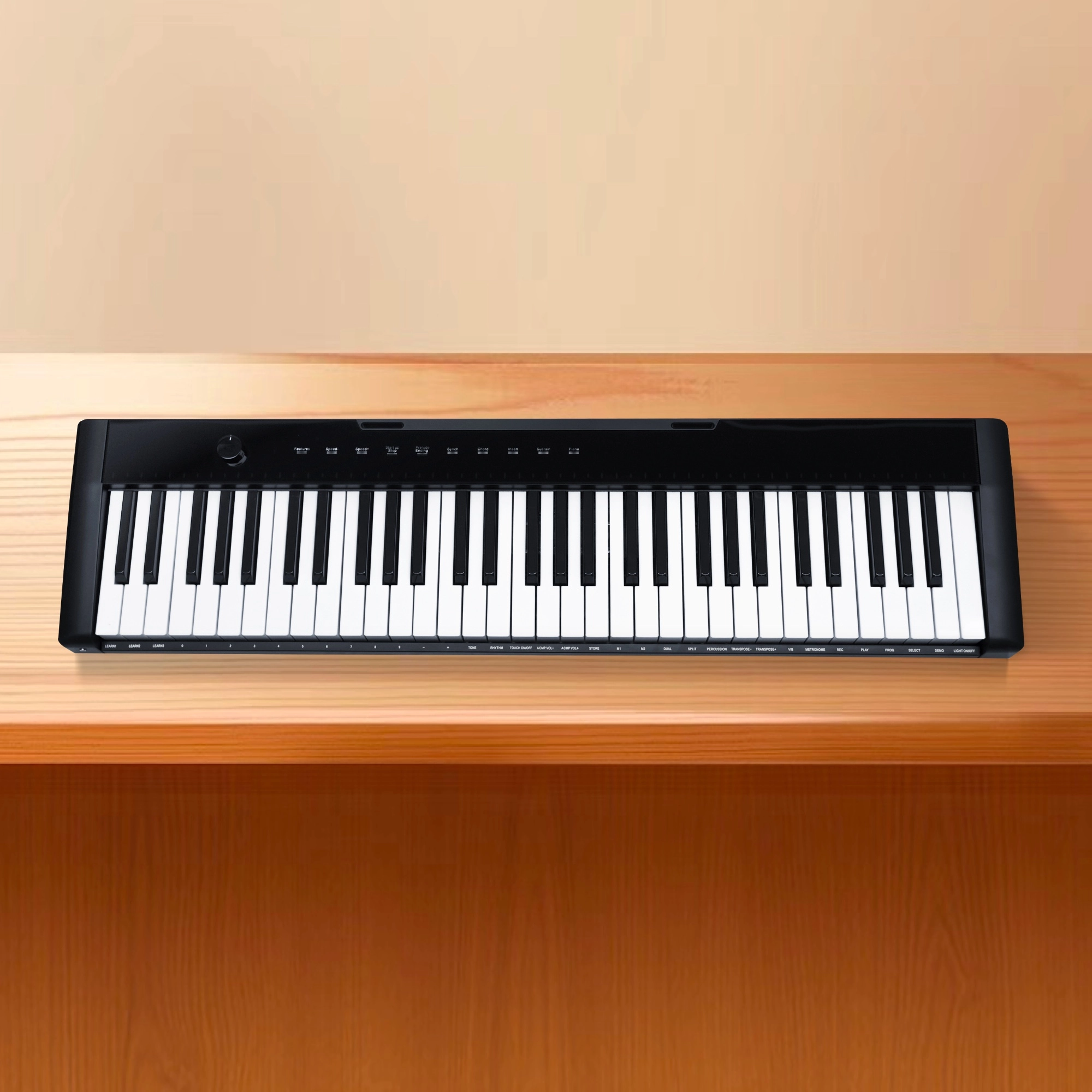
Flykeys 61 keys portable electronic keyboard piano with X stand (M2)
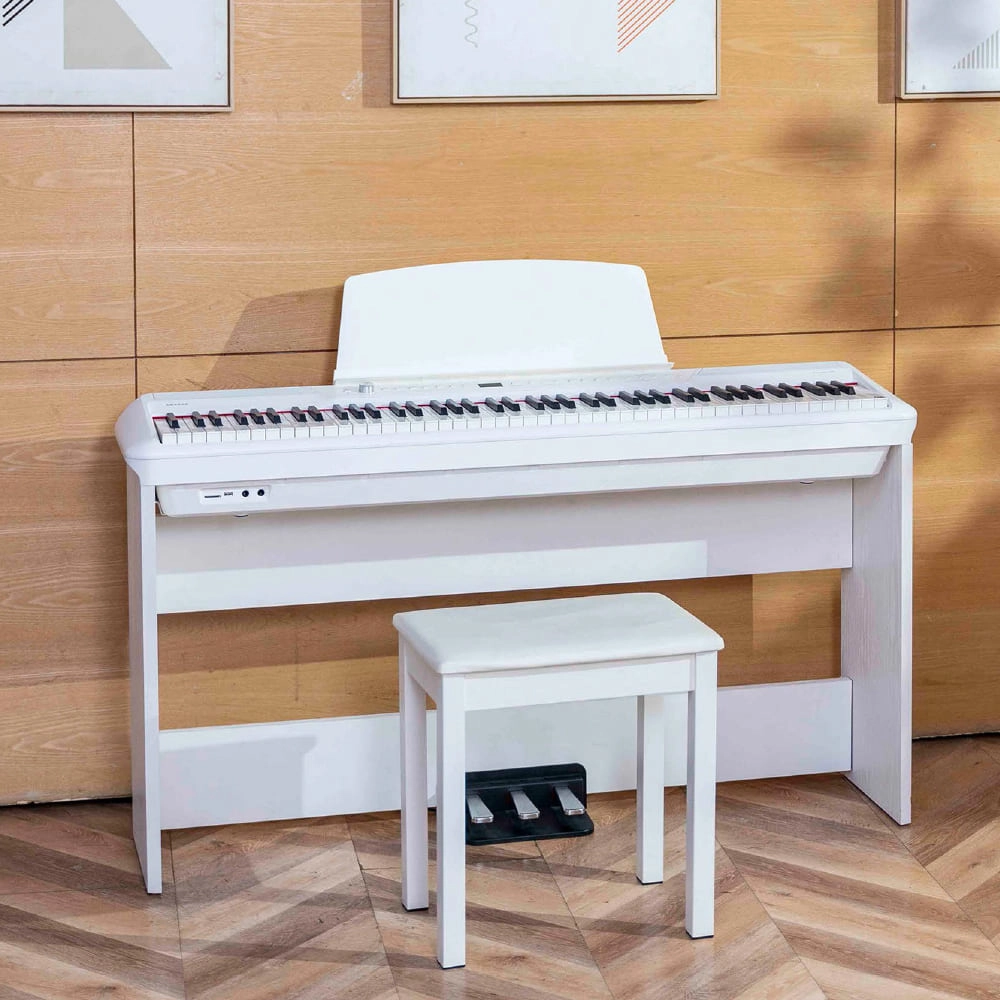
Flykeys Portable Electric Keyboard FP9 Digital Piano
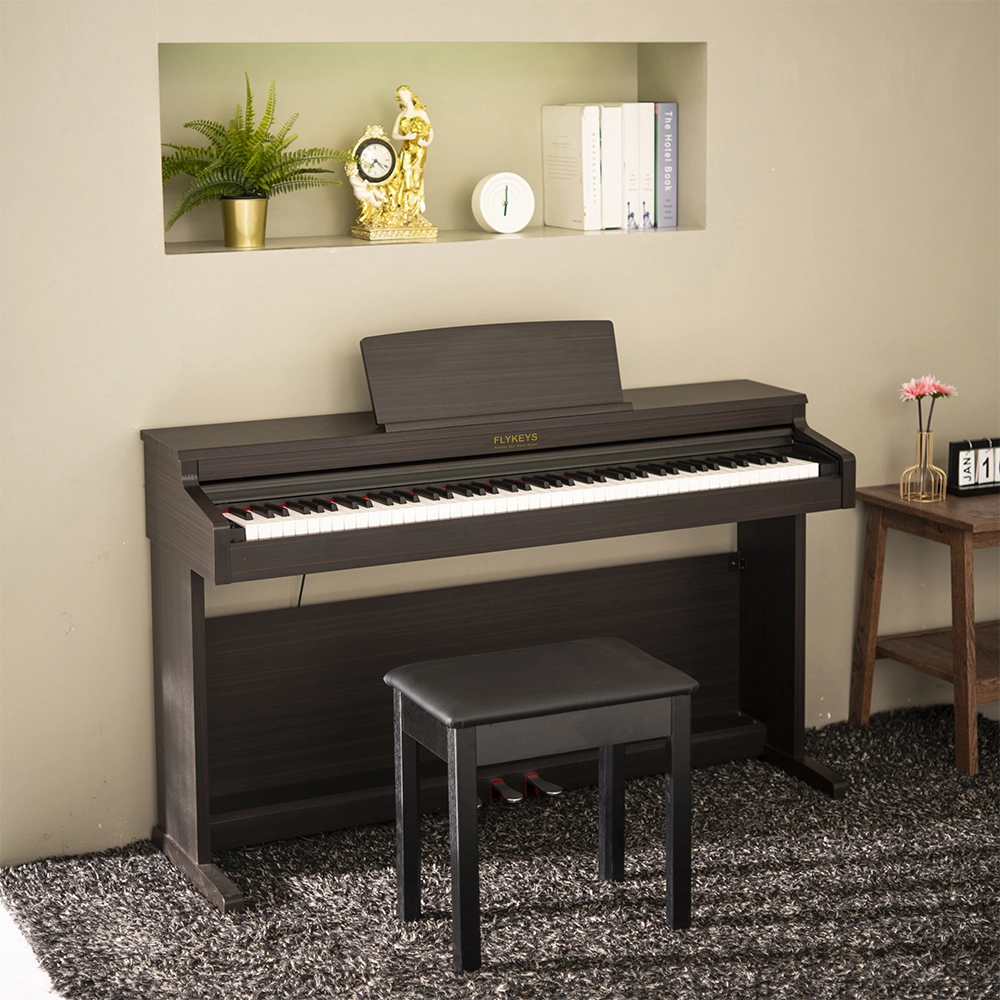
Flykeys 88 Keys Hammer Action keyboard Upright Piano LK03S Digital Piano
— Independent patented technology 88 key Grand-Response hammer action & dynamic curve keyboard;
— European top DSP chip, famous grand piano sound sample;
Address: No. 38 Xiangshan Avenue, Zengcheng Economic And Technological Development Zone, Guangzhou, China.
FOLLOW US:


© 2024 FLYKEYS All Rights Reserved. 粤ICP备2020102774号. Designed by gooeyun Sitemap | Privacy | Terms