

how to connect a digital piano to a computer | FLYKEYS Guide
This guide explains how to connect a digital piano to a computer, covering USB, MIDI, and audio connections. Ideal for professionals looking to enhance their workflow with FLYKEYS digital pianos.
# How to Connect a Digital Piano to a Computer
Connecting a digital piano to a computer opens up a world of possibilities for music production, recording, and MIDI control. Whether you're a composer, producer, or performer, this guide will walk you through the process step-by-step, ensuring a seamless connection for your FLYKEYS digital piano.
What You’ll Need
Before you begin, gather the following:
- A digital piano with USB or MIDI connectivity
- A computer with compatible software (DAW, MIDI editor, etc.)
- A USB cable or MIDI-to-USB adapter
- Audio interface (optional, for direct audio recording)
Step 1: Choose the Right Connection Method
USB Connection
Most modern digital pianos, including FLYKEYS models, feature USB ports for direct connection to a computer. Simply use a USB cable to link your piano to your computer. This method is ideal for MIDI data transfer and is plug-and-play on most systems.
MIDI Connection
If your piano has traditional MIDI ports (5-pin DIN), you’ll need a MIDI-to-USB adapter. Connect the MIDI OUT on your piano to the MIDI IN on the adapter, then plug the adapter into your computer.
Audio Connection
For recording high-quality audio, use an audio interface. Connect your piano’s audio outputs to the interface, then link the interface to your computer via USB.
Step 2: Install Necessary Drivers
Some digital pianos require specific drivers for optimal performance. Check the FLYKEYS website or your piano’s manual for driver downloads. Install them before proceeding.
Step 3: Configure Your Software
Open your DAW or MIDI software and select your digital piano as the input device. Ensure the software recognizes the MIDI or audio signal. Adjust settings like latency and buffer size for smooth performance.
Step 4: Test the Connection
Play a few notes on your digital piano to confirm the connection. If using MIDI, check that notes appear in your software. For audio, ensure the signal is clear and free of distortion.
Troubleshooting Tips
- No Signal? Double-check cable connections and ensure drivers are installed.
- Latency Issues? Adjust buffer settings in your software or use an ASIO driver.
- Audio Distortion? Lower the input gain on your audio interface.
Conclusion
Connecting a digital piano to a computer is straightforward with the right tools and knowledge. Whether you’re recording, composing, or controlling virtual instruments, FLYKEYS digital pianos are designed to integrate seamlessly into your workflow. Follow these steps, and you’ll be ready to create music with ease.
This guide ensures professionals can confidently connect their digital piano to a computer, unlocking new creative possibilities.
15 Best Portable Digital Pianos of 2026: The Only Comparison Guide You’ll Ever Need
Is the Flykeys FP9 Worth It? Our Real-Life Experience with the World’s Largest Piano Maker’s Digital Tech.
Best Digital Piano Keyboards for Beginners 2026: Your Ultimate Buying Guide

Best Digital Grand Pianos 2026: Ultimate Buyer's Guide for Authentic Sound & Feel
The Definitive Guide to Upright Digital Pianos: Blending Timeless Elegance with Modern Innovation in 2026
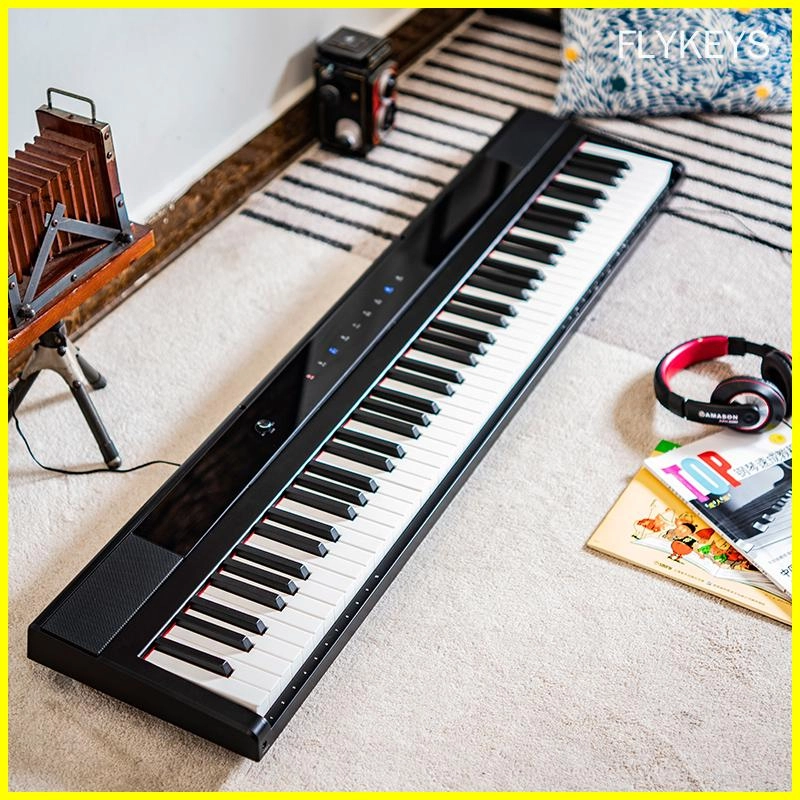
Best-Rated Electronic Pianos for Beginners in 2026: What to Buy and Why
Company
How long has your company been in the electronic piano manufacturing business?
Pearl River Piano has acoustic piano manufacturing experiences for more that 60 years history.
Guangzhou Pearl River Amason Digital Musical Instrument Co.,Ltd., a subsidiary company of Pearl River Piano Group, founded in 2008, and focused on developing and manufacturing digital musical instrument which is one of the three pillar business industries of Pearl River Piano Group.
Customization
Can I customize the finish of my electronic piano?
Yes, we offer customization options for finishes, allowing you to choose from a variety of colors and textures.
Can I request additional features to be added to a standard model?
Yes, we offer customization services to accommodate specific feature requests, subject to feasibility and additional charges.
Products
What products do you have?
We offer a diverse range of products, including digital portable piano, digital upright piano, digital grand piano, electronic drum set, piano silent system, audio equipment, interactive whiteboard, advertising machines, Smart TV, Touch Screen,etc.
Logistics
Can l track my order during shipping?
Yes, tracking information will be provided once your order has been shipped, allowing you to monitor its progress.
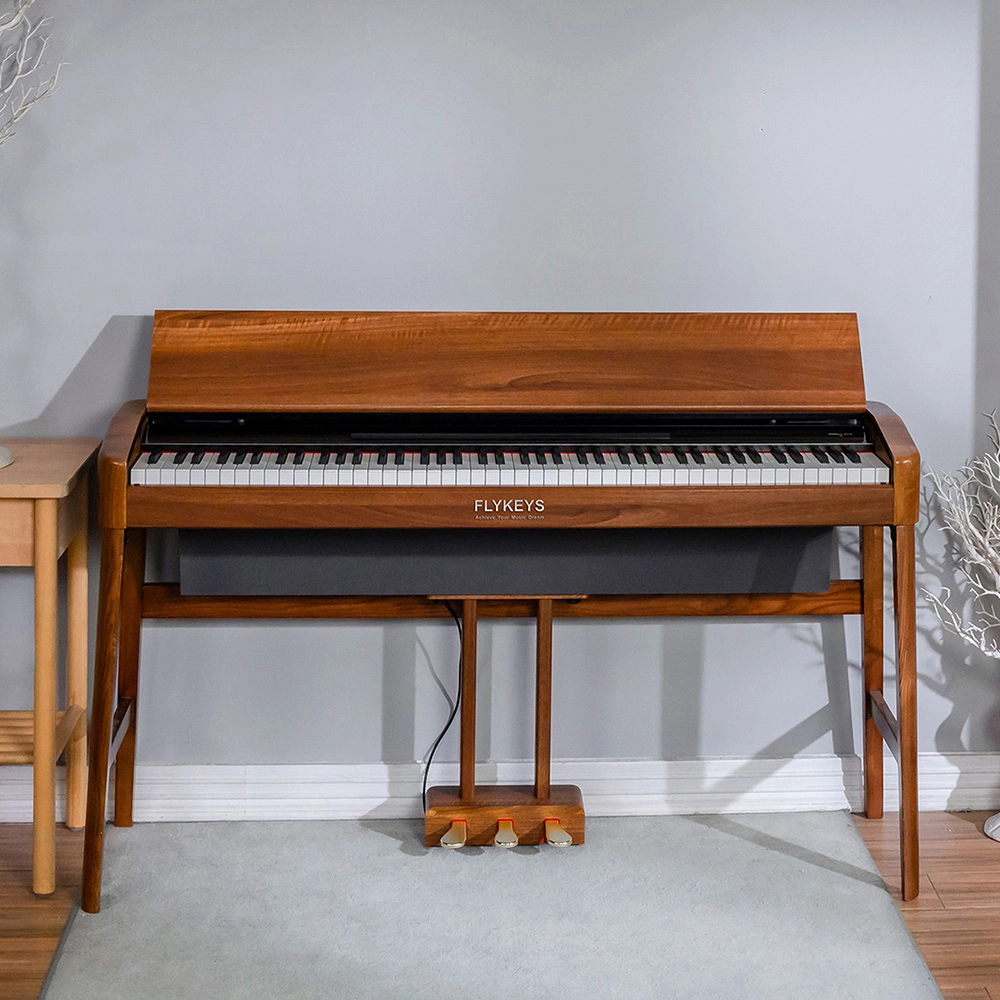
Flykeys Wooden Panel Piano Original Italian Imported Hammer Action Keyboard SK3 Digital Piano
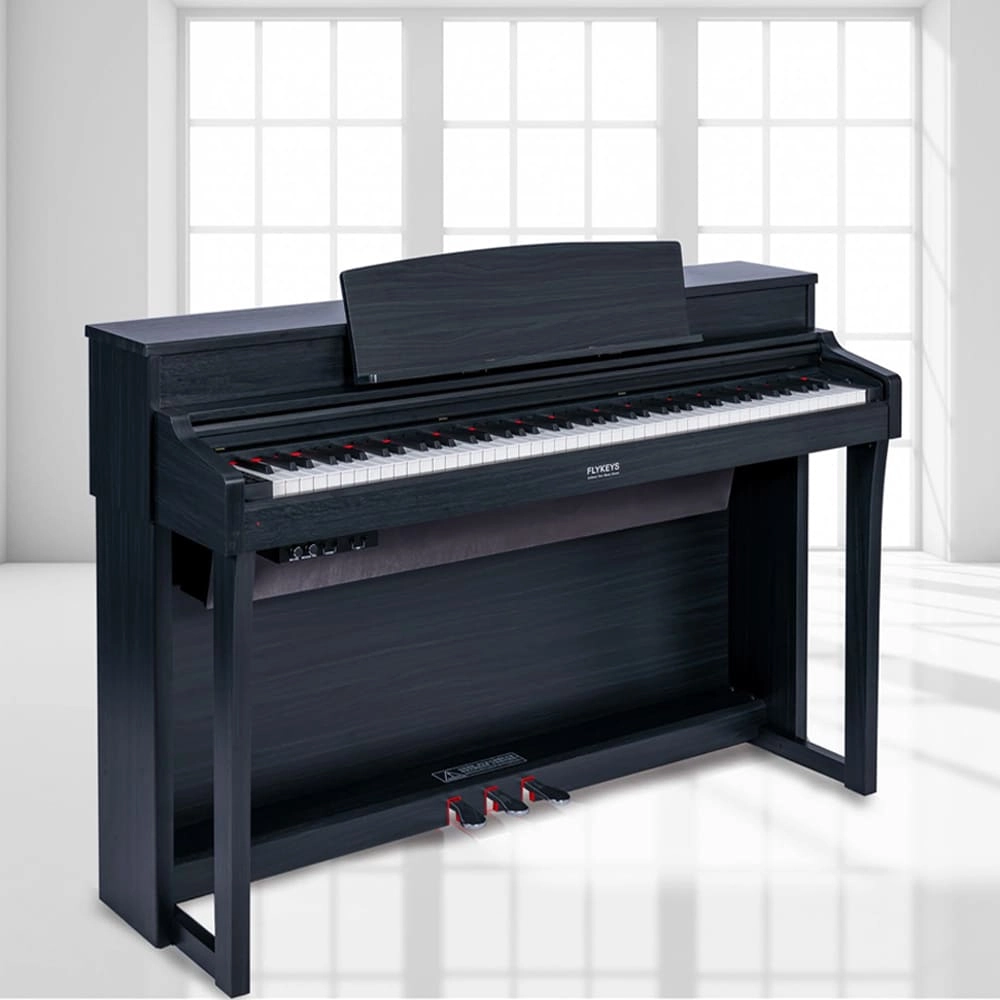
Flykeys Upright Digital Piano 88keys Hammer Action Keyboard FK330 Digital Piano
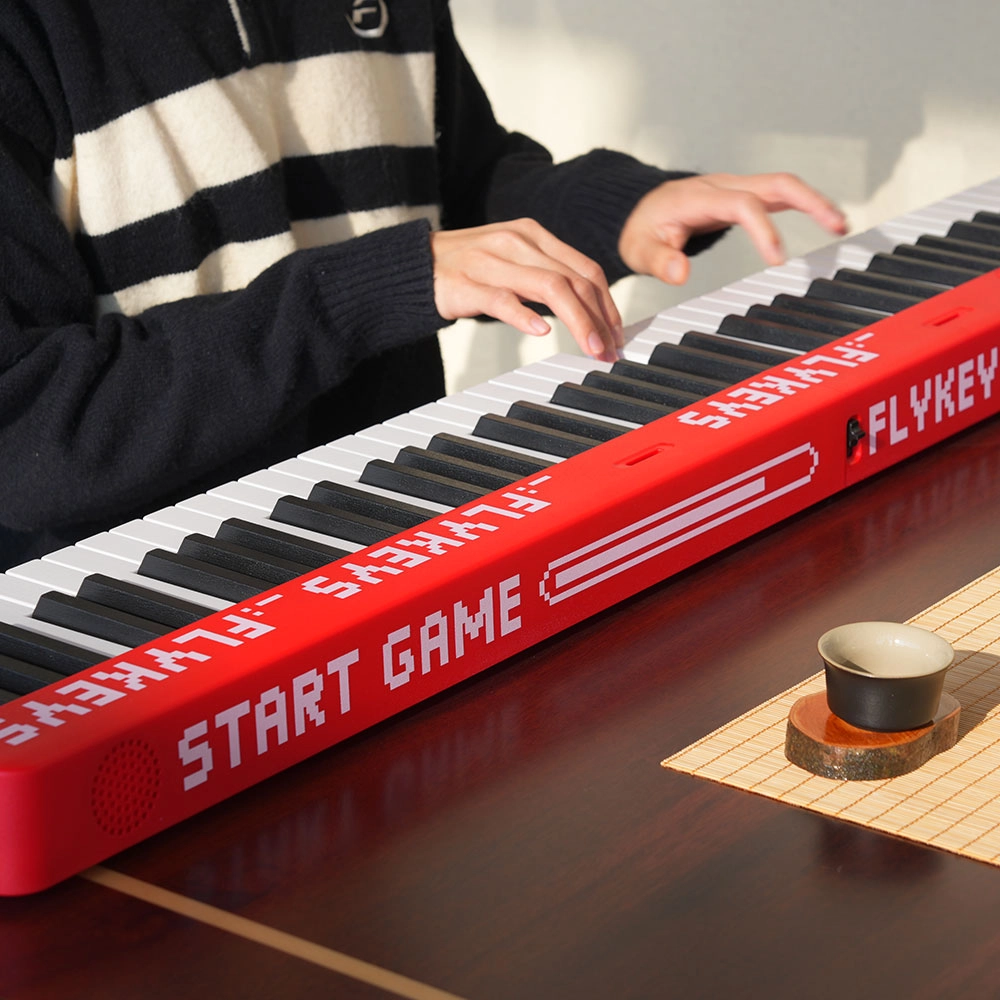
Flykeys M12 Folding Keyboard
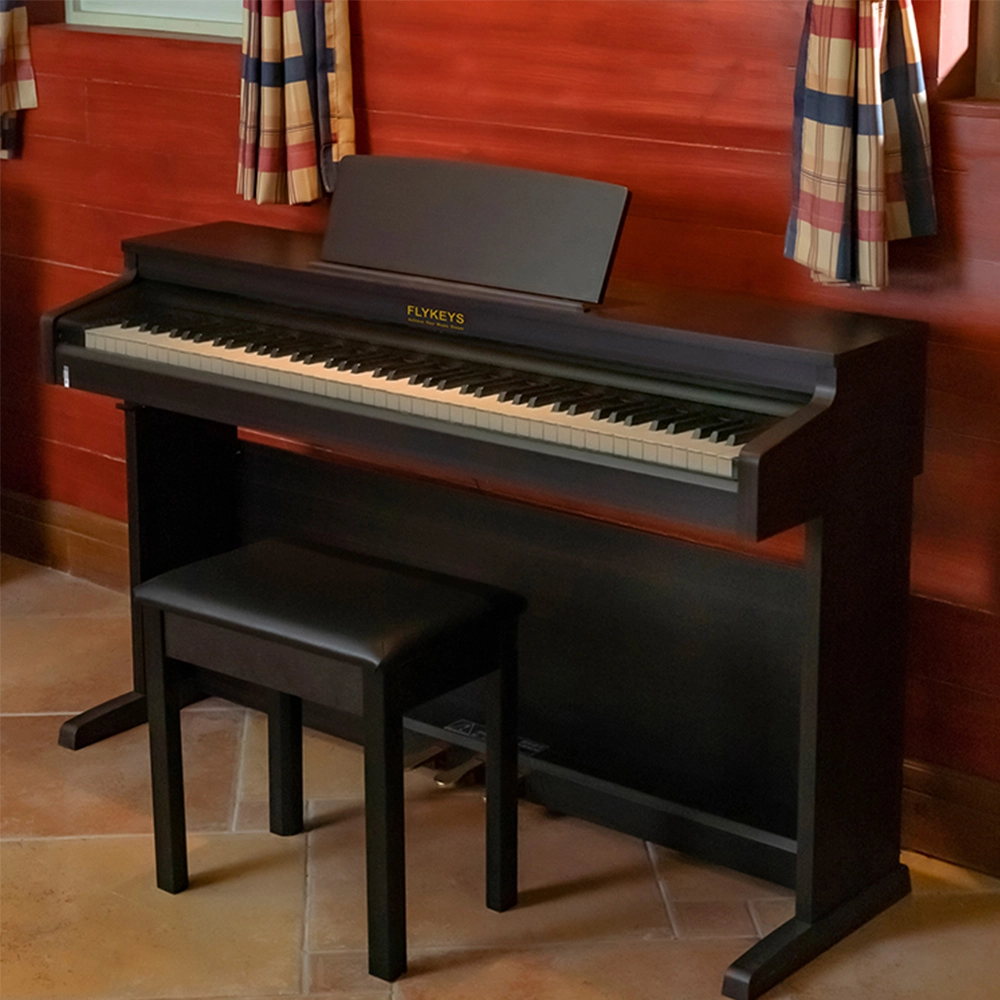
Flykeys Upright Electric Piano Built-In Speakers Music Instrument FD05 Digital Piano
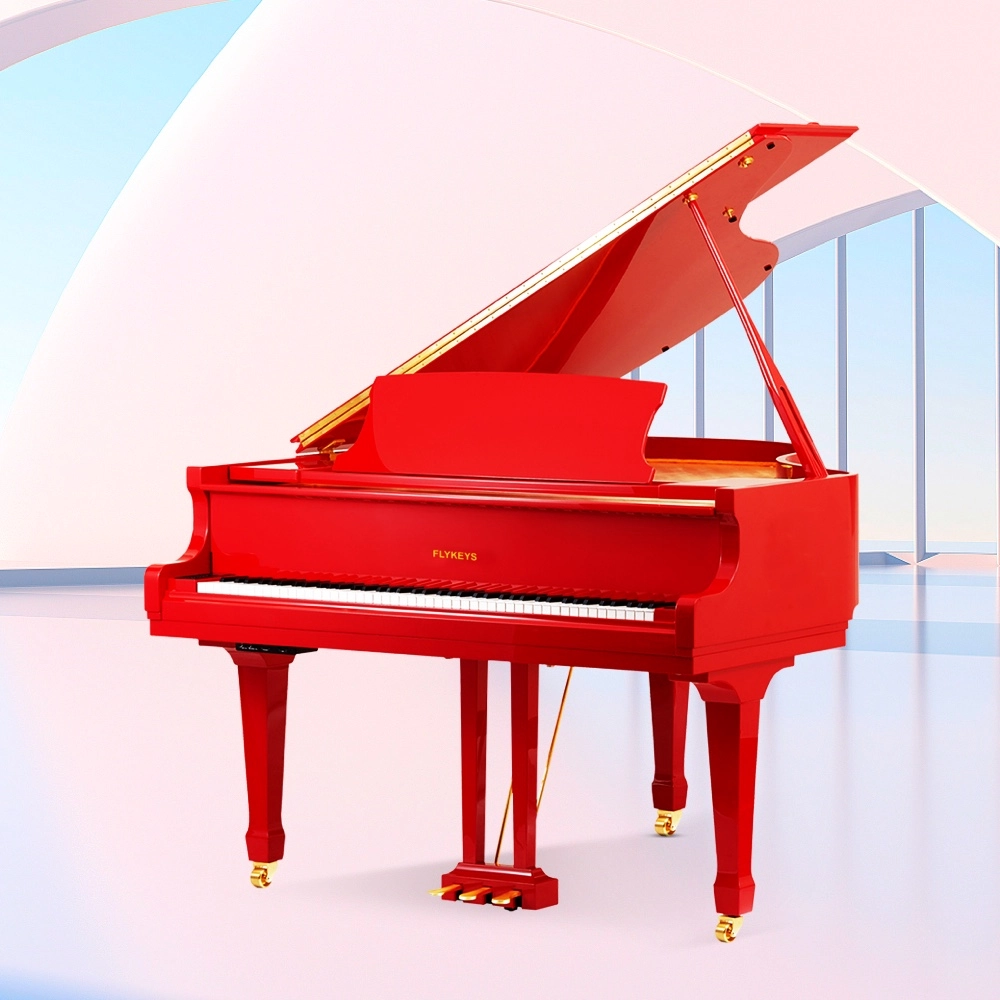
Flykeys Professional Digital Grand Piano FGP610 Digital Piano
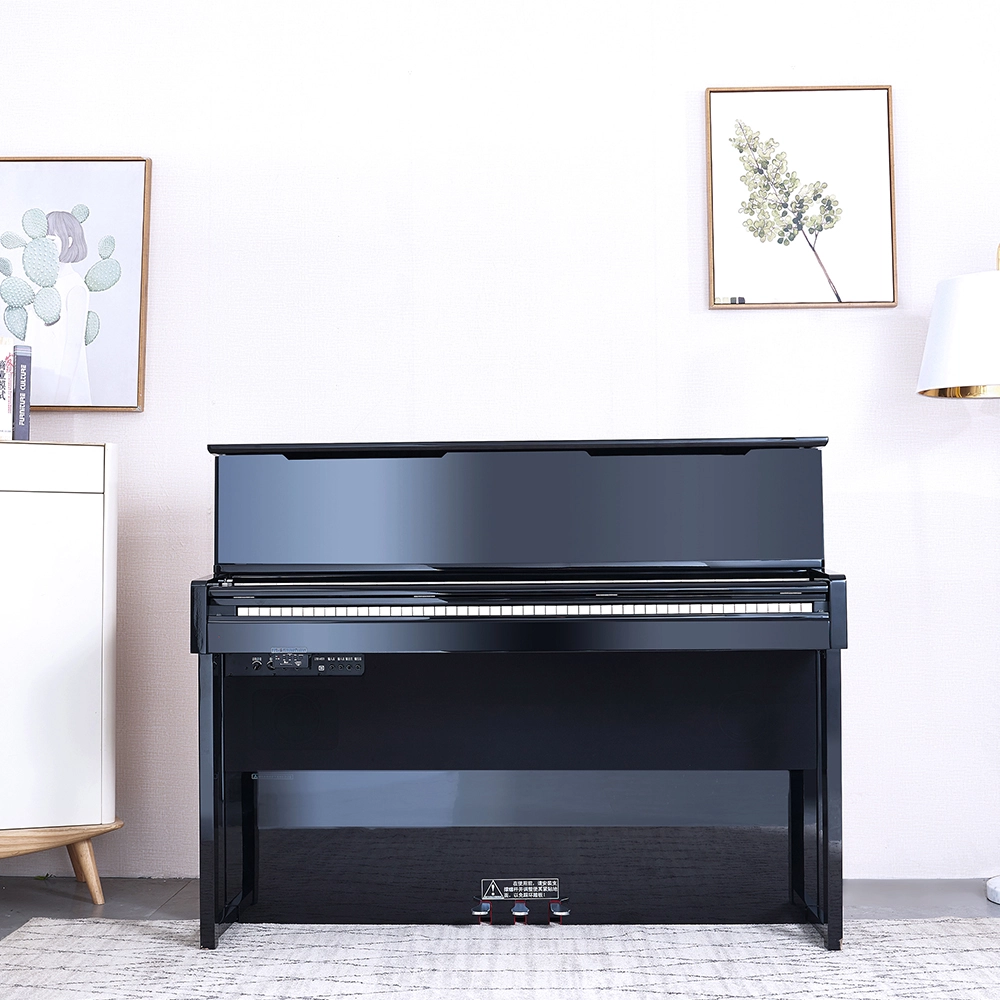
Flykeys Professional Digital Upright Piano 88 Keys Wooden Keyboard FK830 Digital Piano
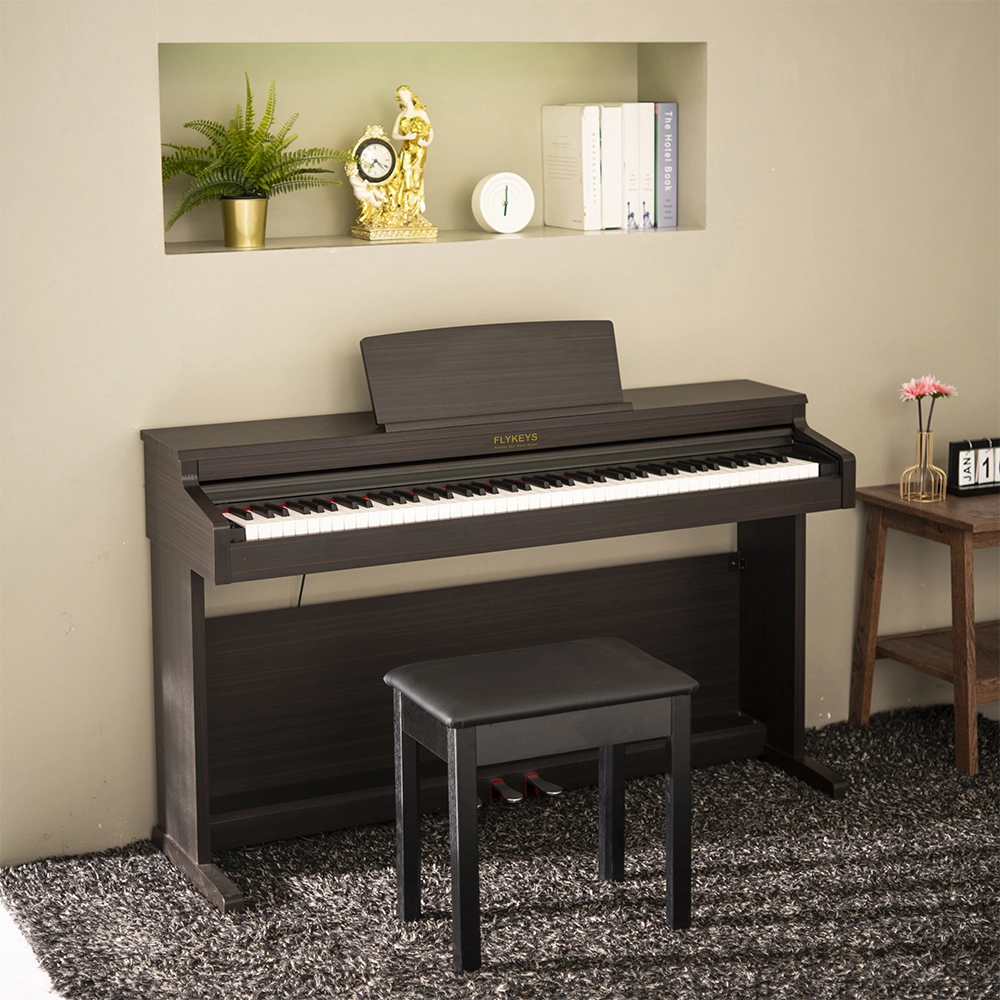
Flykeys 88 Keys Hammer Action keyboard Upright Piano LK03S Digital Piano
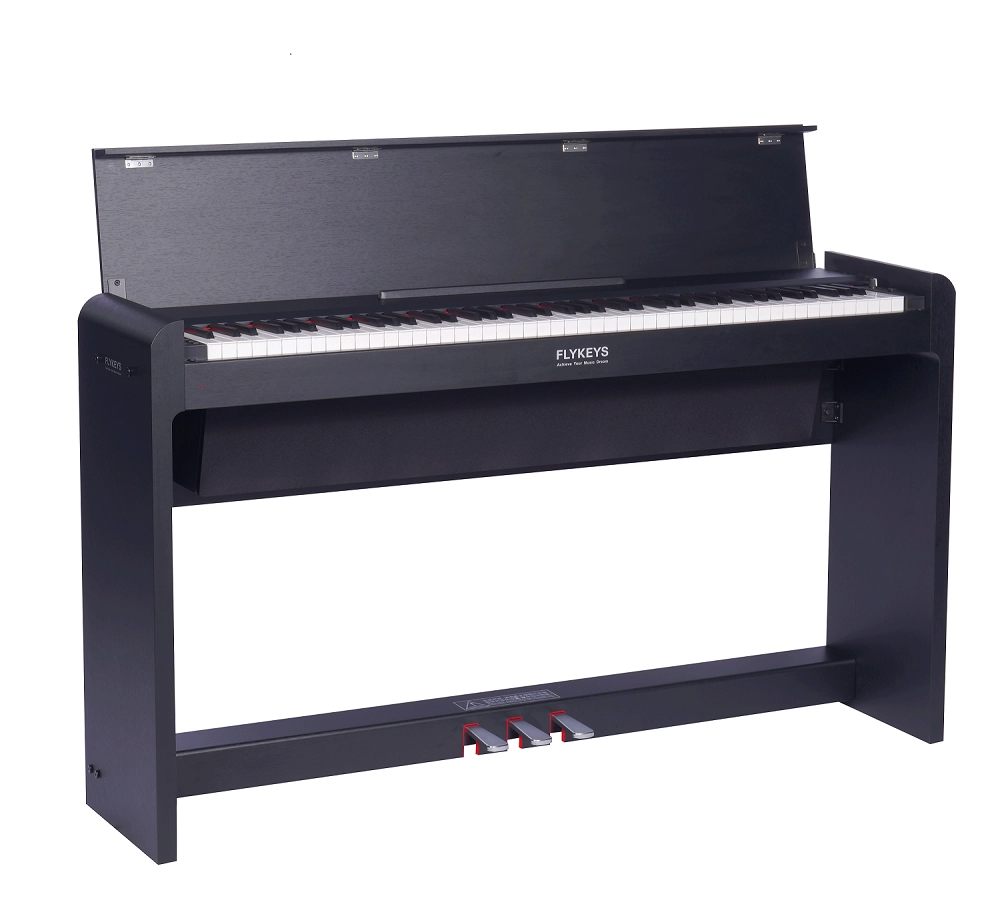
FLYKEYS FDP 5 Digital Piano
Get in touch with us
Have a question or inquiry about our digital pianos products? Leave us a message here and our team will get back to you promptly within 24 hours.
Whether you're interested in custom orders, technical specifications, or partnership opportunities, we're here to assist you.
Rest assured that your privacy is important to us, and all information provided will be handled with the utmost confidentiality.
Address: No. 38 Xiangshan Avenue, Zengcheng Economic And Technological Development Zone, Guangzhou, China.
FOLLOW US:


© 2024 FLYKEYS All Rights Reserved. 粤ICP备2020102774号. Designed by gooeyun Sitemap | Privacy | Terms