

how to connect digital piano to fl studio | FLYKEYS Guide
Discover how to connect your digital piano to FL Studio with ease. This guide provides clear, professional steps to integrate your instrument for flawless music production.
# How to Connect a Digital Piano to FL Studio
Connecting a digital piano to FL Studio is essential for professionals seeking to elevate their music production workflow. Whether you're composing, recording, or performing, integrating your digital piano with FL Studio ensures precision and creativity. This guide will walk you through the process step by step, addressing common pain points like latency and connectivity issues.
What You’ll Need
Before diving into the setup, ensure you have the following:
- A digital piano with MIDI or USB connectivity
- A USB cable or MIDI-to-USB adapter (if required)
- FL Studio installed on your computer
- Updated drivers for your digital piano
Step 1: Connect Your Digital Piano to Your Computer
1. USB Connection: Most modern digital pianos feature a USB port. Simply connect your piano to your computer using a USB cable.
2. MIDI Connection: If your piano uses MIDI ports, connect the MIDI OUT port to your computer using a MIDI-to-USB adapter.
Ensure your piano is powered on and recognized by your computer.
Step 2: Configure FL Studio
1. Open FL Studio and navigate to Options > MIDI Settings.
2. In the MIDI Settings window, locate your digital piano under the input section.
3. Enable the device by checking the box next to it.
4. Set the Output Port to your piano if you want to use it for playback.
Step 3: Test the Connection
1. Create a new project in FL Studio and add an instrument plugin (e.g., a piano VST).
2. Play your digital piano to ensure the MIDI signals are being received.
3. Adjust the latency settings in FL Studio if you experience delays. Go to Options > Audio Settings and reduce the buffer size for better performance.
Troubleshooting Common Issues
- No MIDI Signal: Ensure your piano is properly connected and recognized in FL Studio. Check your drivers and cables.
- Latency Issues: Lower the buffer size in FL Studio’s audio settings or use ASIO drivers for better performance.
- Unresponsive Keys: Verify that your piano is set as the active MIDI input device in FL Studio.
Final Tips for Optimal Performance
- Keep your digital piano’s firmware and FL Studio updated.
- Use high-quality cables to avoid signal loss.
- Experiment with different VSTs to find the perfect sound for your project.
By following these steps, you can seamlessly connect your digital piano to FL Studio, unlocking endless creative possibilities for your music production.
This guide ensures professionals can integrate their digital piano with FL Studio efficiently, addressing technical challenges while enhancing their workflow.
15 Best Portable Digital Pianos of 2026: The Only Comparison Guide You’ll Ever Need
Is the Flykeys FP9 Worth It? Our Real-Life Experience with the World’s Largest Piano Maker’s Digital Tech.
Best Digital Piano Keyboards for Beginners 2026: Your Ultimate Buying Guide

Best Digital Grand Pianos 2026: Ultimate Buyer's Guide for Authentic Sound & Feel
The Definitive Guide to Upright Digital Pianos: Blending Timeless Elegance with Modern Innovation in 2026
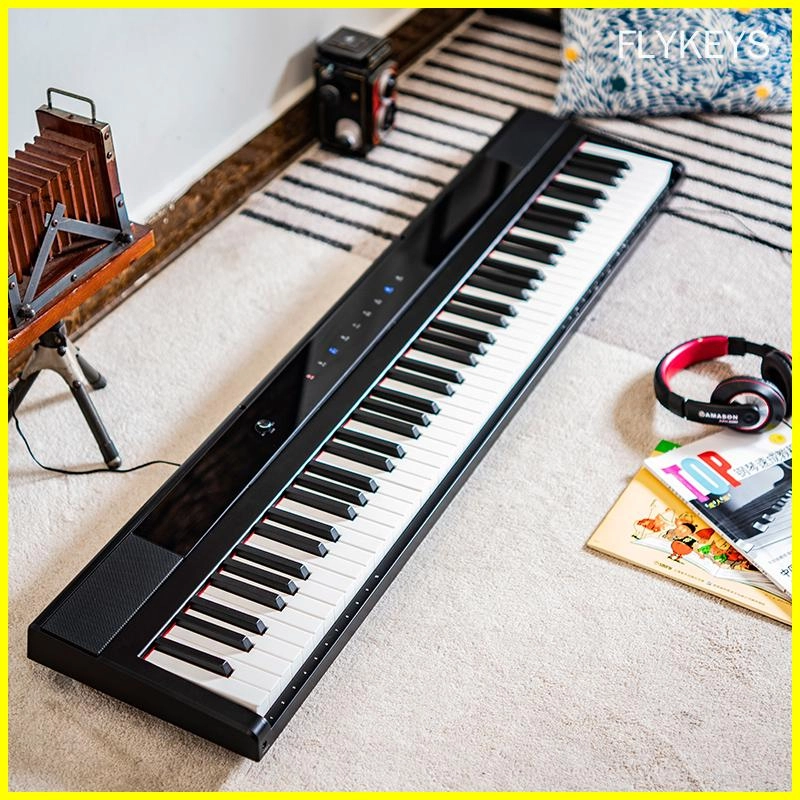
Best-Rated Electronic Pianos for Beginners in 2026: What to Buy and Why
Customization
What is the lead time for custom orders?
Lead times for custom orders vary depending on the complexity of the customization and current production schedules. Please contact our sales team for more information.
Products
Can I connect your electronic pianos to external devices?
Yes, our electronic pianos are equipped with connectivity options such as MIDI, USB, and Bluetooth for seamless integration with external devices.
Logistics
Do you ship internationally?
Yes, we offer international shipping to most countries worldwide.
Payment
What payment methods do you accept?
We accept payment methods such as T/T and L/C.
After-Sales Service
What after-sales support do you offer?
We offer comprehensive after-sales support, including technical assistance, troubleshooting, and warranty services.
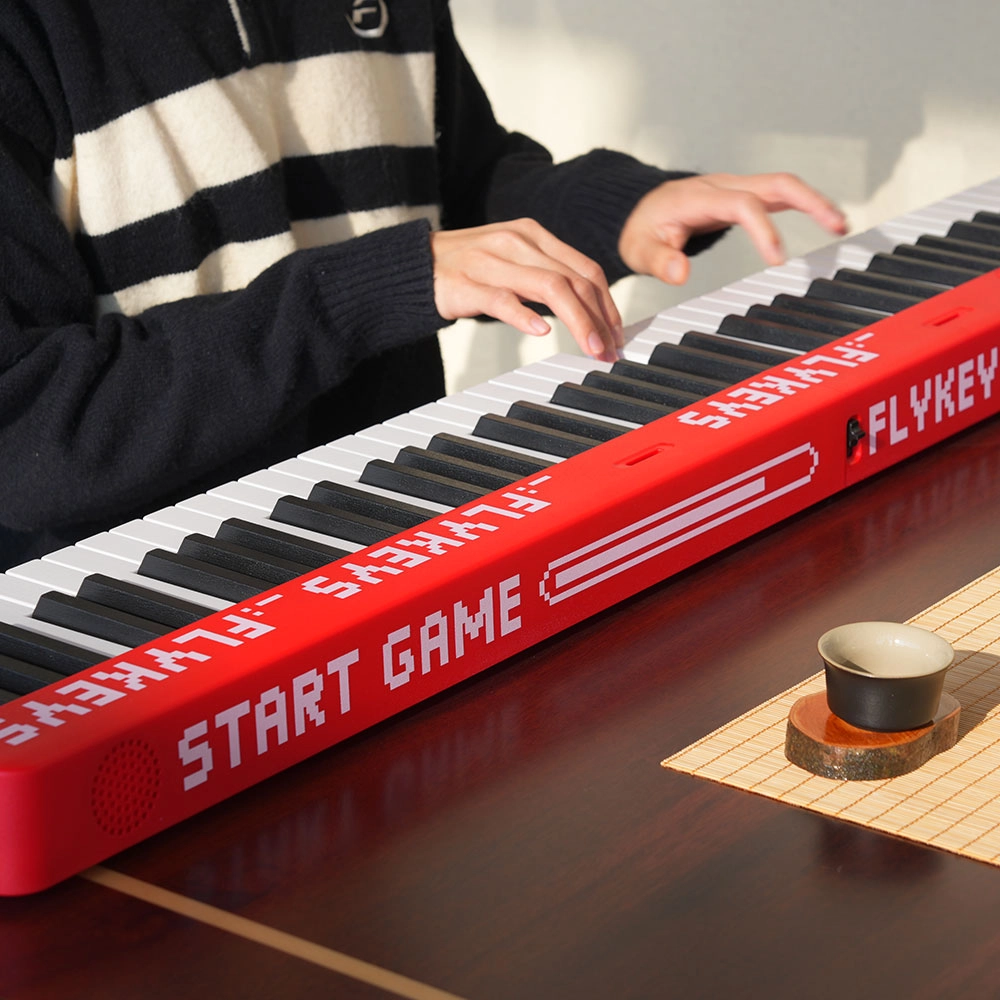
Flykeys M12 Folding Keyboard
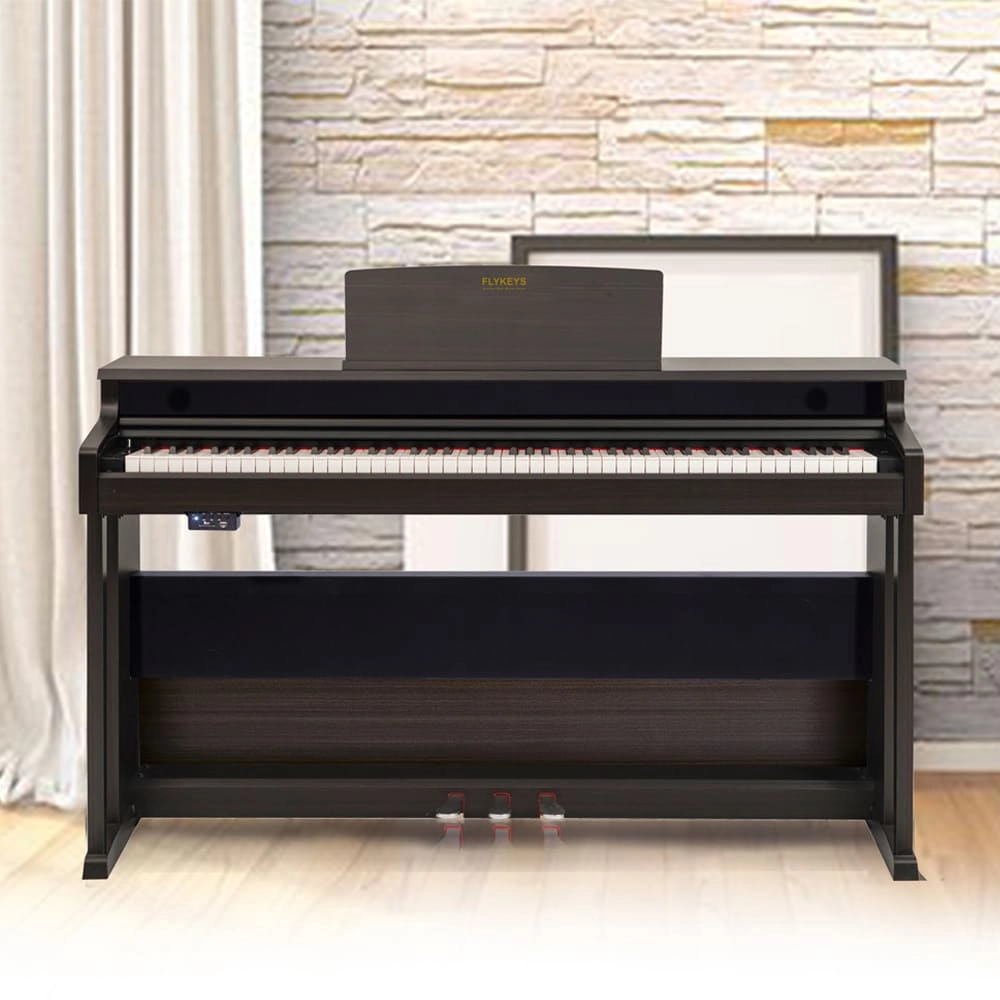
Flykeys Upright Piano Wooden Panel 88 KEYS Piano FK130 Digital Piano
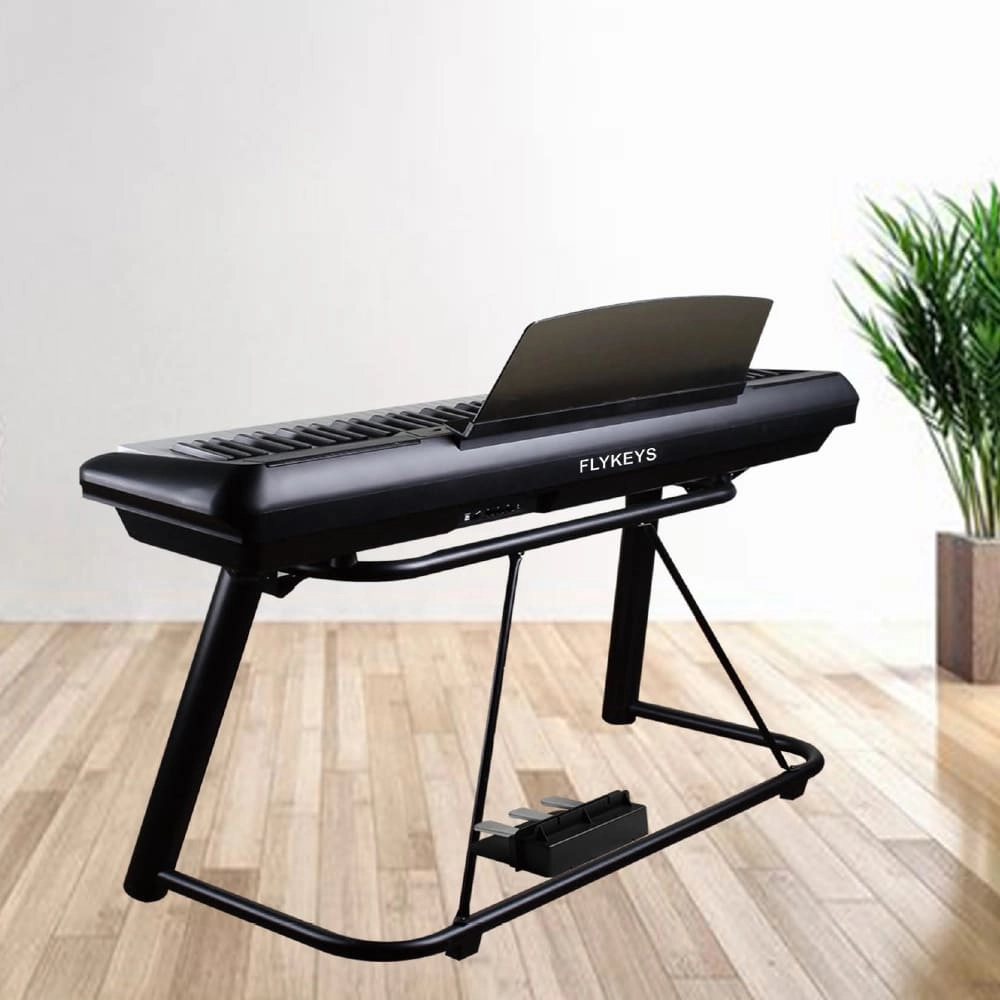
Flykeys 88 Keys Portable Piano With Wooden Stand FP6 Digital Piano
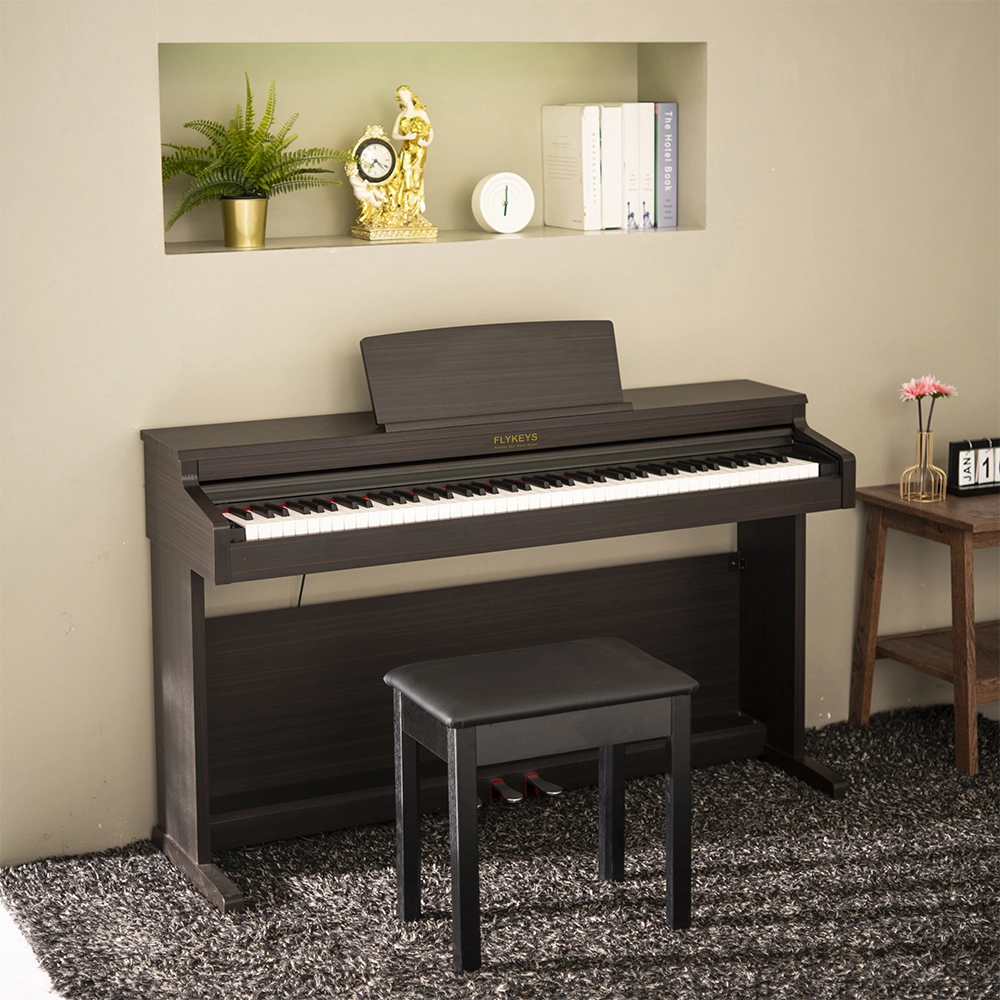
Flykeys 88 Keys Hammer Action keyboard Upright Piano LK03S Digital Piano
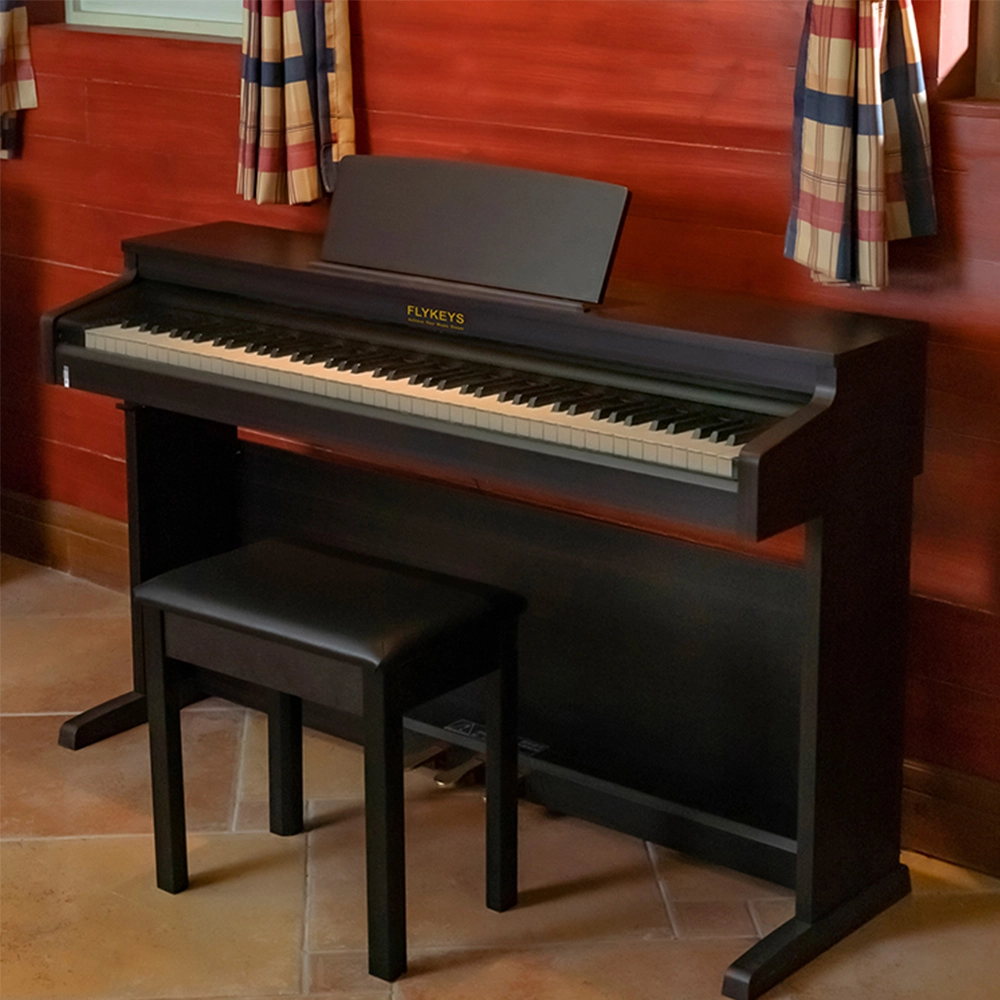
Flykeys Upright Electric Piano Built-In Speakers Music Instrument FD05 Digital Piano
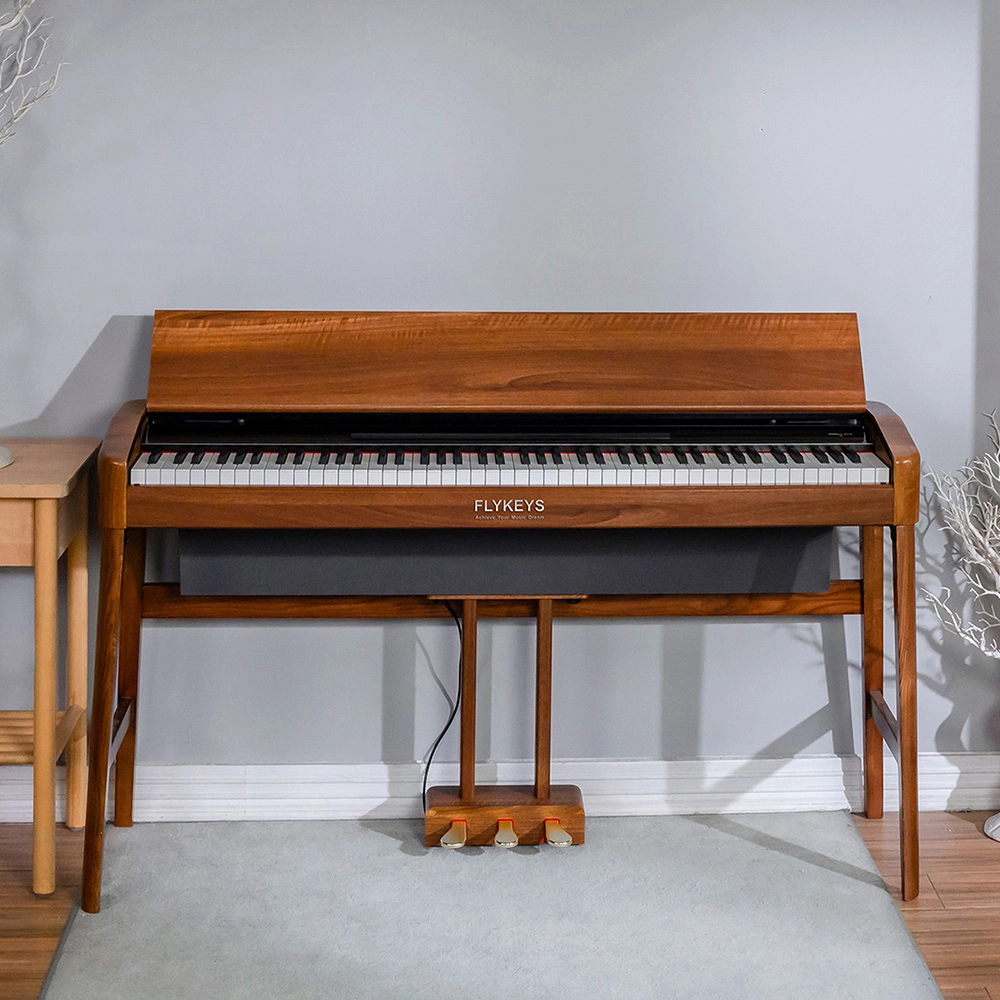
Flykeys Wooden Panel Piano Original Italian Imported Hammer Action Keyboard SK3 Digital Piano
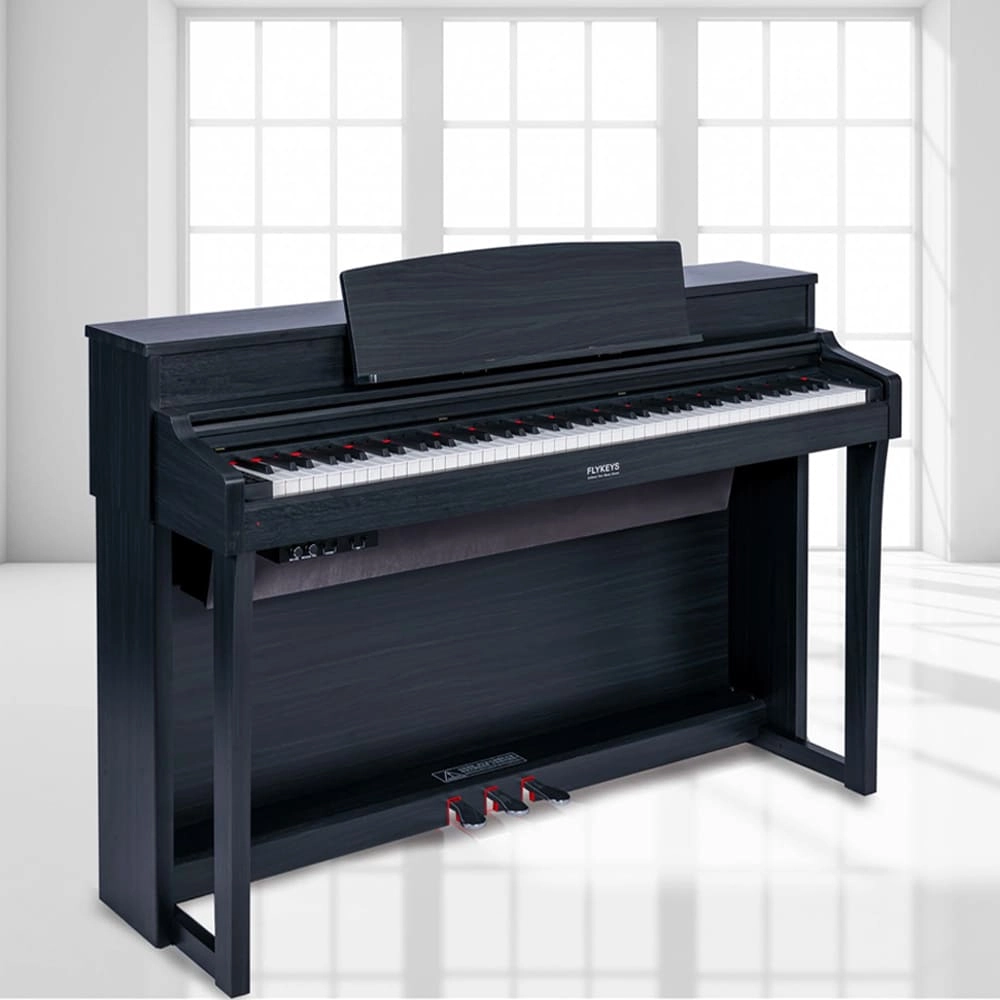
Flykeys Upright Digital Piano 88keys Hammer Action Keyboard FK330 Digital Piano
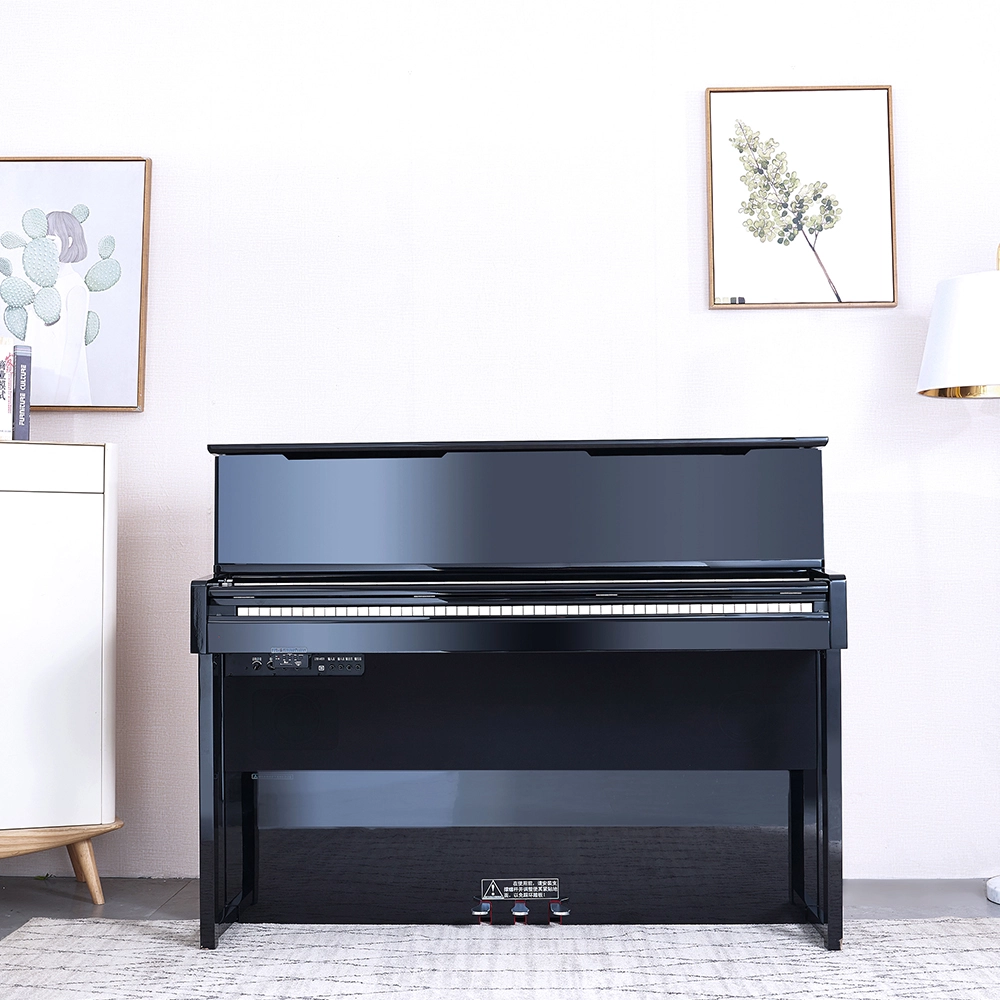
Flykeys Professional Digital Upright Piano 88 Keys Wooden Keyboard FK830 Digital Piano
Get in touch with us
Have a question or inquiry about our digital pianos products? Leave us a message here and our team will get back to you promptly within 24 hours.
Whether you're interested in custom orders, technical specifications, or partnership opportunities, we're here to assist you.
Rest assured that your privacy is important to us, and all information provided will be handled with the utmost confidentiality.
Address: No. 38 Xiangshan Avenue, Zengcheng Economic And Technological Development Zone, Guangzhou, China.
FOLLOW US:


© 2026 FLYKEYS All Rights Reserved. 粤 ICP备2020102774号. Designed by gooeyun. Sitemap | Privacy | Terms