

How to Record High-Quality Piano at Home
- How to Record High-Quality Piano at Home
- 1. Selecting the Right Digital Piano
- 2. Preparing Your Recording Environment
- 3. Choosing the Right Recording Equipment
- 4. Connecting Your Digital Piano to the Audio Interface
- 5. Configuring Recording Software
- 6. Recording Techniques
- 7. Post-Processing and Mixing
- 8. Exporting and Sharing Your Recording
- 9. Leveraging FLYKEYS Digital Pianos for Superior Recordings
- 10. Additional Tips for High-Quality Piano Recordings
- Frequently Asked Questions (FAQ)
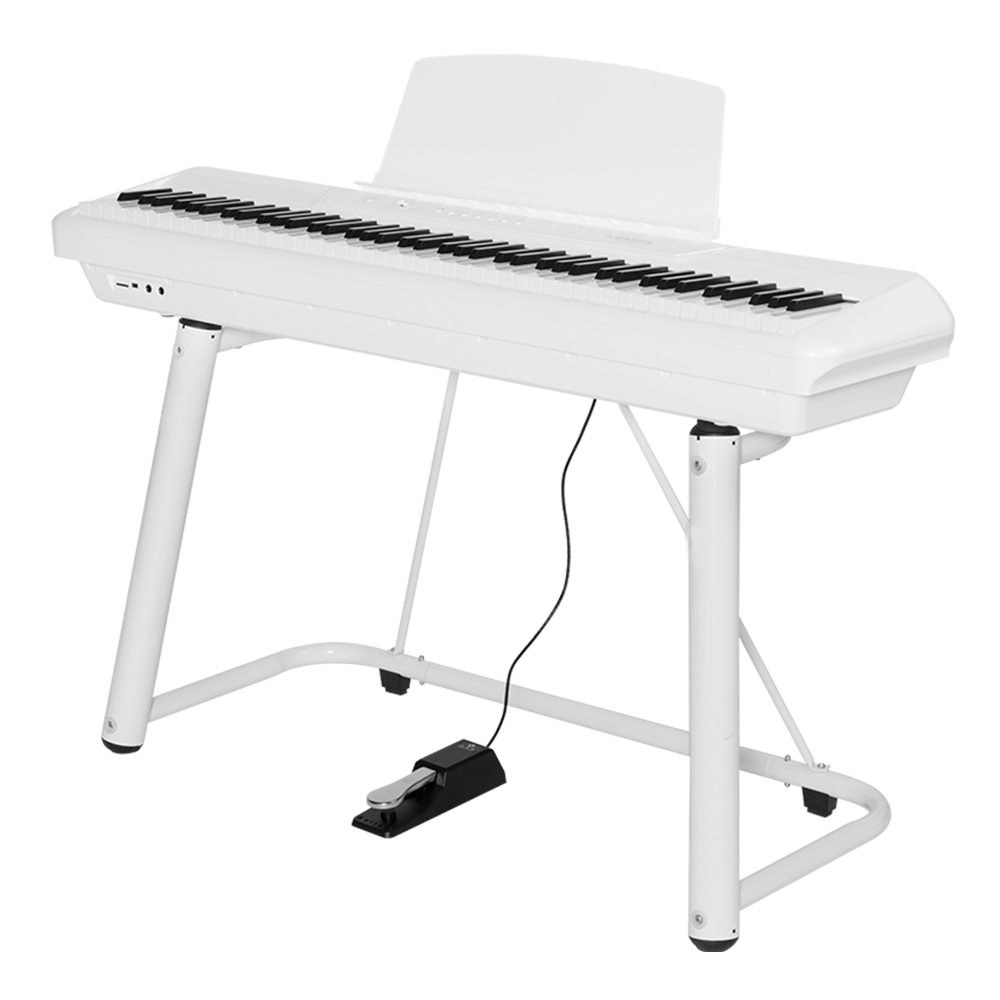
How to Record High-Quality Piano at Home
Recording high-quality piano music at home is achievable with the right equipment, environment, and techniques. Whether you're a professional musician or an enthusiast, capturing the true essence of your digital piano requires attention to detail. This guide provides step-by-step instructions to help you produce clear and professional recordings in your own space.
1. Selecting the Right Digital Piano
The foundation of a great recording begins with a quality instrument. Digital pianos offer versatility and convenience, making them ideal for home recording. When choosing a digital piano, consider the following:
Sound Quality: Look for models with advanced sound engines that replicate the nuances of an acoustic piano.
Touch Sensitivity: A responsive keyboard action enhances playability and expression.
Connectivity: Ensure the piano has USB or MIDI outputs for easy integration with recording equipment.
FLYKEYS, a subsidiary of Guangzhou Pearl River Piano Group, specializes in digital musical instruments. Their product line includes portable digital pianos, upright digital pianos, grand digital pianos, and digital keyboards, all designed with advanced features to meet the needs of modern musicians. ((https://www.flykeysmusic.com/?utm_source=openai))
2. Preparing Your Recording Environment
An acoustically treated room significantly improves recording quality. Follow these steps to optimize your space:
Room Selection: Choose a quiet room with minimal ambient noise.
Acoustic Treatment: Use soundproofing materials like foam panels and bass traps to reduce reflections and reverberations.
Piano Placement: Position the piano away from walls and corners to minimize sound distortion.
3. Choosing the Right Recording Equipment
The quality of your recording equipment directly impacts the final output. Key components include:
Audio Interface: Serves as the bridge between your digital piano and computer, converting analog signals to digital.
Microphones: For digital pianos with built-in speakers, use condenser microphones to capture a clear and detailed sound.
Cables: Use high-quality, shielded cables to prevent signal interference.
4. Connecting Your Digital Piano to the Audio Interface
Proper connectivity ensures a clean signal path:
USB/MIDI Connection: Connect the digital piano's USB or MIDI output to the audio interface.
Line Outputs: If available, use the piano's line outputs for a direct signal, bypassing internal speakers.
Monitor Speakers: Connect studio monitors to the audio interface for accurate playback.
5. Configuring Recording Software
Digital Audio Workstations (DAWs) are essential for recording and editing:
Software Selection: Choose a DAW compatible with your operating system and audio interface.
Track Setup: Create a new project and set up tracks corresponding to your digital piano's outputs.
Buffer Settings: Adjust buffer sizes to balance latency and processing power.
6. Recording Techniques
Implementing effective recording practices enhances sound quality:
Gain Staging: Set input levels to avoid distortion, aiming for peaks around -6dB to -3dB.
Monitoring: Use closed-back headphones to monitor recordings without external noise.
Multiple Takes: Record several takes to select the best performance.
7. Post-Processing and Mixing
After recording, refine your sound:
Equalization (EQ): Adjust frequencies to balance the tonal quality.
Compression: Apply gentle compression to control dynamics and add consistency.
Reverb: Add reverb to simulate the acoustics of a performance space.
8. Exporting and Sharing Your Recording
Finalize your project for distribution:
File Format: Export recordings in WAV or AIFF formats for high-quality audio.
Bit Depth and Sample Rate: Use 24-bit depth and 44.1kHz sample rate for professional quality.
Metadata: Include relevant metadata such as track titles and artist information.
9. Leveraging FLYKEYS Digital Pianos for Superior Recordings
FLYKEYS' digital pianos are engineered to deliver exceptional sound quality and playability, making them ideal for home recording setups. Their instruments incorporate advanced sound engines and touch-sensitive keys, closely emulating the feel of acoustic pianos. Additionally, FLYKEYS' products have passed FCC, CE, and RoHS testing, ensuring compliance with international standards. ((https://www.flykeysmusic.com/?utm_source=openai))
10. Additional Tips for High-Quality Piano Recordings
Regular Maintenance: Keep your digital piano in optimal condition by performing regular updates and calibrations.
Experimentation: Try different microphone placements and recording techniques to find the best sound for your space.
Collaboration: Consider collaborating with other musicians or producers to enhance your recordings.
Frequently Asked Questions (FAQ)
Q1: Do I need an acoustic piano to achieve high-quality recordings?
A1: No, digital pianos can produce high-quality recordings when set up correctly.
Q2: What is the best microphone for recording a digital piano?
A2: Condenser microphones are recommended for capturing the detailed sound of a digital piano.
Q3: How can I reduce background noise during recording?
A3: Use a quiet room, employ soundproofing materials, and ensure all equipment is properly grounded to minimize noise.
Q4: Is it necessary to use an audio interface for recording?
A4: Yes, an audio interface provides high-quality analog-to-digital conversion and connectivity between your digital piano and computer.
Q5: How can I improve the acoustics of my recording room?
A5: Use acoustic treatment materials like foam panels and bass traps to control reflections and reverberations.
Q6: Can I record multiple instruments simultaneously with my digital piano?
A6: Yes, digital pianos with multiple outputs allow for multitrack recording of various instruments.
Q7: What is the ideal sample rate and bit depth for recording?
A7: A sample rate of 44.1kHz and a bit depth of 24-bit are standard for professional recordings.
Q8: How can I add reverb to my recordings?
A8: Use your DAW's built-in reverb effects or external plugins to simulate the acoustics of a performance space.
Q9: Should I use headphones or speakers for monitoring during recording?
A9: Closed-back headphones are ideal for monitoring to prevent sound leakage and external noise interference.
Q10: How can I share my recordings with others?
A10: Export your recordings in high-quality formats and share them via online platforms or physical media.
For personalized assistance or to explore FLYKEYS' range of digital pianos, please visit our website at (https://www.flykeysmusic.com/).
Wholesale keyboard with 88 keys manufacturer and supplier
Best professional upright digital piano manufacturers and supplier brands
Best Piano Keyboard Brands: Top Picks for Buyers
Tips for Wholesale piano digital portable
Company
What sets your company apart from competitors?
We pride ourselves on our commitment to quality craftsmanship, cutting-edge technology, and exceptional customer service.
Logistics
Can l track my order during shipping?
Yes, tracking information will be provided once your order has been shipped, allowing you to monitor its progress.
Do you ship internationally?
Yes, we offer international shipping to most countries worldwide.
Products
Do you offer software updates for your electronic pianos?
Yes, we regularly release software updates to enhance performance and add new features to our electronic pianos.
What products do you have?
We offer a diverse range of products, including digital portable piano, digital upright piano, digital grand piano, electronic drum set, piano silent system, audio equipment, interactive whiteboard, advertising machines, Smart TV, Touch Screen,etc.
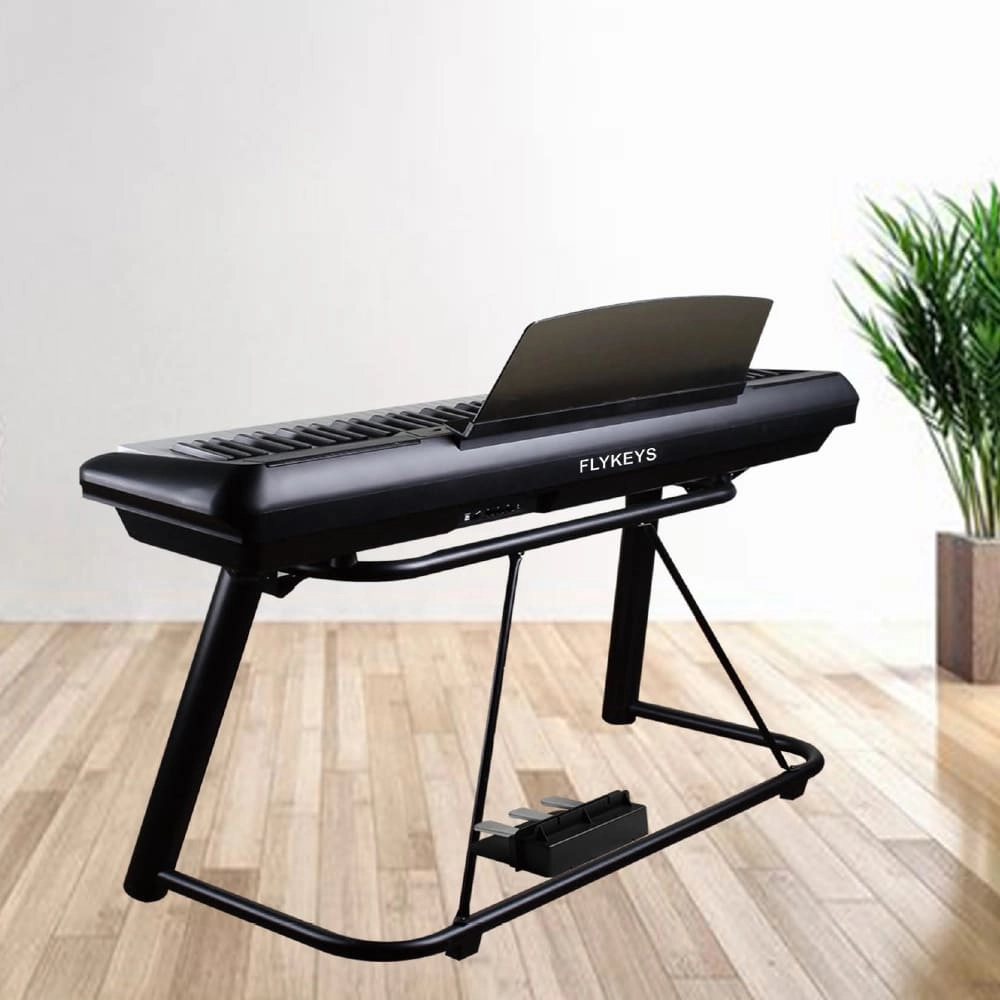
Flykeys 88 Keys Portable Piano With Wooden Stand FP6 Digital Piano
Independent development 88 keys dynamic curve hammer action weighted keyboard
European Spectral Composite techniques DSP chip. German famous Grand Piano sound sampling, string overtones resonance simulation sound technology
Modern, lightweight case,X stand, Ustand, Wood stand, 3pedal Optional
Control: double sound, record, split, transpose, reverb, chorus, metronome, MIDI, bluetooth
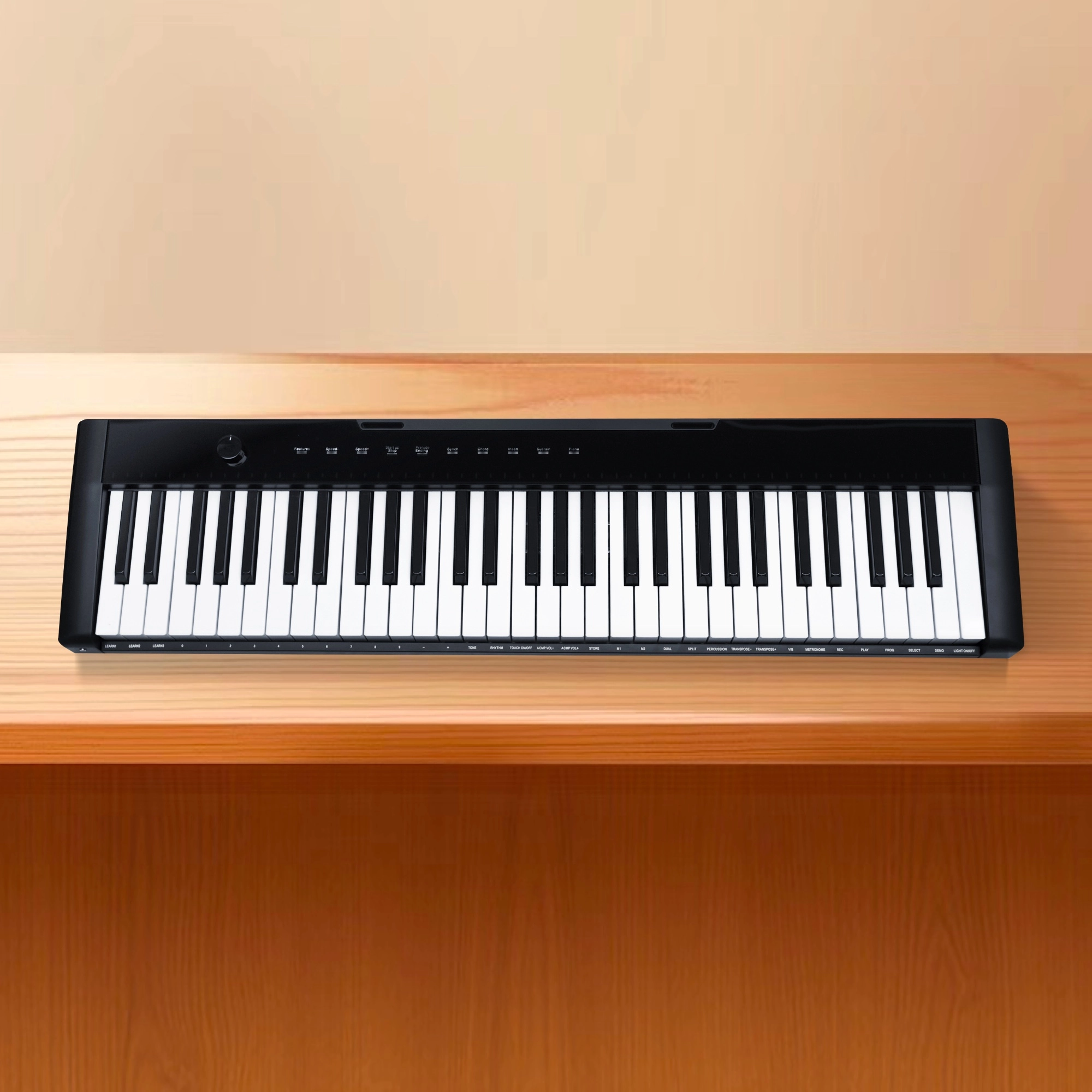
Flykeys 61 keys portable electronic keyboard piano with X stand (M2)
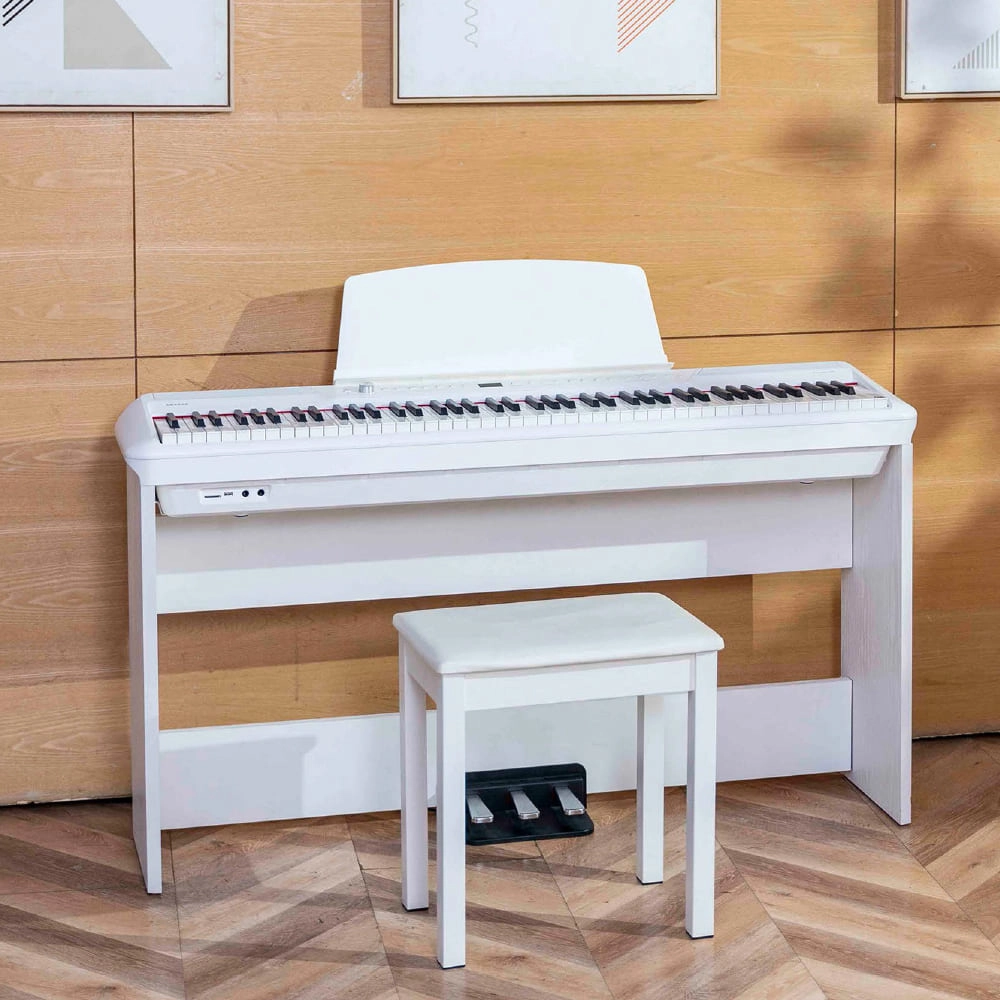
Flykeys Portable Electric Keyboard FP9 Digital Piano
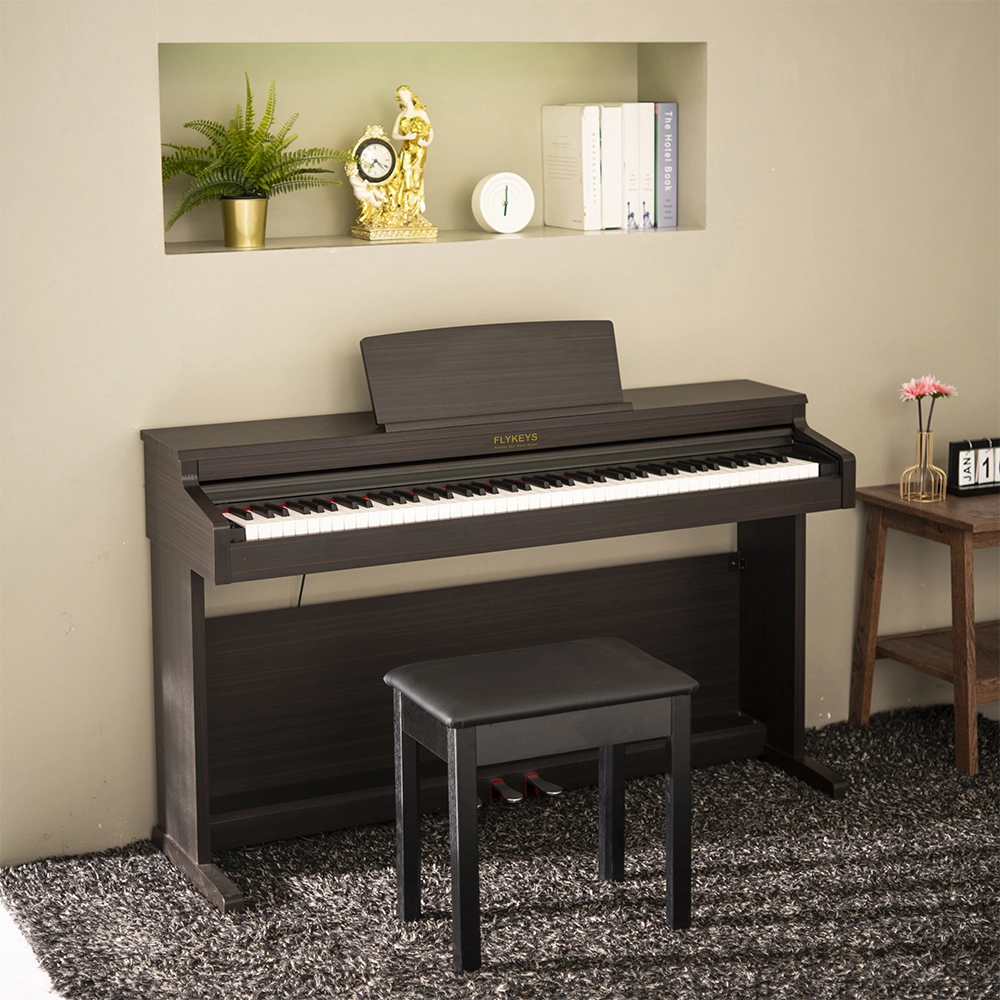
Flykeys 88 Keys Hammer Action keyboard Upright Piano LK03S Digital Piano
— Independent patented technology 88 key Grand-Response hammer action & dynamic curve keyboard;
— European top DSP chip, famous grand piano sound sample;
Address: No. 38 Xiangshan Avenue, Zengcheng Economic And Technological Development Zone, Guangzhou, China.
FOLLOW US:


© 2026 FLYKEYS All Rights Reserved. 粤 ICP备2020102774号. Designed by gooeyun. Sitemap | Privacy | Terms